
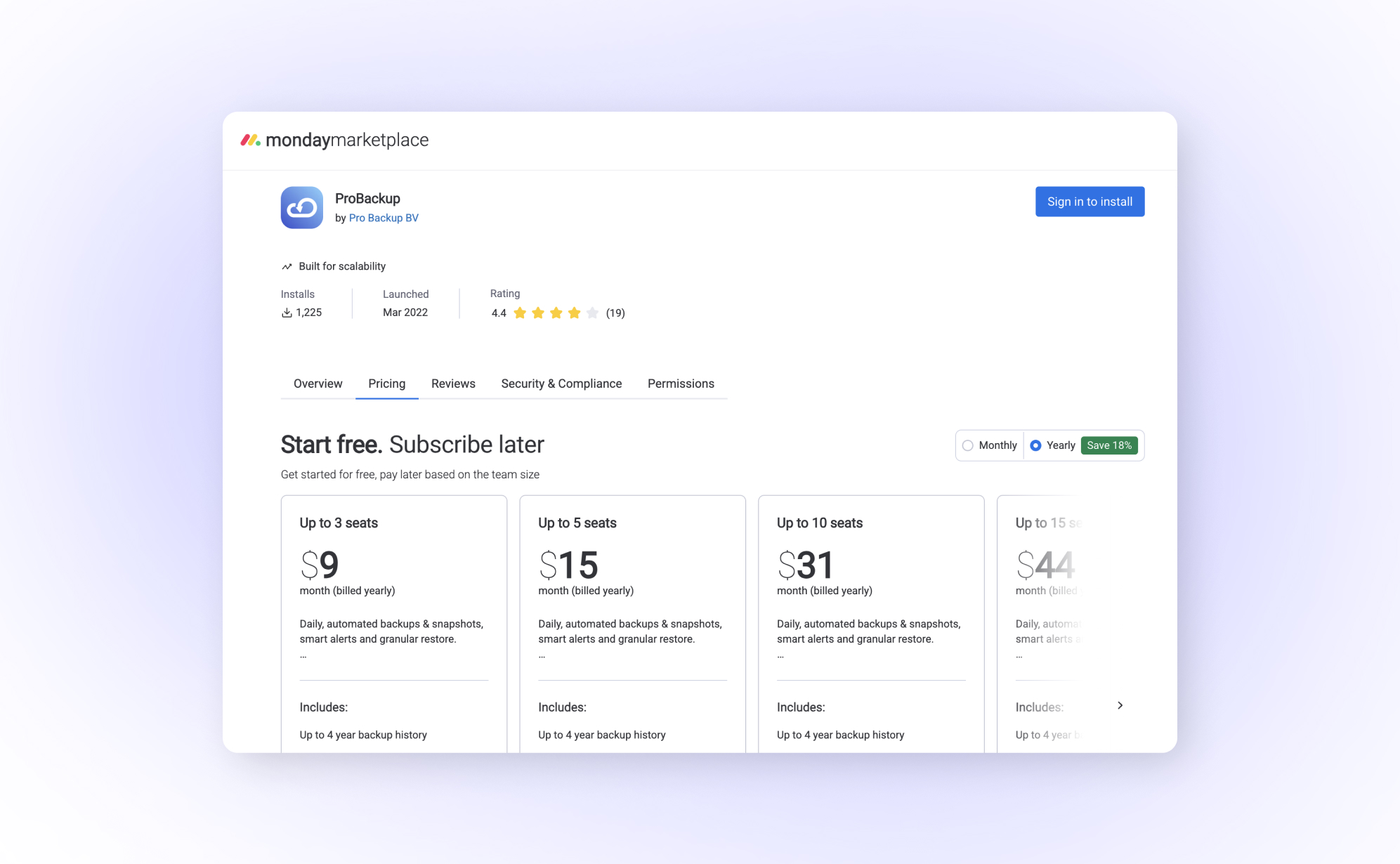
In short: Since 18 December 2024 new customers buy ProBackup for monday.com through the monday.com marketplace rather than a standard ProBackup subscription; billing and plan changes live in the monday.com admin panel under Apps. Backups set up before that date keep running under the existing licence. Other integrations such as Asana, Trello, ClickUp and Airtable are unaffected.
Starting December 18th, 2024, ProBackup for monday.com is now licensed directly through the monday.com app marketplace. This change affects how new customers access our monday.com backup solution, while existing users can continue without interruption.
What's changing
Monday.com now requires a different licensing approach than our other integrations. Here's what you need to know:
For new customers: monday.com backups are no longer included in the standard ProBackup subscription. Instead, you'll purchase the monday.com backup license directly through the monday.com marketplace.
For existing customers: If you set up your monday.com backup before December 18th, nothing changes. Your backup continues to run under your current ProBackup license, and we have no immediate plans to migrate existing backups to the new model.
For other apps: All other ProBackup integrations, including Asana, Trello, ClickUp, Airtable, and more, remain unaffected. These continue to work under your existing ProBackup subscription.
Why we made this change
This update aligns ProBackup with monday.com's marketplace requirements, allowing us to offer a more integrated experience for monday.com users. Managing your backup license directly within monday.com simplifies billing and makes it easier to control your subscription from a single place.
If you are still weighing up your options, our ProBackup vs Rewind for monday.com comparison sets out what each tool covers.
How to get started
Setting up monday.com backups is straightforward:
- Visit the ProBackup listing on the monday.com marketplace
- Click "Install" to add ProBackup to your account
- Authorize ProBackup and select which workspaces to back up
- Complete your purchase directly in monday.com
If you would like screenshots for each stage, follow our step-by-step monday.com setup guide.
All license management, including billing updates and plan changes, happens within your monday.com admin panel under Apps.
A note for multi-app users
If you're backing up monday.com alongside other apps like Asana or ClickUp, you'll now need two separate ProBackup accounts. A simple workaround: use the same email with "+monday" added before the @ symbol (for example, yourname+monday@company.com) to create a second account without needing a different email address.
Questions?
If you have any questions about this change or need help with your monday.com backup setup, reach out through our chat widget. We're here to help.

Related posts
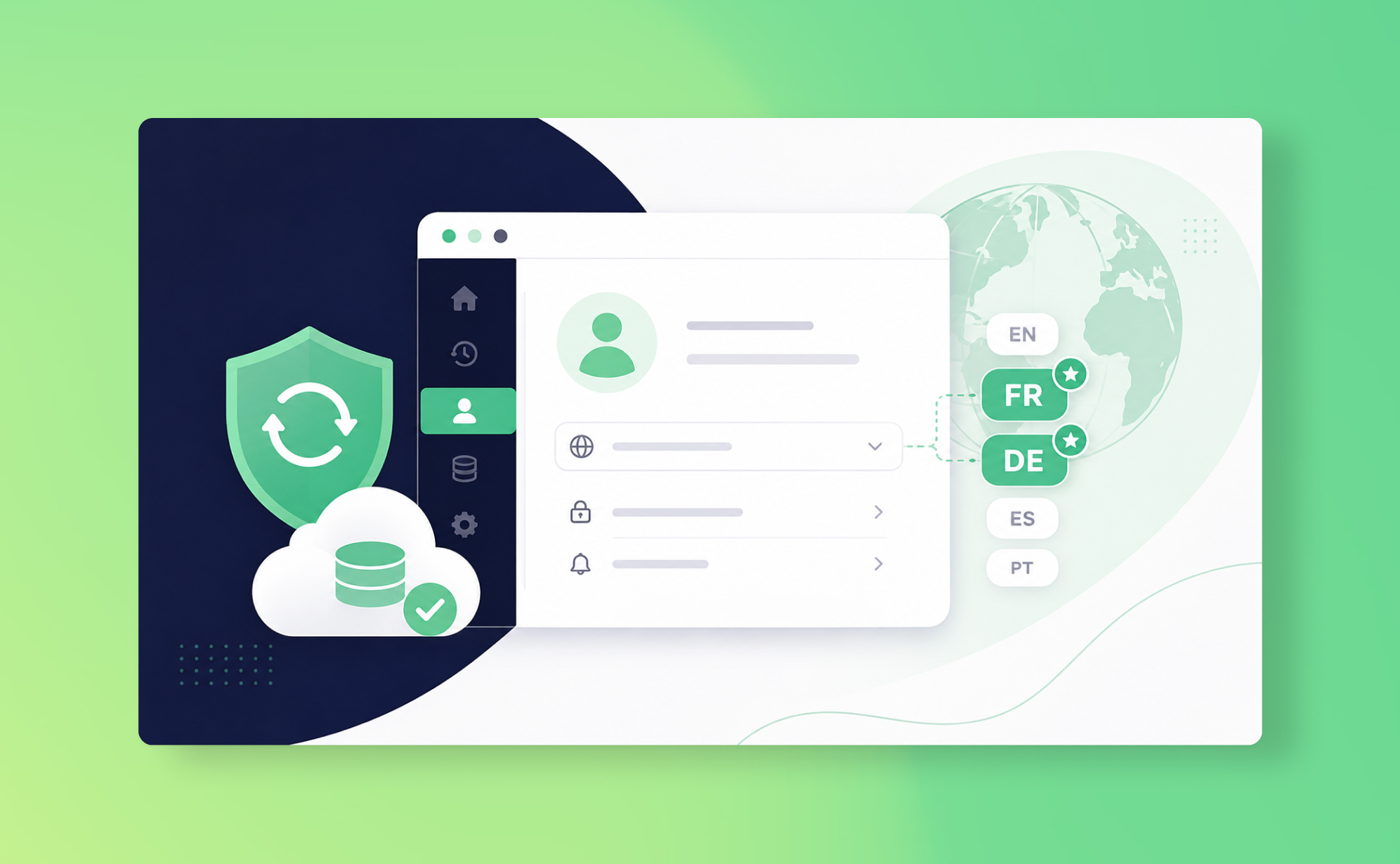
ProBackup now speaks French and German

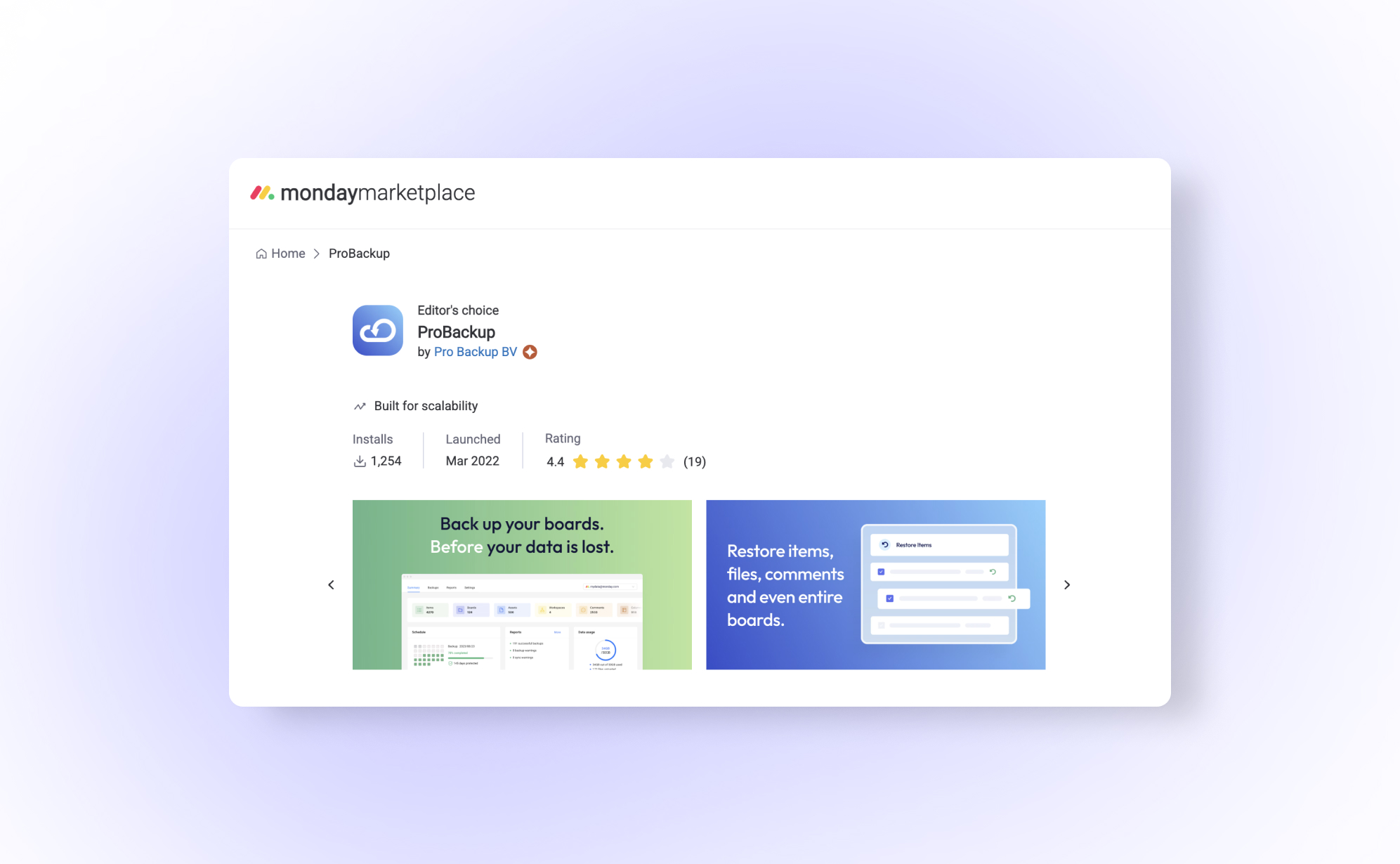
ProBackup earns bronze partner status on the monday.com marketplace

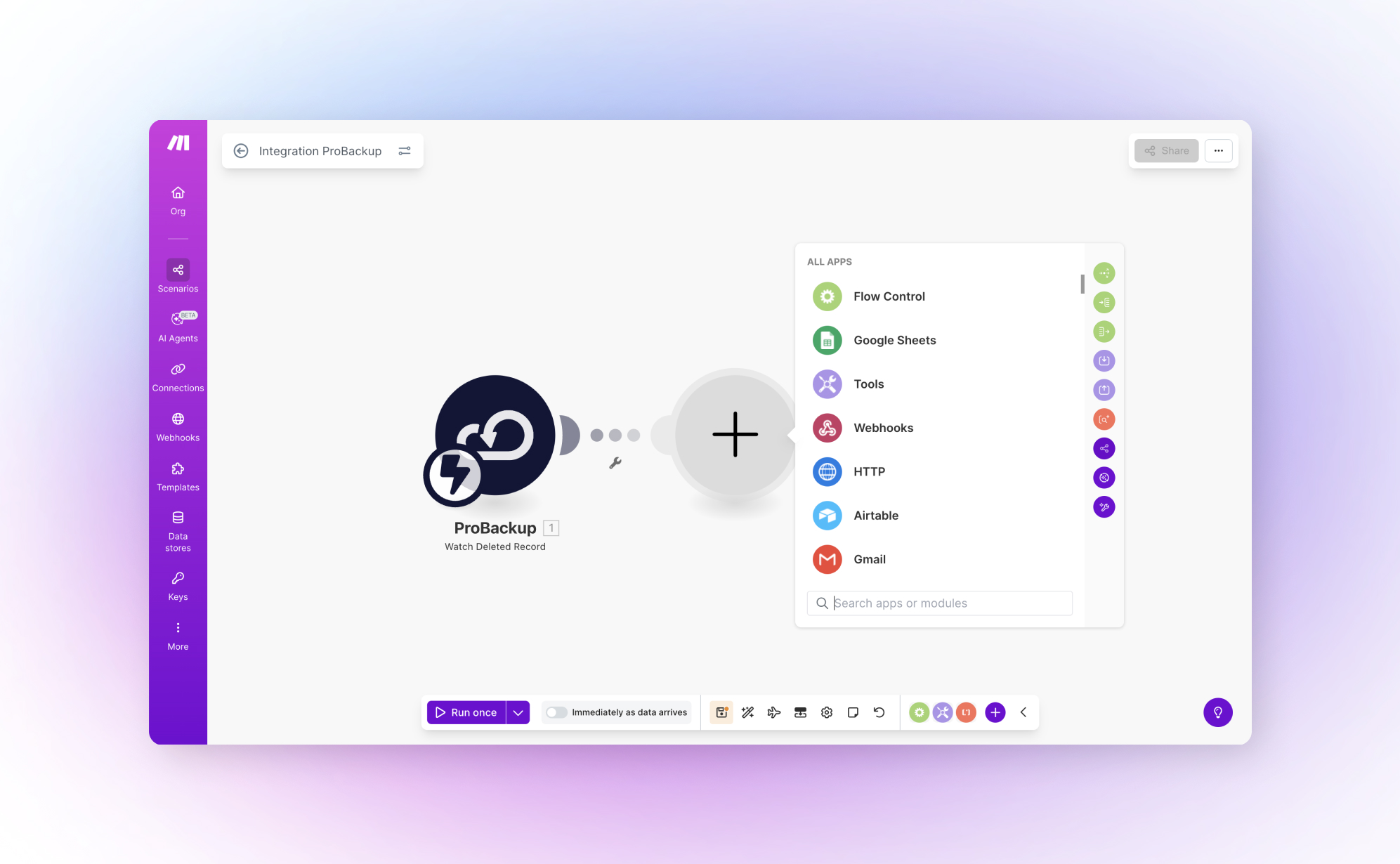
ProBackup now integrates with Make.com for automated deletion workflows