


Redundant backups in a format your team already knows
Try for free

4.8 Rating | 4000+ teams
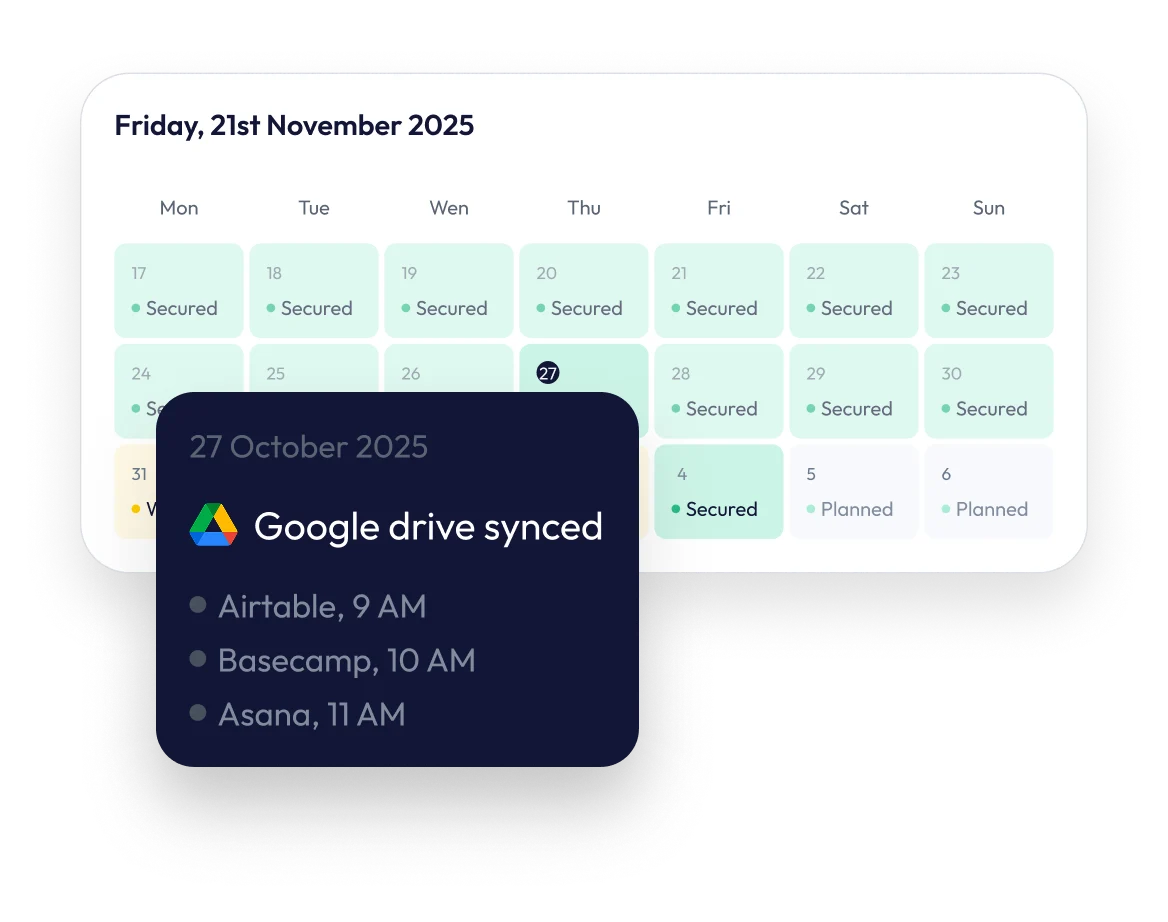

Relying on a single cloud service for your mission-critical data backup can feel like putting all your eggs in one basket
You may want an extra layer of redundancy that you directly control or need your data in a simple, universally accessible format for reporting and analysis. Manually exporting this data is time-consuming and simply not scalable.

Single-Provider Dependence Creates Risk
Relying on one cloud platform for both operations and backups puts all your mission-critical data in a single vulnerable location.
Lack of User-Controlled Redundancy
Teams often want an additional backup they directly own—especially for risk management, compliance, or internal reporting.
Manual Exports Are Time-Consuming
Exporting data by hand is tedious, repetitive, and impractical as your workspace grows or when frequent updates are required.
Complex Formats Limit Usability
Many exported backups come in raw, cluttered CSV files that aren’t convenient for analysis or day-to-day reference.
Your Data, in Your Hands

Sync your records directly to Google Sheets for easy access, analysis, and sharing.

Download all attachments and files from your app into organized folders in your Google Drive.

Use Google Drive for Desktop to keep a complete, local copy of your data on your own device.

The Ultimate Failsafe
User-Controlled, Independent Redundancy
Backups are stored outside your primary SaaS provider, giving you an additional, fully independent safety layer you control.
Accessible, Familiar Storage Format
Data is stored in Google Sheets—clean, organized, and far easier to use than complex CSV exports.
Resilient Worst-Case Protection
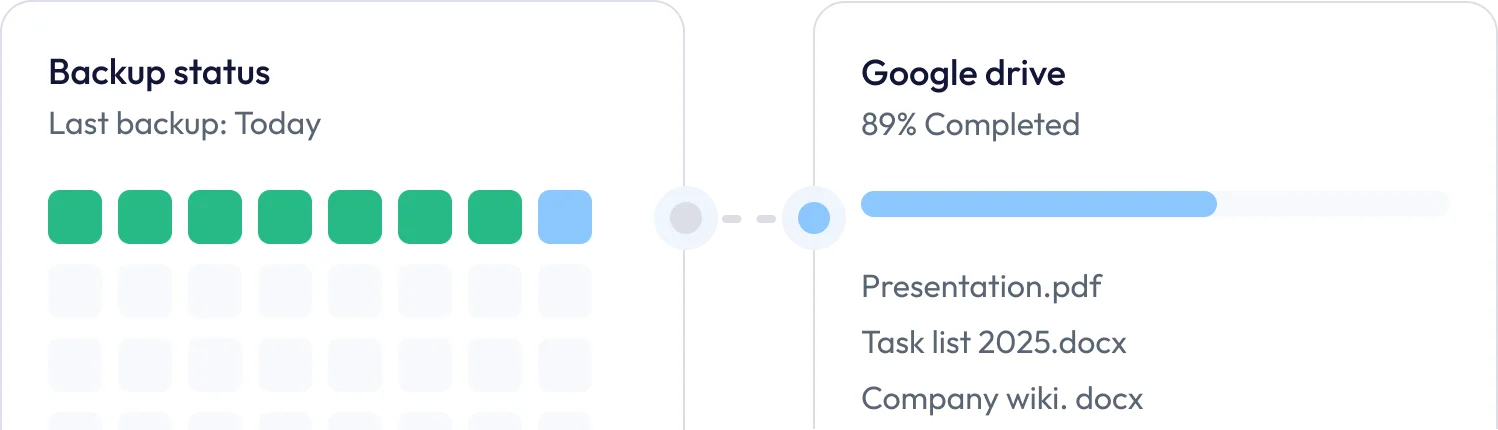
Even if your primary app becomes unavailable, you retain a complete, readable copy of your most important data.
Easy Analysis and Reporting
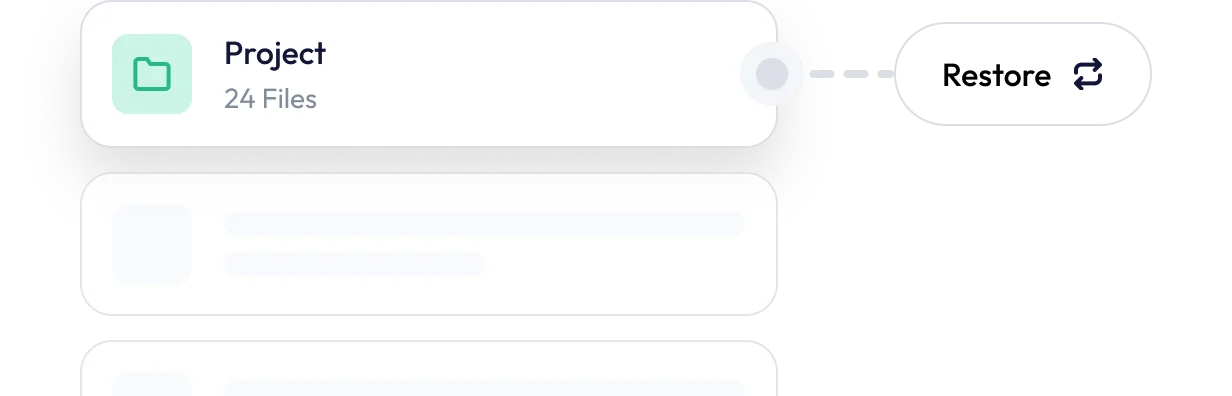
Because the data lives in a structured spreadsheet format, teams can quickly filter, analyze, and build reports without extra processing.

ProBackup has been protecting customer data since 2018. Our backup technology is a stable, core component of our service, refined over multiple platform versions to ensure reliability. One in 3 customers upgrades their trial to a paying subscription and trusts us to safeguard their critical project information.


Frequently asked questions
Why is Google Sheets better than a CSV export?
Google Sheets is a familiar and user-friendly format that preserves formatting and is instantly usable, unlike obscure or poorly formatted CSV files.
How often does syncing occur?
Your data backups are synced once per day to your Google Drive. As your app’s data is first backed up to our servers, it can take up to 36 hours before a change in your app is reflected in your Google Drive.
Are attachments also synced?
To minimize the storage usage of your Google Drive, we don’t sync attachments by default. You can enable the sync of attachments in your settings.
Is this feature available on all plans?
Sync to Google Drive is a premium feature available on our Pro and Premium plans.
Can I keep a local copy on my computer?
Yes. Because your backups sync into your own Google Drive, you can use Google Drive for Desktop to keep a complete local copy of your data on your own device.