


HubSpot backs up its servers. ProBackup protects your work.

HubSpot ensures the lights stay on, but they can't undo a spiralling AI agent, a human mistake, or a botched bulk update.
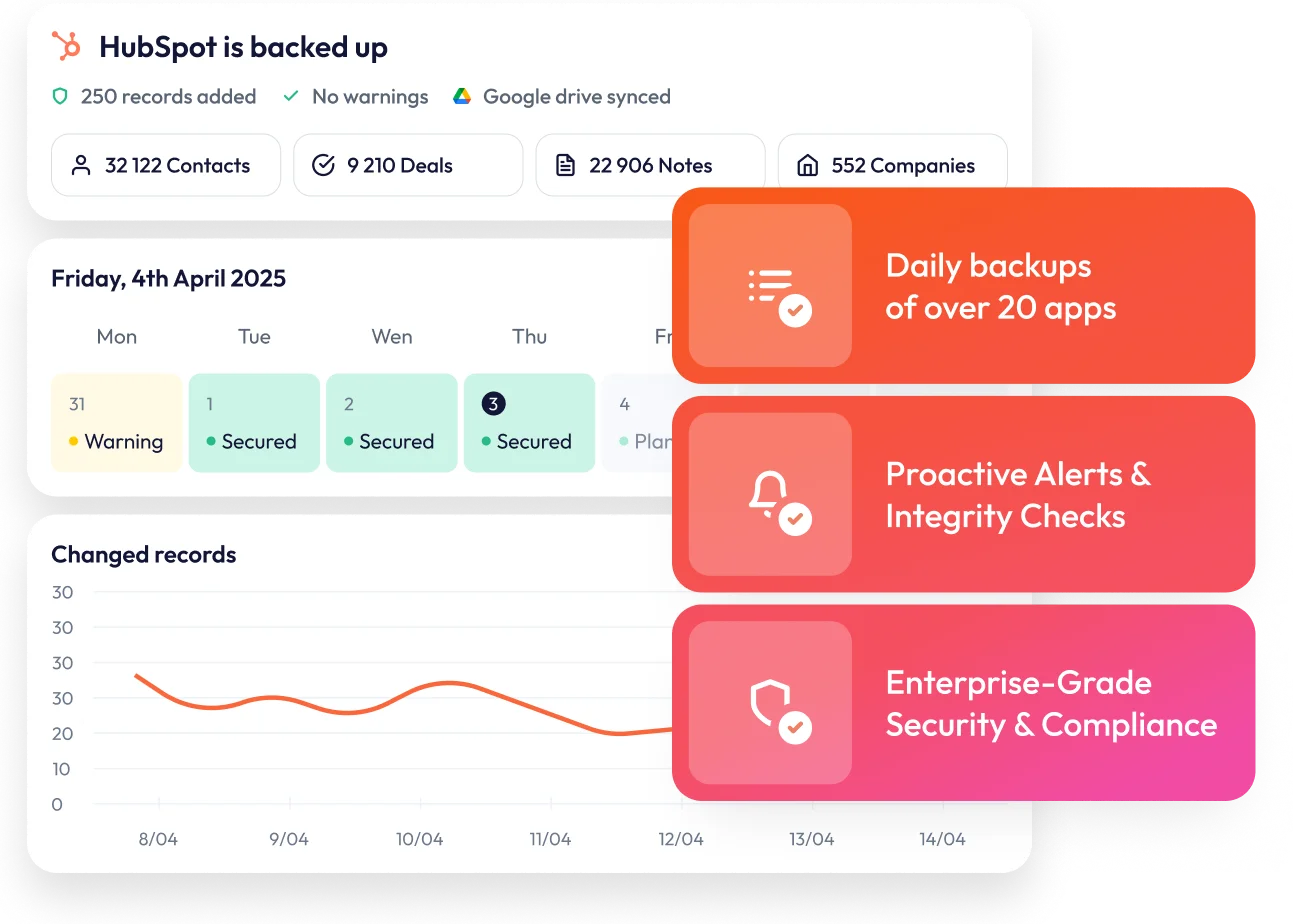
ProBackup is your safety net, offering daily snapshots and granular restore for contacts, deals, files, and notes.

No credit card required. 2-minute setup.











Why ProBackup beats SysCloud and other HubSpot backup tools
ProBackup

Hierarchical data viewer mirrors your app
Granular restore of contacts, notes & files
Proactive alerts on mass deletions
Sync to Google Drive & bulk download of files
One license, 20+ SaaS apps
Other solutions

Limited in-app browsing
Limited restore capabilities
No alerts - discover loss after the fact
Records and basic exports only
HubSpot only - separate license per app


Full control, smart alerts.
Total peace of mind.
Smart alerts about huge changes in your backups

Daily, automated backups
Create a timebox of your SaaS apps by backing up your projects, boards and files every day.

Granular restore of projects, tasks & files
.webp)
Share backups with your team

Store your backups in Google Drive
Get an extra, independent backup of your app’s data and set up an automatic download to a local device using Desktop for Drive

Secure your business against every scenario
Try for free... Plus everything you'd expect from enterprise-grade backup


Over 4000 teams
keep their data secure with us


One license. Every SaaS app you use.
Pay by storage, not by team size.
Plus
For founders and small teams
per month billed annually
of encrypted data

Daily backup of all apps

Get automated daily backups of your SaaS apps, including tasks, files, comments, and field configurations. Each day, we create a new version of your account for full protection.
6 month backup history
Invite 1 guest
Backup of all records, files & comments
Smart retries
Our backup engine intelligently reschedules failed backup attempts to avoid API limitations and ensure data is always captured.
Granular restore
Restore exactly what you need -whether it's individual tasks, files, comments, fields, or even full projects and boards. You can either restore as new records or overwrite selected fields of the existing records.
Restore exactly what you need with one click—whether it's individual tasks, files, comments, fields, or even full projects and boards.
Recently deleted items report
Pro
For project managers & growing teams

per month billed annually
of encrypted data
Everything in Plus, and:
2 year backup history
Invite 10 guests
Sync to Google Drive
Automatically sync your backups to Google Drive. Your records are stored in Google Sheets and updated daily, while attachments are saved separately for easy access.
Global search
Quickly locate any record in your backups with our powerful search tool. Find tasks, files, comments, and more in seconds.
Weekly status emails
Smart alerts
Stay informed with automatic alerts when unusual activity or mass data deletions are detected in your backups.
Premium
For IT admins & enterprise compliance
per month billed annually
of encrypted data
Everything in Pro, and:
Unlimited backup history
Invite unlimited guests
Single Sign-On (SSO)
Bulk download of files
Priority support
Advanced scope control
Audit reports
Virus scanner
Frequently asked questions
What data is included in the backup?
We back up most data related to the CRM module of HubSpot. This includes contacts, companies, deals, quotes, products, files, tickets and engagements (i.e. calls, notes, meetings, etc). Due to API limitations we are not able to back up all data types. Check out the help article below for a complete overview.
Learn moreHow does the restore work?
When restoring a HubSpot contact, you have two options: create new records from your backup, leaving all existing data untouched, or overwrite existing records by selecting only the fields you want to update. When restoring a contact, all related engagements and files will be restored automatically. For other data types, such as companies, deals and tickets, a new record is always created from your backup and existing data is never overwritten.
Learn moreHow safe is my data?
The backups and the access tokens are secured with the Advanced Encryption Standard (AES) using a 256-bit encryption key. Applying the best practices of encryption methods, we use a different initialisation vector for every record, meaning it is virtually impossible to extract the data via reverse engineering.
Learn moreDo I need a license for each team member?
No, you only need one ProBackup license to back up your team's data. The pricing model is not based on the number of seats – instead you pay to back up your own account and the connected accounts.
Learn moreRelated posts
.jpg)
Best HubSpot Apps for Data Quality: Deduplication, Portal Migration & Backup (2026)

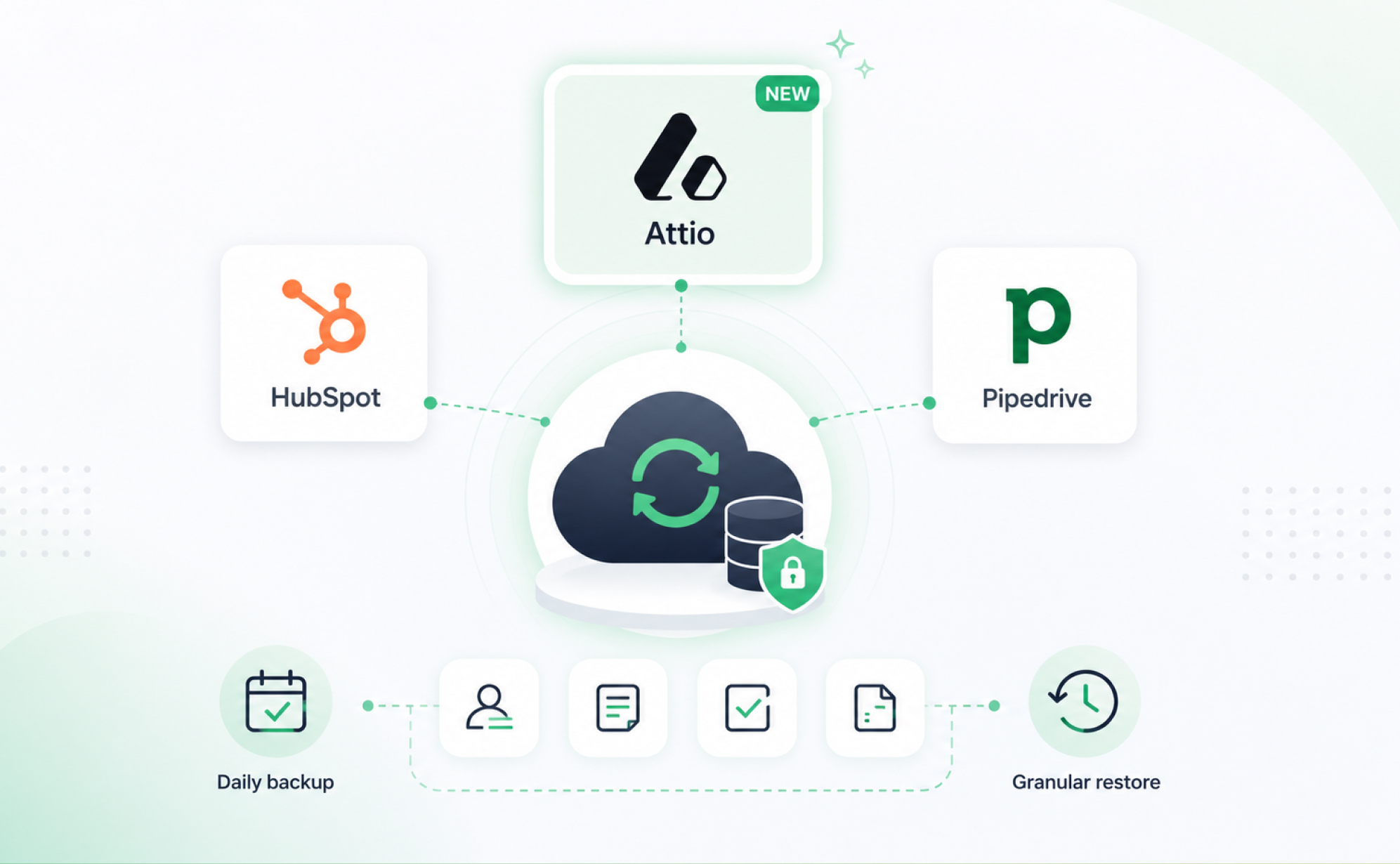
Attio backup is here: ProBackup now covers three leading CRMs


Version history and trash retention in Asana, ClickUp, monday.com, Trello, HubSpot, Airtable, Notion and Jira (per plan, 2026)

Try ProBackup free for 7 days
No credit card. No setup fees.
Connect your first app in three minutes and see your daily backups running before lunch.