

Know when a project disappears, and what was deleted each week
Pain point
What You Don’t Know Can Hurt You
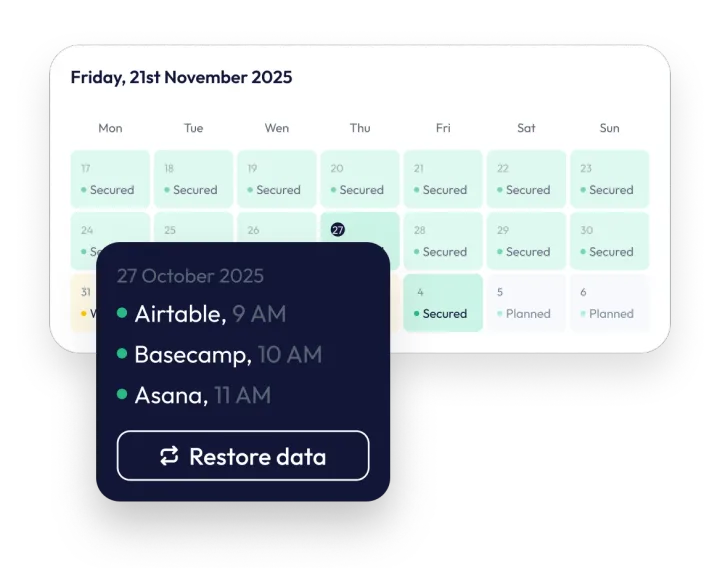
Data loss doesn’t always happen with a bang. Sometimes it’s a slow leak - a team member accidentally deleting a task, or a faulty integration silently corrupting records.
Silent, Slow-Burn Data Loss
Not all data loss is dramatic—small mistakes like deleting a task or updating the wrong record can accumulate quietly over time, creating hidden inconsistencies.
Integration Failures That Go Unnoticed
Faulty automations or broken integrations can slowly corrupt records behind the scenes, often without any visible warning until the damage is widespread.
Delayed Detection Makes Recovery Hard
When issues aren’t caught for days or weeks, tracing the root cause becomes extremely difficult, turning a simple fix into a complex restoration problem.
Impossible to Monitor Everything Manually
Teams can’t realistically track every change, leaving data exposed to accidental edits, overlooked mistakes, and even intentional misuse.
Your Automated Data Watchdog
Get an email when a project or board drops out of your backup
See every deleted record in a weekly report, with where it was.
Stay informed with automated weekly status reports that summarize all backup activity.
Technical Benefits
Early Warning, Rapid Response, Minimize harm
Regular Checks of Your Workspace
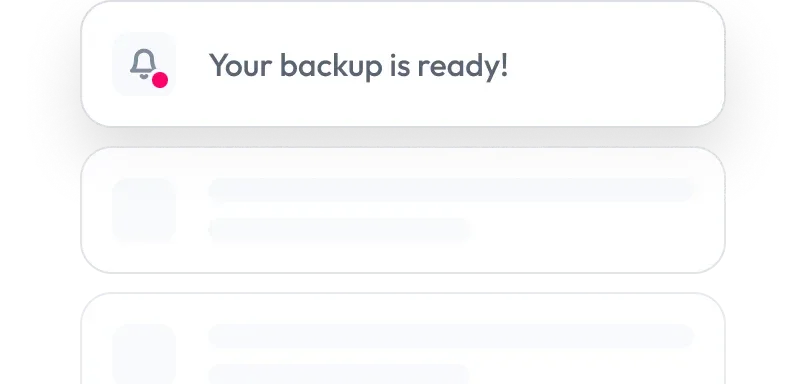
ProBackup regularly checks whether a project, board or other top-level item has dropped out of your backup, and emails you when one has.
Rapid Incident Response
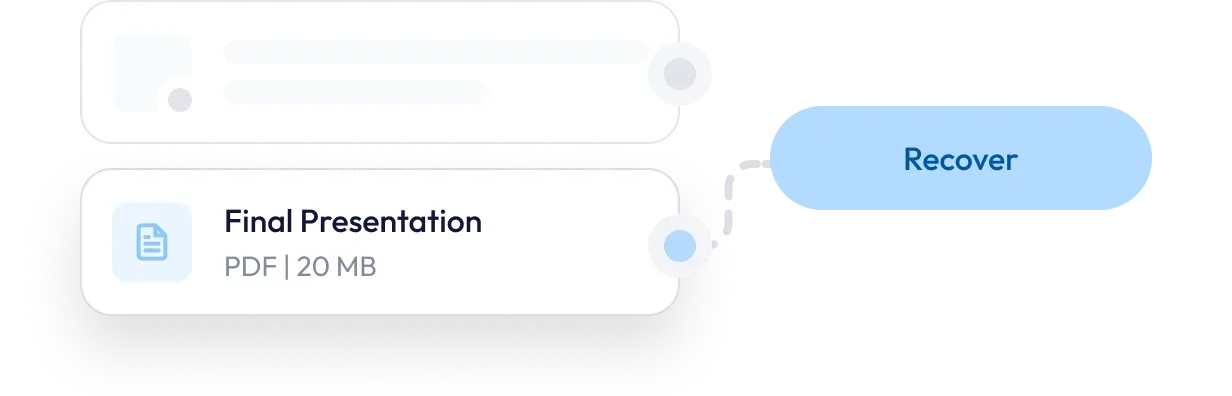
With the alert and the deletion report in hand, you find the missing data in the vault and restore it as new records, reducing downtime and operational disruption.
Continuous Data Health Monitoring
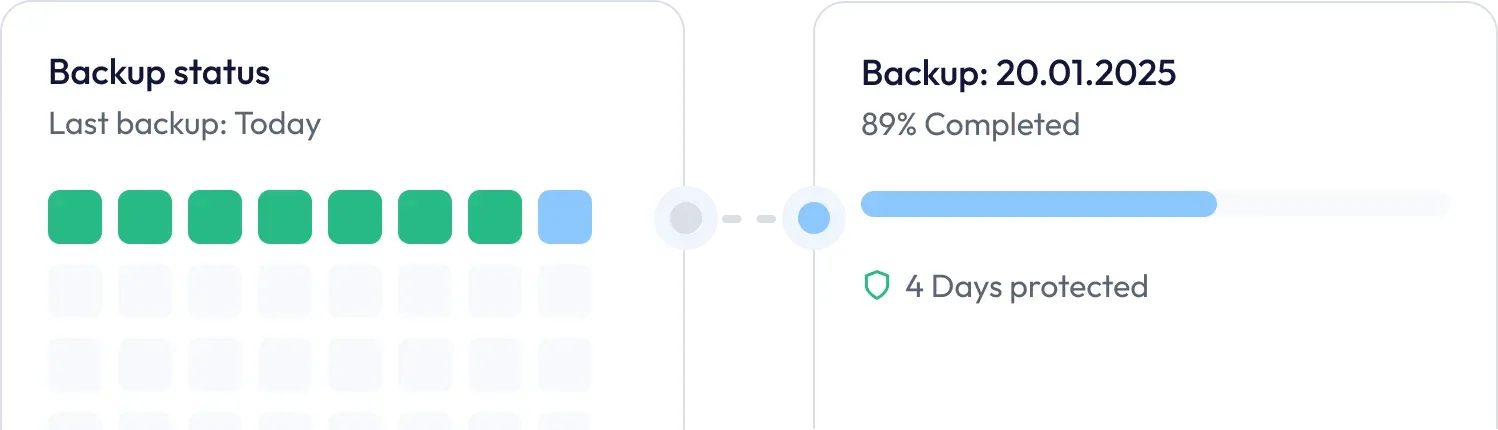
Weekly email summaries provide a structured, high-level view of your system’s stability, trends, and any risks that require attention.
Shift from Reactive to Proactive Protection
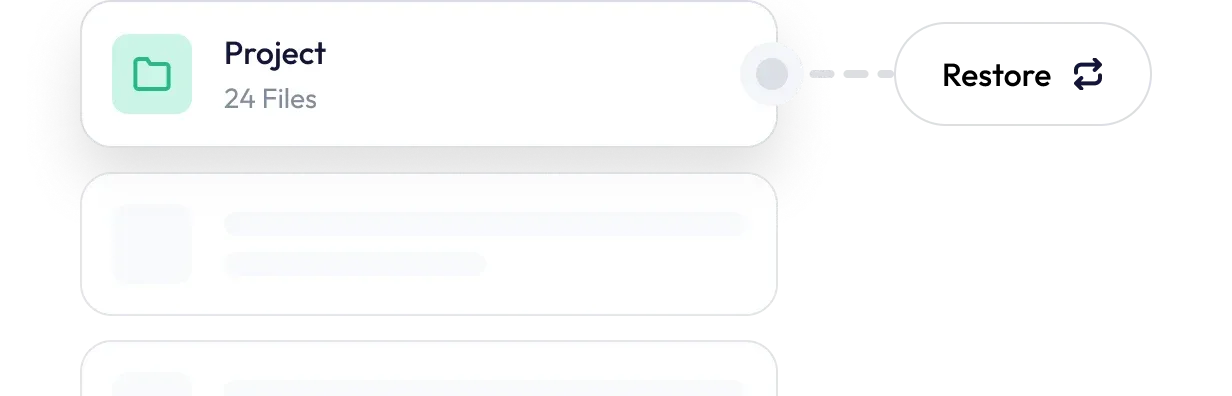
Instead of discovering a missing project months later, you hear about it within days, while your backup history still holds it.
ProBackup has been protecting customer data since 2018. Our backup technology is a stable, core component of our service, refined over multiple platform versions to ensure reliability. One in 3 customers upgrades their trial to a paying subscription and trusts us to safeguard their critical project information.


















Frequently asked questions
How do I receive alerts?
By email. A smart alert arrives when a project, board or other top-level item drops out of your backup. The deletion report and the status summary arrive weekly by default.
Can I customize the alerts?
You choose how often the deletion report and the status summary arrive (weekly, monthly or off) and can turn off alerts for deleted projects. What triggers an alert is not configurable.
How quickly will I hear about a deleted project?
To avoid false alarms after a short outage, ProBackup emails you once a project has been missing from your backup for at least 3 days, and at the latest about 10 days after it disappeared. Deleted records show up in the next deletion report.
Do alerts cover all app data types?
Smart alerts watch the top-level items of each app, such as projects in Asana or boards in monday.com. The deletion report lists deleted records, and the status summary shows how the record count of each data type changed.
Is this feature available on all plans?
Proactive alerts and weekly status reports are included in our Pro and Premium plans.


Try ProBackup free for 7 days
Daily automated backups and one-click restore for the SaaS apps your team runs on. Set up in 3 minutes, no credit card required.
No credit card required · Cancel anytime