


Ransomware Protection for SaaS Applications
Ransomware doesn't just target your servers—it targets your productivity apps. When attackers encrypt or delete your Asana projects, ClickUp workspaces, or monday.com boards, your SaaS provider can't restore what's lost. ProBackup provides the independent, immutable backup layer that ensures recovery.

No credit card required. 2-minute setup.

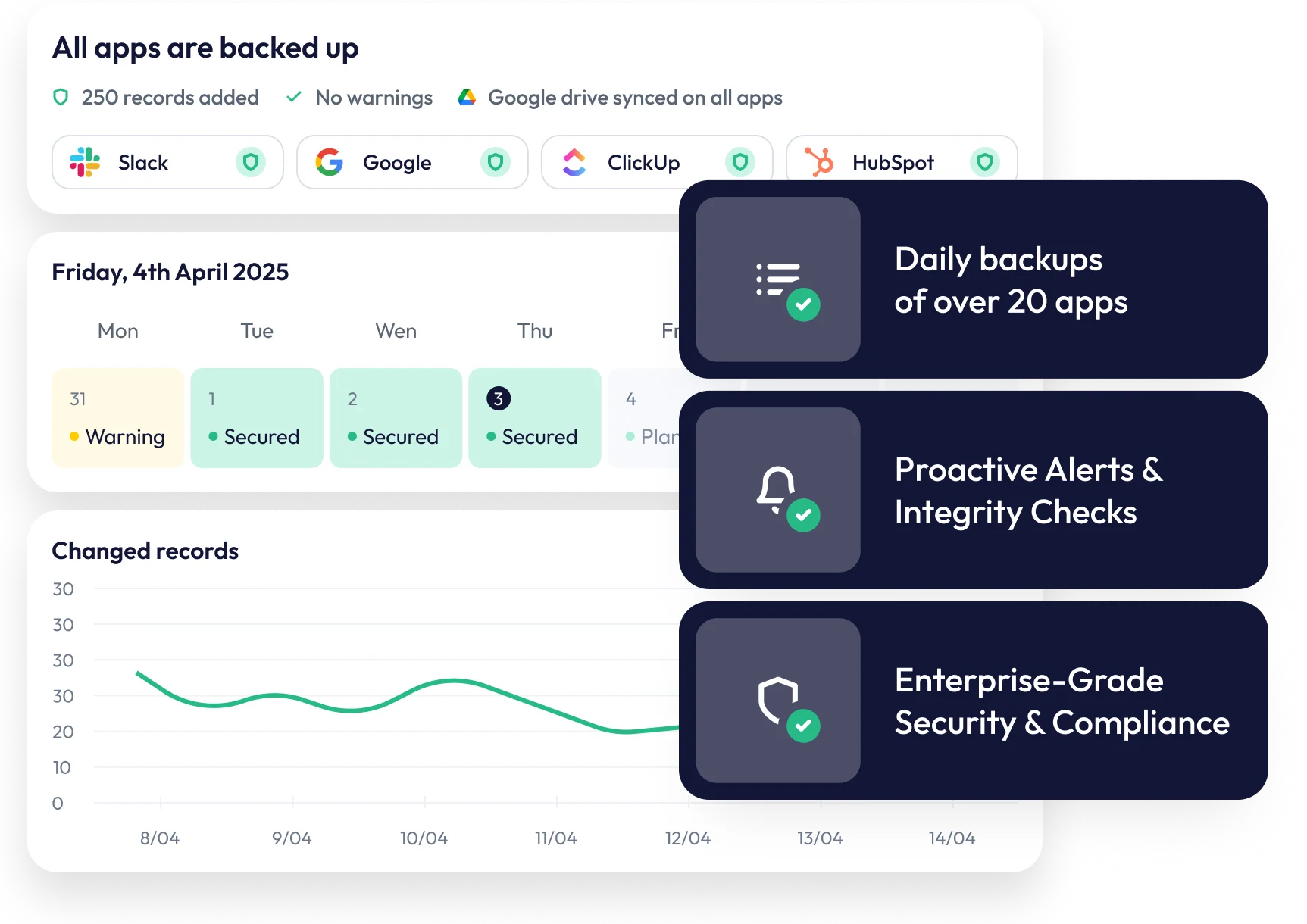

How Ransomware Attacks SaaS Applications
Traditional ransomware encrypts files on local machines and servers. Modern attacks have evolved to target cloud applications directly.
SaaS-specific attack methods:
- Credential compromise - Attackers gain access via phished credentials or leaked passwords
- OAuth token theft - Malicious apps or browser extensions capture API tokens
- Malicious integrations - Fake or compromised third-party apps granted workspace access
- Insider threat - Disgruntled employee with existing access
- API abuse - Automated scripts using stolen credentials
Once attackers have access, they can delete projects, corrupt records, or export sensitive data—then demand payment for "recovery" or threaten public release.
The critical problem: Your SaaS provider's infrastructure remains intact. From their perspective, a legitimate user made legitimate changes. There's nothing to restore from their backups because the platform operated exactly as designed.

Why SaaS Providers Can't Protect You
SaaS platforms implement robust security at the infrastructure level: encrypted storage, access controls, intrusion detection, and disaster recovery. These measures protect against attacks on the platform itself.

What infrastructure security covers:
- Server breaches and data centre compromises
- Platform-wide outages and hardware failures
- Attacks targeting the SaaS provider's systems

What infrastructure security doesn't cover:
- Authenticated users deleting or modifying data
- Compromised credentials used to access your workspace
- Malicious actions performed through valid API tokens
- Data destruction that occurs within normal application behaviour

ProBackup's Ransomware Defence Strategy
ProBackup provides an independent, isolated backup layer that attackers cannot reach—even with full access to your SaaS workspace.

Isolation from Source Platform
ProBackup operates completely independently of your SaaS applications. An attacker with access to your Asana, ClickUp, or monday.com workspace has no pathway to your ProBackup data.
There are several security layers:
- Separate authentication - ProBackup credentials are independent of your SaaS logins
- No write-back by default - ProBackup reads your data; it cannot be used to modify your SaaS workspace
- Independent infrastructure - Backup storage is completely separate from SaaS provider systems
- No shared access tokens - Compromising your SaaS OAuth token doesn't grant ProBackup access

Point-in-Time Recovery
ProBackup captures a complete snapshot of your workspace every 24 hours. If ransomware corrupts or deletes your data, you can restore to any previous snapshot.
Recovery process:
- Identify when the attack occurred using version comparison
- Browse your backup vault to view data as it existed before the incident
- Restore individual records, entire projects, or full workspaces with one click
- Resume operations with clean, verified data

Immutable Backup History
Once captured, ProBackup snapshots cannot be modified or deleted by external actors. Your backup history remains intact regardless of what happens to your source workspace.

Offsite Redundancy with Google Drive Sync
Enable automatic sync to your own Google Drive account (Pro and Premium plans). This creates a third copy of your data in a completely separate environment—accessible even if both your SaaS platform and ProBackup are compromised.
Proactive Threat Detection
ProBackup doesn't just store backups—it actively monitors for suspicious activity.
Smart Alerts (Pro and Premium): Automated notifications when unusual patterns are detected in your workspace:

Sudden spike in deleted records

Significant drop in total backed-up items

Bulk modifications to critical data
These alerts often identify attacks before they're discovered through normal workflows, reducing the window of exposure.
Virus Scanner (Premium): Automatic scanning of backed-up files for known malware signatures. Identify compromised attachments before they spread through your organisation.
Ransomware Recovery Checklist
If your SaaS workspace is compromised, ProBackup enables rapid recovery. Here's Ransomware checklist linked to ProBackup's features:
Revoke compromised credentials in your SaaS platform
Identify attack timeline using version comparison - Compare versions in vault
Assess scope of damage - Browse snapshots by date
Restore clean data - One-click granular restore
Verify restoration - Compare current state to backup
Review access logs - Audit reports (Premium)
Frequently asked questions
How does ProBackup protect against ransomware if attackers have my SaaS credentials?
ProBackup operates independently of your SaaS platforms. Attackers with access to your Asana, ClickUp, or monday.com workspace cannot access, modify, or delete your ProBackup data. Your backups remain intact and available for restoration regardless of what happens to your source workspace.
Can ransomware spread to my ProBackup account?
ProBackup authenticates separately from your SaaS applications. Compromised SaaS credentials or OAuth tokens do not grant access to ProBackup. The only pathway to your ProBackup account is through ProBackup-specific credentials, protected by 2FA and (for Premium) enterprise SSO.
How quickly can I recover from a ransomware attack?
Recovery time depends on the scope of restoration needed. Individual records restore in seconds. Full workspace restorations may take longer depending on data volume. The key advantage is that your clean data is immediately accessible - there's no negotiation, no ransom payment, and no dependence on attacker cooperation.
What if attackers delete data instead of encrypting it?
ProBackup captures complete daily snapshots. Deleted data remains available in your backup history for your full retention period (6 months on Plus, 2 years on Pro, unlimited on Premium). You can restore deleted projects, boards, tasks, and files regardless of whether they exist in your source workspace.
Does Google Drive sync provide additional ransomware protection?
Yes. Google Drive sync creates a third copy of your data in your own Google account, completely independent of both your SaaS platform and ProBackup infrastructure. Even in a worst-case scenario affecting multiple systems, your Google Drive copy remains accessible in a familiar spreadsheet format.


Don’t Lose What You Built in the Cloud.
Your SaaS stack should move fast — but your data should never be at risk. With ProBackup, you get peace of mind that every project, record, and file is safe — no matter what happens.
Start your free trial