

ProBackup vs
Rewind for monday.com
Accidental deletions, user errors, automation mishaps - your monday.com data faces real risks. ProBackup and Rewind are top contenders for keeping it safe. Here's how they compare.

No credit card required. 2-minute setup.

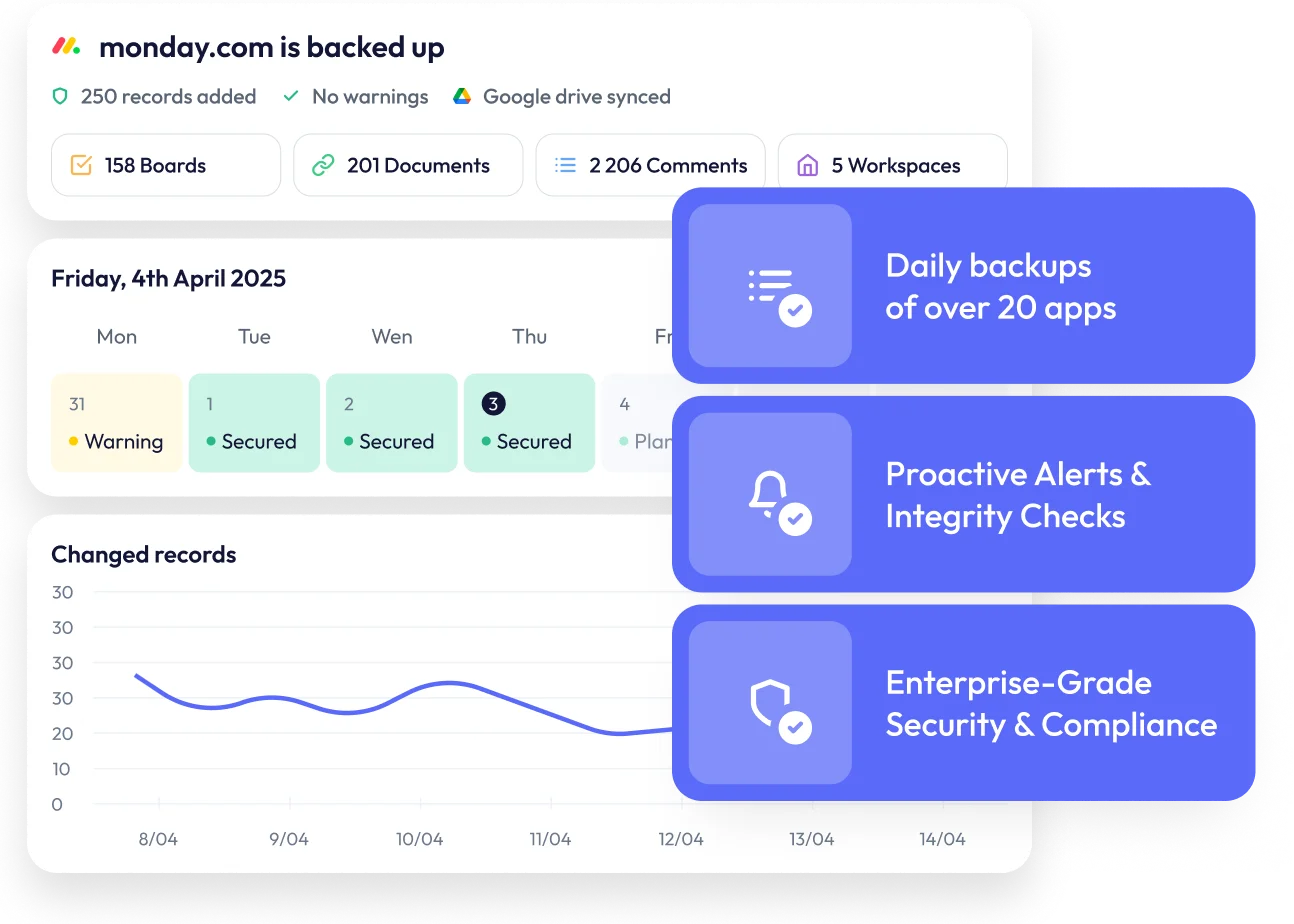


Finding the best backup solution for monday.com
Monday.com has become a powerhouse for modern teams: Combining project management, CRM, workdocs, and automations into one flexible platform.
As your workflows grow more sophisticated, so does the value of the data stored within them. From sales pipelines to project timelines, your monday.com workspace holds critical business information that deserves protection.A reliable backup solution ensures your data stays safe from accidental deletions, user errors, or unexpected issues - keeping everything recoverable and always within reach.In this guide, we'll compare two leading backup solutions for monday.com: ProBackup and Rewind. We'll examine their backup and restore capabilities, data accessibility, and pricing models to help you make an informed decision.

What data gets backed up?
Both ProBackup and Rewind protect the core elements of your monday.com workspace. ProBackup specifically covers workspaces, boards, users, docs, items and subitems, updates (comments), columns, files uploaded via custom fields or comments, views and activity logs.

What does not get backed up:
Neither tool backs up automations, dashboards or files uploaded directly to a task. This isn't a limitation of the backup solutions themselves - monday.com's API simply doesn't make these data types available.
Backup and restore capabilities

What they have in common
Both tools deliver automated daily backups, capturing up-to-date snapshots of your monday.com data without any manual intervention. Backups run once every 24 hours, so your workspace is always protected.

Where ProBackup goes further
While Rewind only allows you to roll back entire boards to an earlier state, ProBackup gives you much finer control. You can perform targeted restorations at a granular level.
With ProBackup, you're able to restore:
- Boards as new boards within the workspace, including items with their values and comments
- Individual items with descriptions, assignees, due dates, custom field values, comments, and files (excluding files uploaded directly to the item)
- Comments as duplicates in the related item
- Files directly to the related item
- Custom fields to the related board
- Labels
Important note: Due to monday.com API constraints, certain field types cannot be recreated during restore, including linked boards, mirrored fields, buttons, dependencies, formulas, and progress fields. Subitems, relationship fields, and mirror fields are also not restored with individual items.
This granular approach allows you to address specific data loss incidents without overwriting your entire board structure.
Accessing your data backups
Rewind's User Interface
Rewind provides search functionality that lets you search by text and filter by data type. Selecting a record allows you to compare it with the current version and review its history.
ProBackup's more structured approach
ProBackup includes a similar global search capability, but pairs it with a more organised way to explore your data. You can:
- Browse workspaces and boards through an intuitive tree structure
- Switch between data types (items, comments, files) using tabs for each board
- Use the date picker to step back in time and see how boards have evolved
- Browse and compare the versions that were created for each record
This combination of sidepane navigation and tabbed data views gives you a clear, detailed picture of your monday.com history. And unlike Rewind, ProBackup lets you view all items or files for a specific board at once.
Key features that set Rewind apart
One standout feature that distinguishes Rewind is its integration with monday.com Sidekick. This allows users to leverage monday.com's AI assistant to gain insights about their Rewind backups directly within the monday.com interface. You can ask the chatbot questions about your backup status and history without switching between applications.However, while the Sidekick integration is convenient for gathering information, we recommend performing actual data restores through the Rewind app itself to ensure full control over the restoration process.
Features exclusive to ProBackup
ProBackup includes several capabilities that Rewind does not offer:

Excel exports
Export any data table to Excel with a single click. For larger datasets, request a complete export delivered via email.
Attachment downloads
View and download your backed-up files directly from the platform. ProBackup Premium users can bulk download all attachments for a selected project.

Sync to Google Drive
Create a secondary copy of your backups in Google Drive. This provides redundancy in a format your team already knows. Combined with Desktop for Drive, you can automate local downloads for an additional layer of protection.

Proactive alerts
ProBackup watches for unusual activity in your account. If there is a sudden increase in deletions or a notable drop in backed-up items, administrators receive an email notification. This early warning system helps you respond quickly to accidental deletions, malicious actions, or technical problems.

Advanced scope control
Premium subscribers can exclude specific projects from their backup scope if needed, providing complete control over what data gets protected.
Pricing model differences
How pricing works on monday.com: Both Rewind and ProBackup are available through the monday.com app marketplace. Pricing for each scales with the number of seats in your account, meaning backup costs grow alongside your team.

Rewind's pricing
Rewind starts at $13 per month for smaller teams, but costs rise quickly as you add seats:
- $88 per month for 20 seats
- $916 per month for 100 seats
- $1778 per month for 200 seats
ProBackup's pricing advantage
ProBackup offers a broader feature set at a lower price point across all team sizes. Plans start at $11 per month:
- $69 per month for 20 seats
- $263 per month for 100 seats
- $343 per month for 200 seats
The savings become substantial as your team grows. At 200 seats, ProBackup is 80% cheaper than Rewind while still delivering granular restore options, Google Drive sync, proactive alerts, and cross-platform coverage.
For scaling organisations that want comprehensive backup protection without escalating expenses, ProBackup offers clear value.
Complete feature comparison
ProBackup
Rewind
Pro: 2 years
Premium: unlimited
Which solution is right for you?

Choose Rewind
if you require:
- Straightforward board-level recovery
- Broader compliance certifications such HIPAA
- The integration with monday.com's AI assistant
Choose ProBackup
if you want:
- Granular restore controls for individual items, files, and comments
- Intuitive data navigation that mirrors your monday.com structure
- Full data transparency with Excel exports and attachment downloads
- Automated sync to Google Drive for additional redundancy
- Proactive alerts and change monitoring
- Coverage for multiple SaaS apps under one licence
- Team collaboration with invited guests on Pro and Premium plans


Ready to protect your monday.com data?
If your organisation wants not only to restore data but to understand, monitor, and protect it across platforms, ProBackup for monday.com delivers a smarter, more comprehensive solution.