

ProBackup vs SysCloud for HubSpot
Protecting your HubSpot data is essential for business continuity. Both ProBackup and SysCloud provide backup solutions for HubSpot, but they take different approaches when it comes to pricing models, user experience, and platform specialisation. This comparison will help you determine which solution is the best fit for you.

No credit card required. 2-minute setup.



Why backing up HubSpot is essential
HubSpot serves as the operational backbone for countless businesses, managing everything from customer relationships and sales pipelines to marketing automation and service tickets.
It's far more than a simple contact database: It's where your revenue-generating activities live.As your reliance on HubSpot grows, so does your exposure to potential data loss. Your portal contains invaluable customer histories, deal progressions, engagement records, and automated workflows built over months or years. A single mistake - whether an accidental bulk deletion, a faulty CSV import, or actions by a disgruntled team member - could erase critical business information permanently. Having a dependable backup solution means you can recover quickly and keep operations running smoothly.

What HubSpot data gets backed up?
ProBackup protects the core elements of your HubSpot environment, including:
- CRM: Contacts (with lists), Companies, Engagements (notes, meetings, emails, tasks), Custom objects
- Marketing: Emails, Forms
- Sales: Deals, Line Items, Products, Quotes
- Service: Tickets
- Automation: Workflows

API limitations:
Certain HubSpot data types cannot be backed up by any third-party solution due to API restrictions. These include calls, activity feeds, inbox conversations, advertising data, landing pages, campaigns, sales forecasts, sequences, and reporting dashboards.
ProBackup and SysCloud offer comparable coverage for HubSpot's essential CRM and sales data, ensuring your most valuable business information stays protected.
How backups are scheduled
Both solutions adopt a similar philosophy for backup scheduling.

SysCloud
likewise delivers automated daily backups for HubSpot, ensuring your information is safeguarded without ongoing manual intervention.

ProBackup
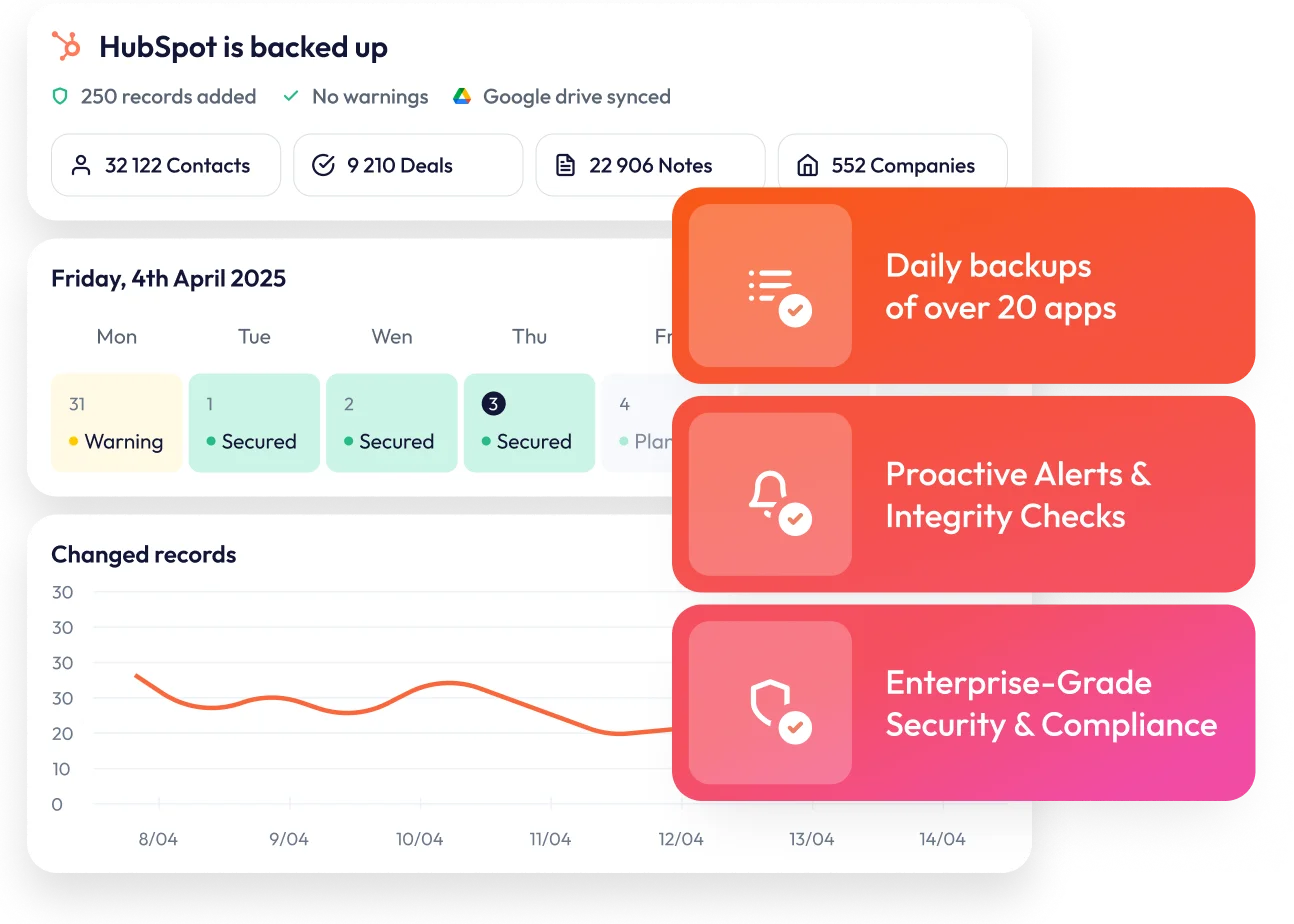
executes automatic daily backups without any manual setup required. Your HubSpot data is captured every 24 hours, providing consistent protection with zero effort on your part.
Navigating your data backups
Both platforms let you explore your backup data directly through their interfaces: browsing contacts, companies, engagements, and other record types. You can view related engagements for any contact and monitor how records have evolved.
SysCloud's approach
SysCloud provides comparable browsing functionality for your HubSpot backups. However, certain premium features - including global search and data change analytics - are positioned as add-ons for HubSpot customers, with pricing available only through direct sales consultation.
ProBackup's quick and easy UI
ProBackup excels at showing you how your data has evolved. Clicking on any record reveals its complete change history, with version tabs that let you instantly compare current and previous states. The interface uses a table-based layout that mirrors HubSpot's own design, creating a familiar experience for users exploring their backups.
Global search capabilities let you locate specific records across your entire backup archive in seconds.
Restoring your data
Both solutions offer granular restoration capabilities, letting you select specific data types and historical versions to push back into HubSpot.

SysCloud's restoration capabilities
SysCloud provides an additional option: overwriting existing records during the restore process. This proves useful when you want to roll back a record to an earlier state without creating duplicates.
Notable distinction: ProBackup currently only supports restoration as new records. Overwrite functionality is planned for release in 2026.
ProBackup's restoration capabilities
ProBackup supports one-click restoration for these HubSpot record types:
- Contacts
- Companies
- Custom objects
- Deals
- Engagements (notes, emails, meetings)
- Emails
- Forms
- Line Items
- Products
- Quotes
- Tickets
To prevent accidental data overwrites, ProBackup creates new records during restoration rather than modifying existing ones.
Syncing to Google Drive
The platforms differ significantly in their approach to external storage integration.
SysCloud
doesn't provide external storage synchronisation for HubSpot backup data.
ProBackup
offers Google Drive synchronisation , converting your backups into Google Sheets format - something your team can work with immediately. This creates an additional safety layer: even if ProBackup becomes temporarily unavailable, your data remains accessible through Google's infrastructure. Pairing this with Google Drive for Desktop enables automated local copies for maximum redundancy.
Security credentials
Both ProBackup and SysCloud maintain strong security postures that meet enterprise requirements. Each platform is fully GDPR compliant and has achieved SOC 2 certification, demonstrating their commitment to data protection and operational security.
When it comes to encryption, both services employ best-in-class practices. Data at rest is protected using AES-256 encryption—the same standard used by banks and government agencies. All data in transit is secured via TLS encryption, ensuring your information remains protected as it moves between systems.
How long is data retained?
Retention policies vary between the two services.
SysCloud
provides unlimited retention for HubSpot backups. Their archiver tool for managing older data exists only for Google Workspace and requires an additional purchase.
ProBackup
ties retention periods to your subscription tier, with higher plans offering longer retention windows.
Supported applications
Both services extend beyond HubSpot to cover multiple SaaS platforms, though with different emphases.
SysCloud's focus:
Google Workspace, QuickBooks, Office 365, Box, Xero, Slack, and HubSpot. Their strengths lie in productivity suites and accounting software.
ProBackup's focus:
More than 20 applications, emphasising project management and CRM tools :
- Project management: Asana, ClickUp, Monday, Trello, Jira, Basecamp
- CRM platforms: HubSpot, Pipedrive
- Knowledge bases: Airtable, Notion
- Team collaboration: Slack, Confluence, Miro
- Plus additional integrations
Price plan differences
How SysCloud prices their service
SysCloud employs per-seat pricing with separate charges for each application. HubSpot backup costs $5 monthly per seat.
This structure adds complexity when protecting multiple applications, as each one carries its own subscription. Furthermore, premium capabilities like global search and change analytics require separate purchases with sales-quoted pricing.
Things to consider:
- Expenses grow proportionally with headcount
- Multiple apps mean multiple subscriptions
- Some features require additional investment
- Unlimited retention comes standard
How ProBackup prices their service
ProBackup uses a three-tier model based on features and storage :
- Plus: $25/month – Essential backup and restore features
- Pro: $38/month – Adds Google Drive sync, weekly reports, global search
- Premium: $69/month – Includes SSO, priority support, audit capabilities
Storage flexibility sets ProBackup apart. Rather than forcing tier upgrades when you need more space, pricing adjusts based on actual usage within your current plan. You pay for the capabilities you need while storage scales organically with your data.
One ProBackup subscription covers every supported application, not just HubSpot. Protect Asana, Airtable, ClickUp, Monday, Trello, Slack, Notion, Jira, Confluence, Miro, and more under a single plan.
Making your decision
SysCloud makes sense if:
- Google Workspace or Office 365 backup is your primary concern alongside HubSpot
- Per-user pricing aligns with your budgeting approach
- Unlimited retention is a firm requirement
- You need to overwrite records during restoration
- You're already invested in SysCloud's ecosystem
ProBackup makes sense if:
- You want straightforward data navigation that feels like HubSpot
- Protecting multiple productivity and CRM tools under one plan appeals to you
- Feature-based pricing is preferable to per-seat charges
- Google Drive integration fits your workflow
- Tracking changes and comparing versions matters to your team
- Automated alerts and status reports add value


Start protecting your HubSpot data
When your organisation requires more than basic backup functionality - when you need to explore, monitor, and confidently restore your HubSpot data while simultaneously protecting other business-critical SaaS applications - ProBackup delivers a streamlined, powerful solution.