In short: The six leading project management apps in 2026 are ClickUp (all-in-one workspace with Super Agents), monday.com (automation plus monday vibe and monday agents), Asana (structured, goal-driven work with AI Studio), Airtable (database-driven flexibility), Miro (visual collaboration) and Notion (customisable workspace with Agents). All six are betting on agentic AI, which makes an independent backup of their data more important.
In my role as product manager for ProBackup, I work closely with the project management apps we integrate with. We explore their core features to build a deeply-integrated backup solution, and we track every major update and release. We speak with implementation partners about their needs and requests, which gives us a solid grasp of the strengths and weaknesses of the most popular project management apps.
2026 is a pivotal year for this space. Every major platform is betting heavily on AI agents and agentic workflows, turning project management tools from passive organizers into active collaborators. With an array of options available, choosing the right tool can significantly enhance productivity and streamline workflows. In this article, we give an overview of the six tools currently leading the market, each excelling in unique ways.
Why use a project management app
The use of a project management app has become more of a necessity than a luxury. These platforms offer benefits that streamline workflows, enhance productivity, and foster collaboration, regardless of your team's size or industry.
Organisation and structure
These apps provide a structured platform to manage tasks, projects, and deadlines. They allow you to organise work into manageable segments, ensuring nothing falls through the cracks.
Communication and collaboration
Most apps include tools that facilitate better team collaboration. Whether assigning tasks, sharing updates, or giving feedback, everything happens in one place, reducing the need for lengthy email threads and meetings.
Accessibility and flexibility
Cloud-based functionality means you can access your work anywhere, anytime. This accessibility is essential for remote teams or individuals who travel frequently.
Time management and efficiency
By providing an overview of tasks and deadlines, these apps help prioritise work. Many also include time-tracking features, offering insights into how time is spent on each task.
Data-driven decisions
Most platforms have reporting tools that provide data and insights on project progress, team performance, and resource allocation. This information is vital for making informed decisions and planning future projects.
Project management apps are the backbone of modern, efficient work methods. They simplify task management and contribute to a more organised, collaborative, and data-driven work culture.
ClickUp: The all‑in‑One AI powerhouse
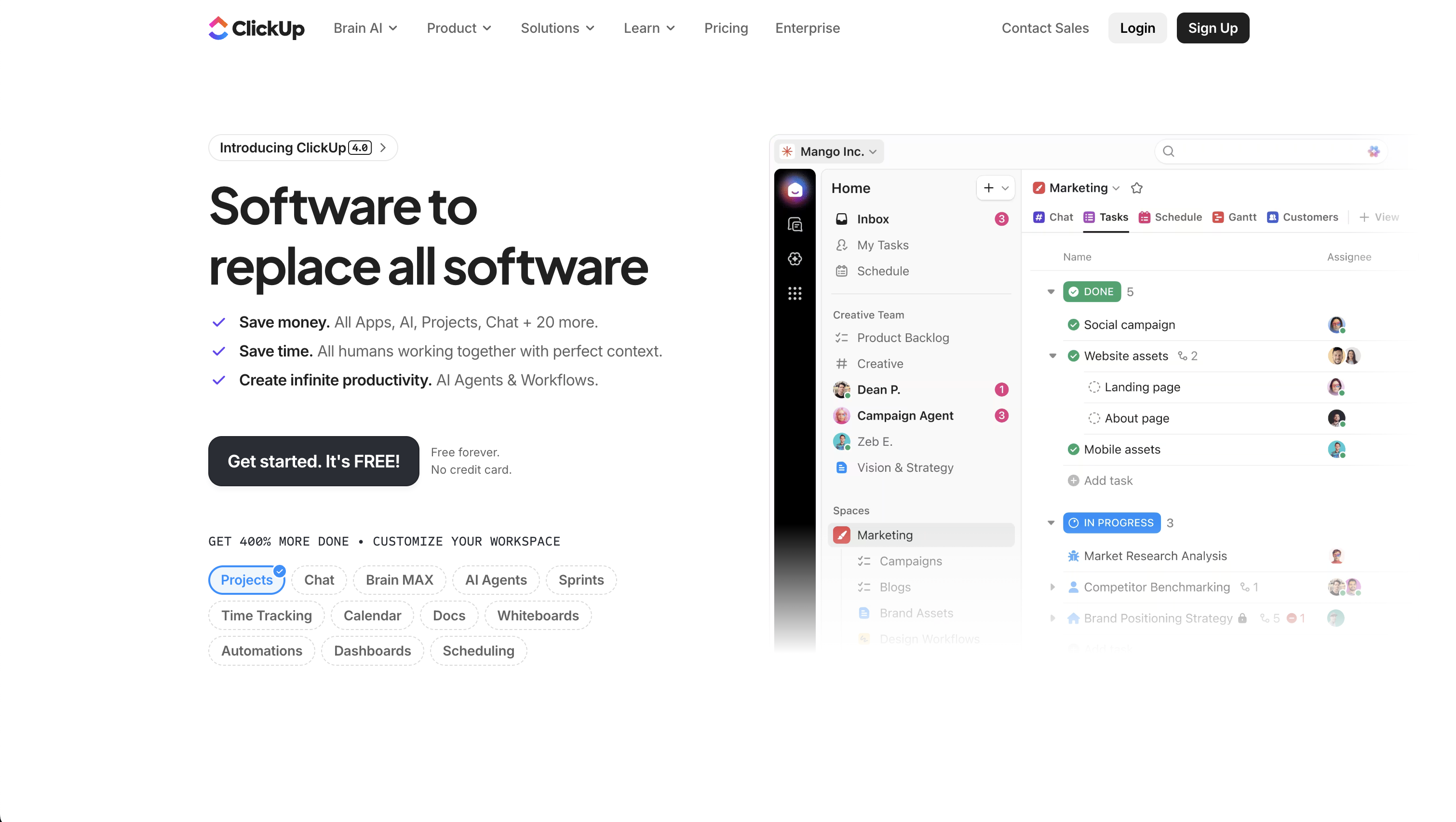
ClickUp stands as a multifaceted project management tool, offering a suite of features to cover diverse work needs. It is highly customisable, with over 35 ClickApps to tailor task management. Key features include nested subtasks, checklists, time tracking, voice and video recording, and a variety of views like list, board, and calendar.
ClickUp enhances team collaboration with real-time chat, document sharing, and proofing tools. It also excels in automation, offering over 50 actions to streamline workflows. The platform even includes features like video recording, whiteboards, and an integrated document editor. ClickUp integrates with more than 1,000 tools, making it a top choice for adaptable project management. With all of these features, ClickUp is making good on its promise to build "one app to replace them all". If you want to avoid switching apps too often, ClickUp might be the ideal solution.
What changed in 2025/2026
ClickUp launched version 4.0 and introduced Super Agents, which represent a major step toward autonomous AI teammates. Following the acquisition of Codegen in late 2025, ClickUp's Super Agents can now autonomously complete projects, generate software, and take action with over 500 work skills. These agents feature what ClickUp calls "human-level memory", meaning they learn from every interaction and operate natively within the workspace. This positions ClickUp as one of the first platforms to let any user create and deploy AI teammates without writing a single line of code.
ProBackup expert notes
ClickUp's ambition to be the all-in-one workspace is paying off. No other tool on this list packs as many features into a single platform. That said, the breadth can be overwhelming for smaller teams. The Super Agents launch is bold, though teams should evaluate carefully how much autonomy they want to give AI in their workflows.
Good for: Multi‑functional teams needing a single unified workspace powered by automation and AI.
Not recommended for: Very small teams or individuals who need something simple and quick to set up. The sheer volume of features can be a distraction if your needs are straightforward.
👉 Read how teams protect their ClickUp data with ProBackup
monday.com: Automation meets agentic workflows
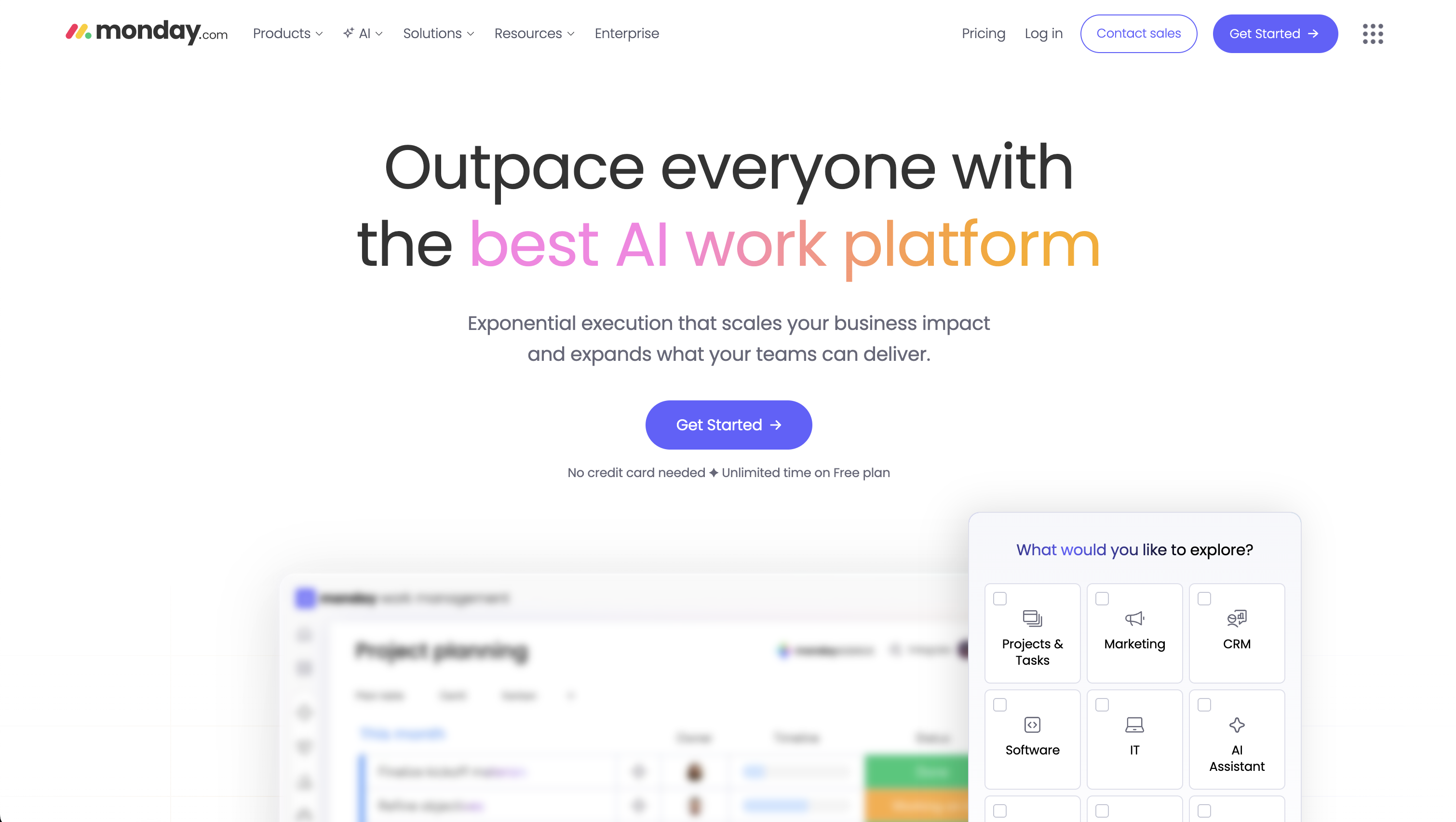
Monday.com is a dynamic project management platform that uniquely combines automation with advanced features. It offers customisable automation for streamlining workflows and reducing manual tasks by automating task assignments, status updates, and notifications. Most project management apps offer some form of automation, but monday.com excels in this domain. The process of creating new automations is both intuitive and detailed, allowing you to build advanced workflows in no time.
Alongside this, monday.com provides customisable templates, diverse views like timelines and Kanban, and seamless integrations with other tools. This blend of automation and versatility enhances team collaboration and productivity, making monday.com a comprehensive solution for various business needs.
What changed in 2025/2026
Monday.com launched three major AI capabilities: monday magic, monday vibe, and monday sidekick. Monday vibe is especially notable as it brings vibe coding to the platform, allowing users to build custom applications using plain English without writing code. The company also introduced monday agents, a no-code agent builder that lets organisations create AI-powered specialists tailored to their specific needs. These agents can execute tasks end-to-end, from scheduling meetings to conducting research and creating strategies. Monday.com also expanded into new product areas, including monday service for enterprise service management and monday campaigns for AI-powered marketing within the CRM suite.
ProBackup expert notes
Monday.com's strength has always been its approachable automation engine, and the new AI capabilities amplify that advantage. The introduction of vibe coding through monday vibe is a game-changer for teams who want to build custom apps without involving developers. However, the AI credits pricing model means teams should monitor their usage carefully.
Good for: Fast-moving startups and marketing teams managing multiple workflows that want to embrace agentic AI.
Not recommended for: Teams that prioritize simple list-based project tracking.
Asana: The strategic project leader
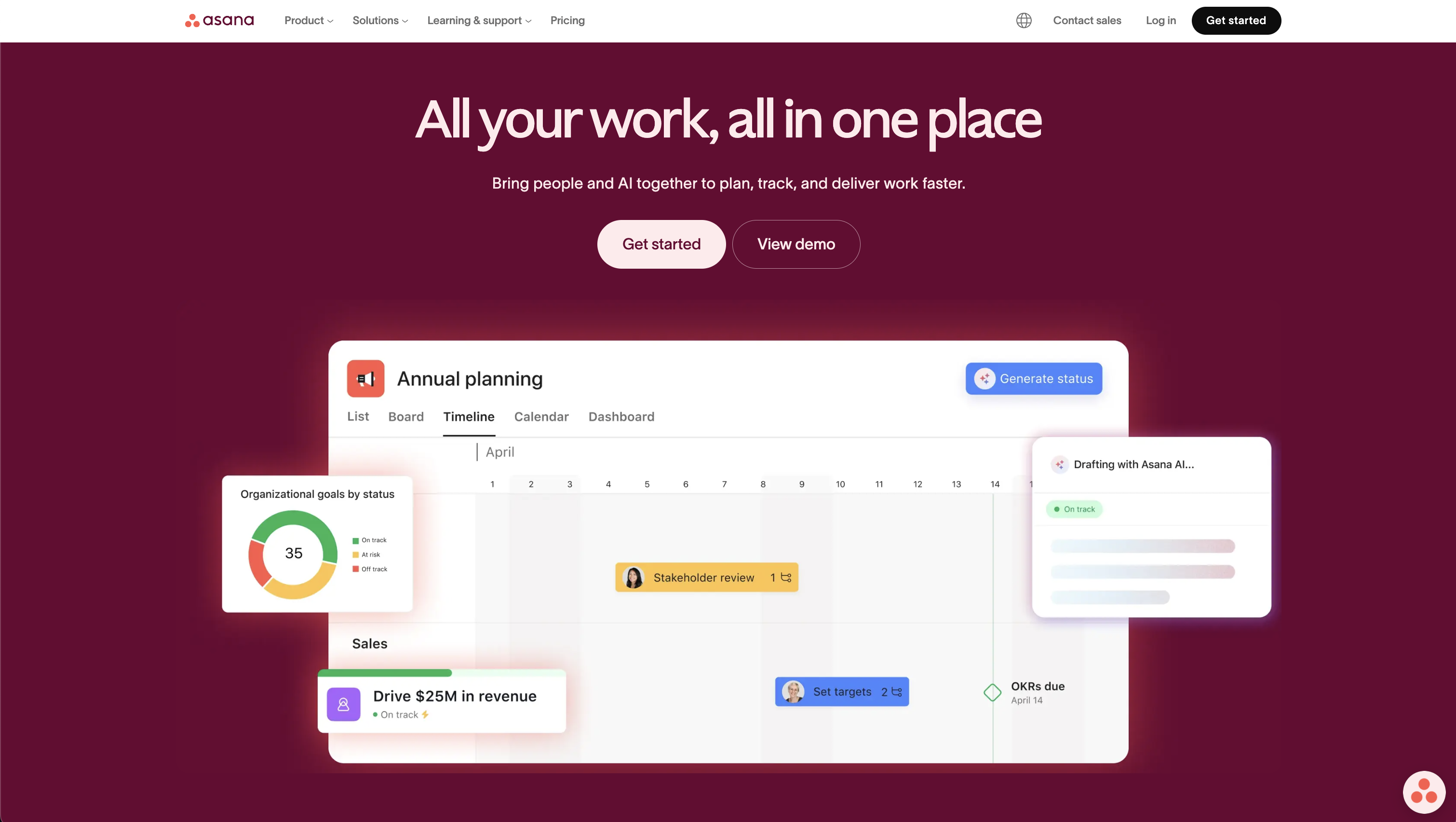
Asana is an established project management tool that excels in organising work into manageable tasks and projects. It offers various views, including lists, calendars, timelines, Gantt charts, and Kanban boards, making it versatile for different team needs. Asana enables effective top-down task delegation, starting by defining goals and milestones, then structuring your projects with clear due dates and responsibilities.
Its custom fields feature allows for personalised task organisation, facilitating easier sorting and filtering. Asana also provides real-time status updates, time tracking, and reporting dashboards, offering insights into team progress. It supports automated workflows, resource management, and integrates with various popular tools, enhancing overall team coordination.
What changed in 2025/2026
Asana has made a significant push into AI with the launch of AI Teammates. These are collaborative, context-aware agents that you can assign work to just like any other team member. They understand the context of all work across your organisation and deliver updates where your team already collaborates. Asana also introduced AI Studio, which lets teams build custom AI-powered automation rules, and AI risk reports that proactively flag potential project risks before they become blockers. Multilingual semantic search now helps users find relevant items across languages.
ProBackup expert notes
Asana remains one of the most mature platforms for structured task delegation and goal tracking. Its new AI Teammates are promising, though still in beta. We see Asana work best for teams that value clear hierarchies of goals, milestones, and tasks, with strong top-down planning.
Good for: Enterprises or teams focused on OKR frameworks and strategic visibility
Not recommended for: Teams that primarily manage large data sets or need spreadsheet-style views. If your work is more data-heavy than task-heavy, consider Airtable instead.
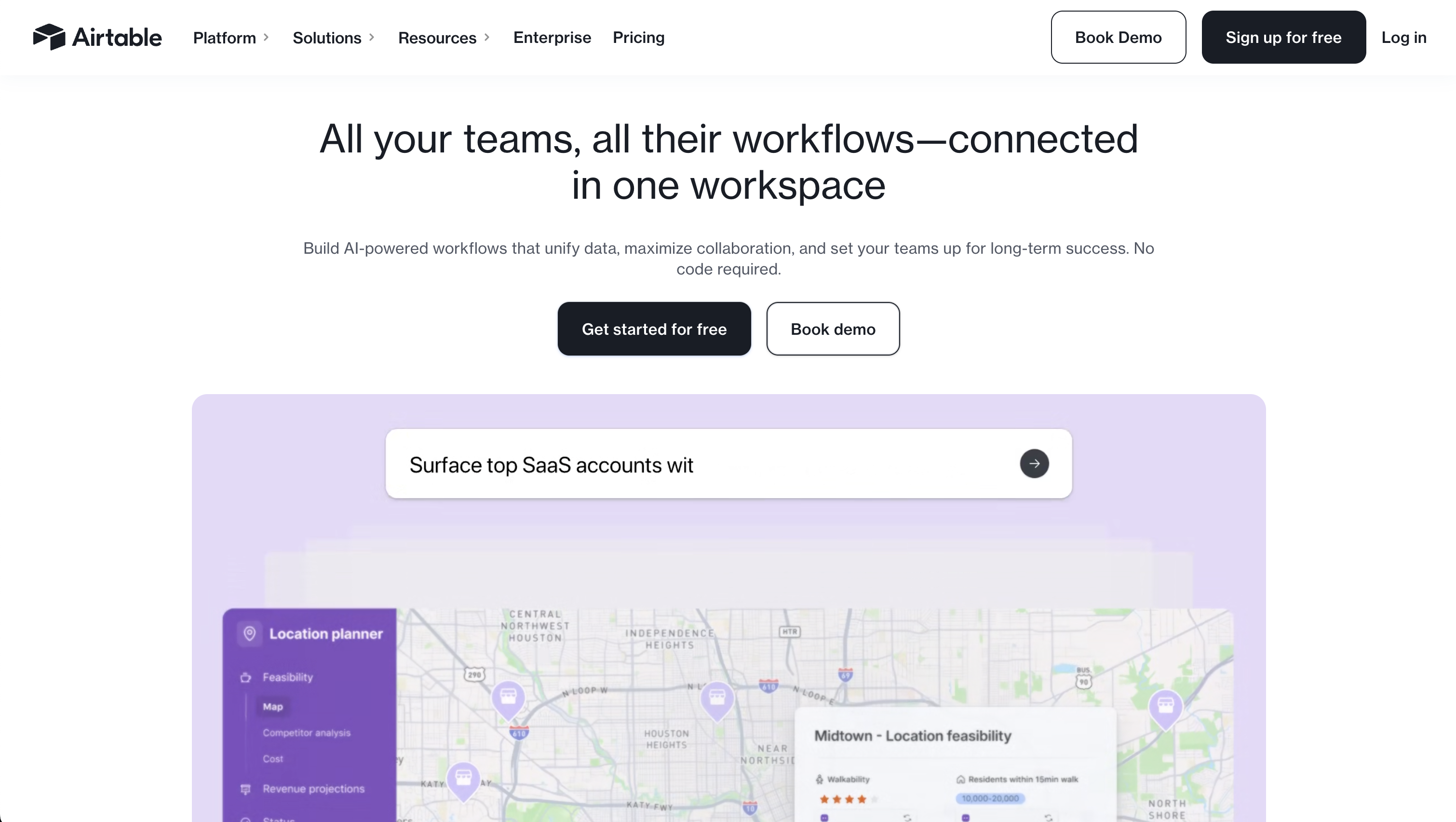
Airtable: The developer’s playground
Airtable excels in managing complex data sets and creating linked tables, making it a powerful tool for data organisation and analysis. It offers the flexibility of a database with the ease of a spreadsheet. Users can customise fields to store various types of data, link records between tables to show how data is related, and create views that display this information in meaningful ways such as table, kanban, and calendar.
Airtable's rich field types, like checkboxes, dropdowns, and file attachments, enhance its capability to handle diverse data needs. Its focus on the table view makes Airtable the ideal candidate when you have to deal with a higher volume of records, let's say more than 100, in a project or base.
What changed in 2025/2026
Airtable relaunched itself as "the AI-native app platform" with the introduction of Omni, an agentic AI app-building assistant. Airtable CEO Howie Liu described Omni as combining the magic of vibe coding with enterprise reliability. Unlike standalone vibe coding tools that produce throw-away prototypes, Omni creates production-ready apps with data, automations, and interfaces, all from natural language prompts. Airtable also introduced intelligent agents that can work across thousands of records, driving decisions and orchestrating actions across entire operations. The platform now supports AI models from multiple providers including OpenAI, Gemini, Llama, and Anthropic.
ProBackup expert notes
Airtable's pivot to AI-native app building is the most dramatic transformation on this list. If your team needs to build custom internal tools on top of structured data, Airtable with Omni is now a compelling alternative to dedicated no-code platforms. That said, it remains a data-first tool, and teams looking purely for task management may find simpler options elsewhere.
Good for: Teams managing large, structured data sets such as inventories, content calendars, CRM workflows, or product catalogues. Ideal for operations, marketing ops, and data-driven teams.
Not recommended for: Teams that need traditional task management features like Gantt charts, resource allocation, or time tracking. Airtable is a database that can manage projects, not a project management tool that stores data.
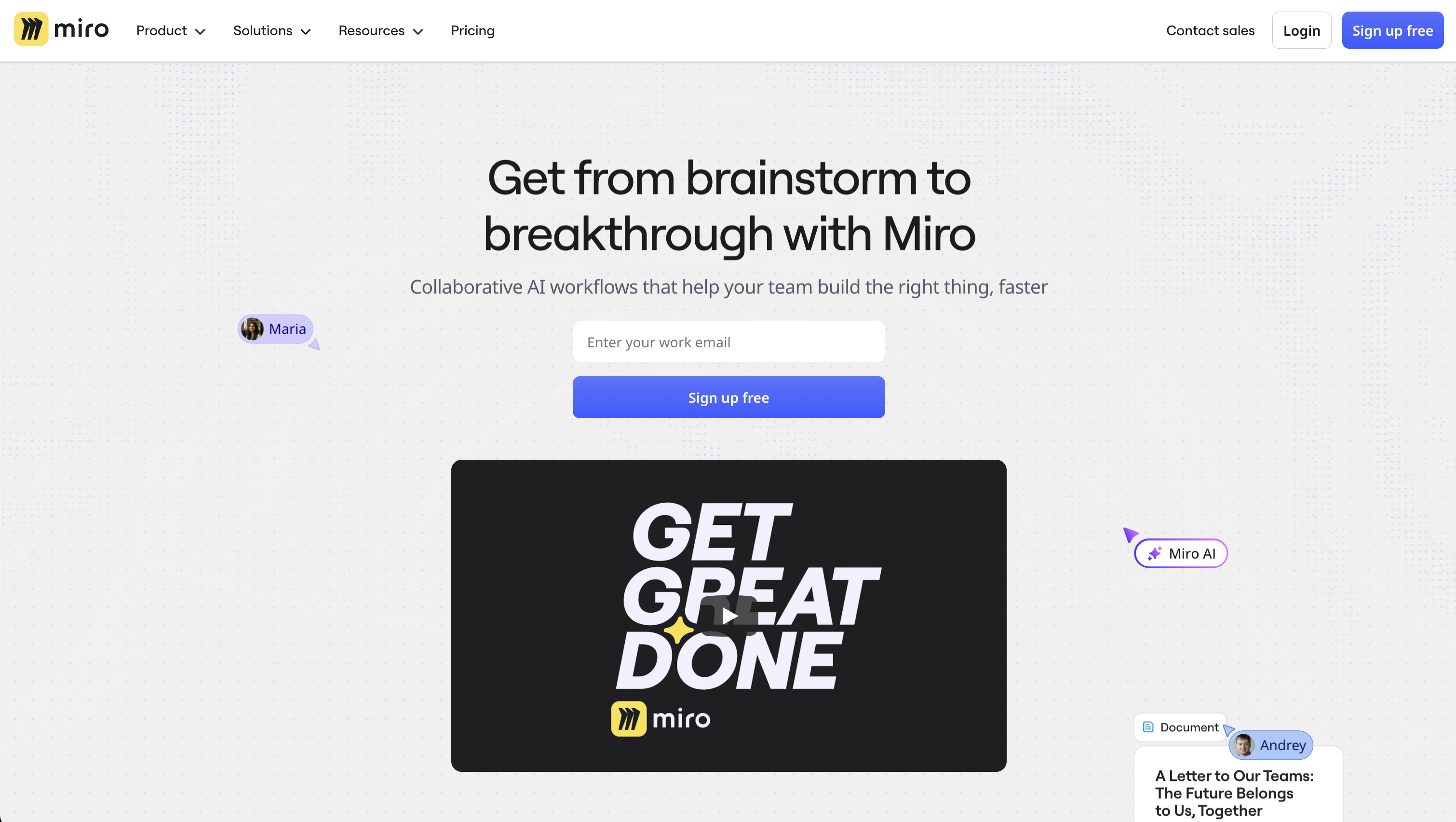
Miro: Visual collaboration at scale
Miro is a robust platform known for its extensive whiteboarding capabilities, ideal for creative brainstorming and collaborative planning. It features an infinite canvas that allows teams to map out ideas freely, with tools like sticky notes and smart drawing.
Miro also supports various workstyles with customisable templates and seamless integrations with other cloud apps. This makes it perfect for diverse teams to collaborate visually, regardless of location. Miro's emphasis on whiteboards and visual tools fosters a dynamic and engaging way to manage projects and ideas. If you want to focus on ideation and brainstorming rather than following up on tasks and projects, Miro is the ideal tool.
What changed in 2025/2026
Miro has continued refining its core visual collaboration experience, with deeper integrations into platforms like Asana, Jira, and monday.com. The platform has added more structured planning tools to bridge the gap between brainstorming and execution, including improved diagramming capabilities and enhanced template libraries for agile workflows.
ProBackup expert notes
Miro is the clear leader for visual collaboration and ideation. However, it is not a standalone project management tool. We see it used most effectively alongside a dedicated task management platform. Teams typically brainstorm and plan in Miro, then move execution into ClickUp, Asana, or monday.com.
Good for: Teams that need a visual space for brainstorming, design sprints, workshops, and strategic planning. Popular with design, product, and consulting teams.
Not recommended for: Day-to-day task management or tracking project deliverables. Miro lacks the structured task, deadline, and reporting features that purpose-built project management tools offer.
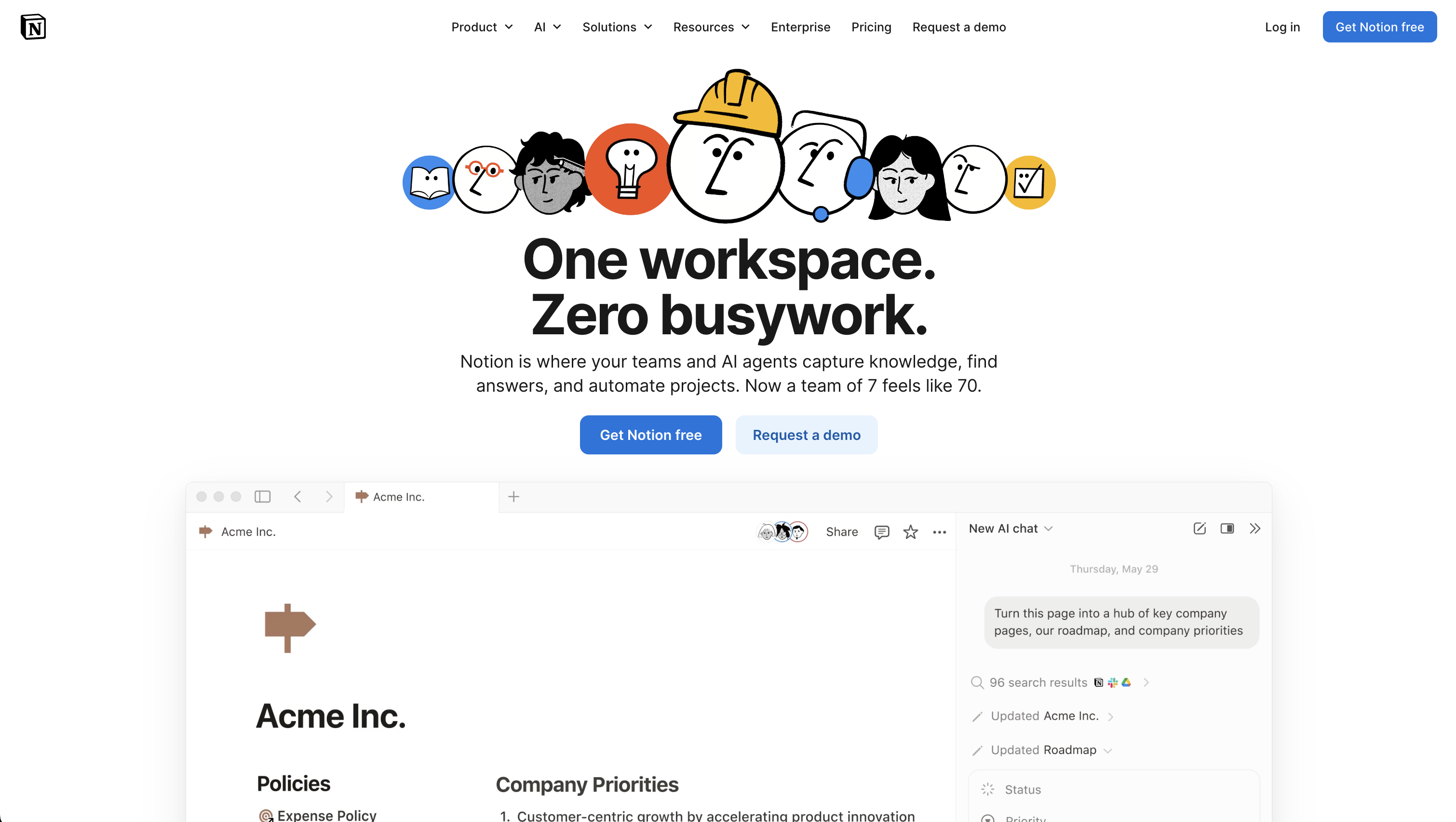
Notion: The customizable WorkOS
Notion is renowned for its exceptional visual dashboards, which allow for a highly personalised and flexible project management experience. Its interface supports intricate project planning and tracking with customisable tables and timeline views. Notion's strength lies in its ability to represent complex information visually, making project oversight more intuitive and accessible.
The platform's versatility extends to managing tasks with calendar views, embedding diverse content types, and offering a cohesive workspace that can adapt to various project requirements. Notion doubles as a knowledge base and documentation platform, making it the go-to tool for teams that want to combine project management with internal wikis and company documentation.
What changed in 2025/2026
Notion continues to expand its AI capabilities, with Notion AI now deeply embedded across the platform. Users can generate summaries, extract action items, translate content, and answer questions about their workspace using natural language. Notion has also improved its database capabilities and introduced more advanced automation features, narrowing the gap with dedicated project management tools. The platform's API has been expanded, allowing for more sophisticated third-party integrations.
ProBackup expert notes
Notion is the strongest option when you need a combined workspace for both documentation and project management. Its flexibility is unmatched, but that same flexibility means it requires more upfront setup compared to dedicated project management tools. We often see Notion used alongside another tool, for example Notion for documentation and ClickUp or Asana for task management.
Good for: Teams that need a unified workspace for documentation, knowledge management, and lightweight project management. Popular with startups, content teams, and product teams.
Not recommended for: Enterprises needing strict process control or permission hierarchies. Notion can become unwieldy at scale without careful structuring.
The AI shift in project management
In 2024, these six apps each approached project management from a different angle: Asana focused on task delegation, Airtable on spreadsheets, Miro on whiteboards, and so on. While the core strengths remain, the landscape in 2026 has shifted dramatically with the arrival of AI agents and agentic workflows.
ClickUp's Super Agents and monday.com's monday agents are leading the charge, offering autonomous AI teammates that can execute entire workflows without manual intervention. Airtable's Omni and monday.com's monday vibe bring vibe coding into the enterprise, allowing anyone to build custom apps through natural language. Asana's AI Teammates take a more measured approach, acting as collaborative assistants that work within existing team structures. HubSpot, while primarily a CRM, has introduced Breeze Agents across sales, marketing, and service, including a Prospecting Agent that researches target accounts using both CRM data and external sources like company websites and news publications.
This convergence around AI means the selection process is no longer just about features. It is about how much intelligence and autonomy you want embedded in your workflows, and how much control you want to maintain.
Why backing up your project management data matters
As these platforms become more powerful and more autonomous, the data stored within them becomes increasingly valuable. AI agents making changes across hundreds of records, automated workflows triggering bulk updates, and vibe-coded apps processing data at scale all introduce new risk vectors alongside the traditional threats of human error and accidental deletions.
ProBackup provides daily, automated backups for all six platforms covered in this article. With granular one-click restore, version history, and optional Google Drive sync, you can recover from any data loss scenario, whether caused by a team member, a faulty integration, or an overzealous AI agent. See how ProBackup helps project managers keep the work their teams depend on safe.
Start your free trial of ProBackup today to secure your SaaS data: https://app.probackup.io/onboarding

Related posts
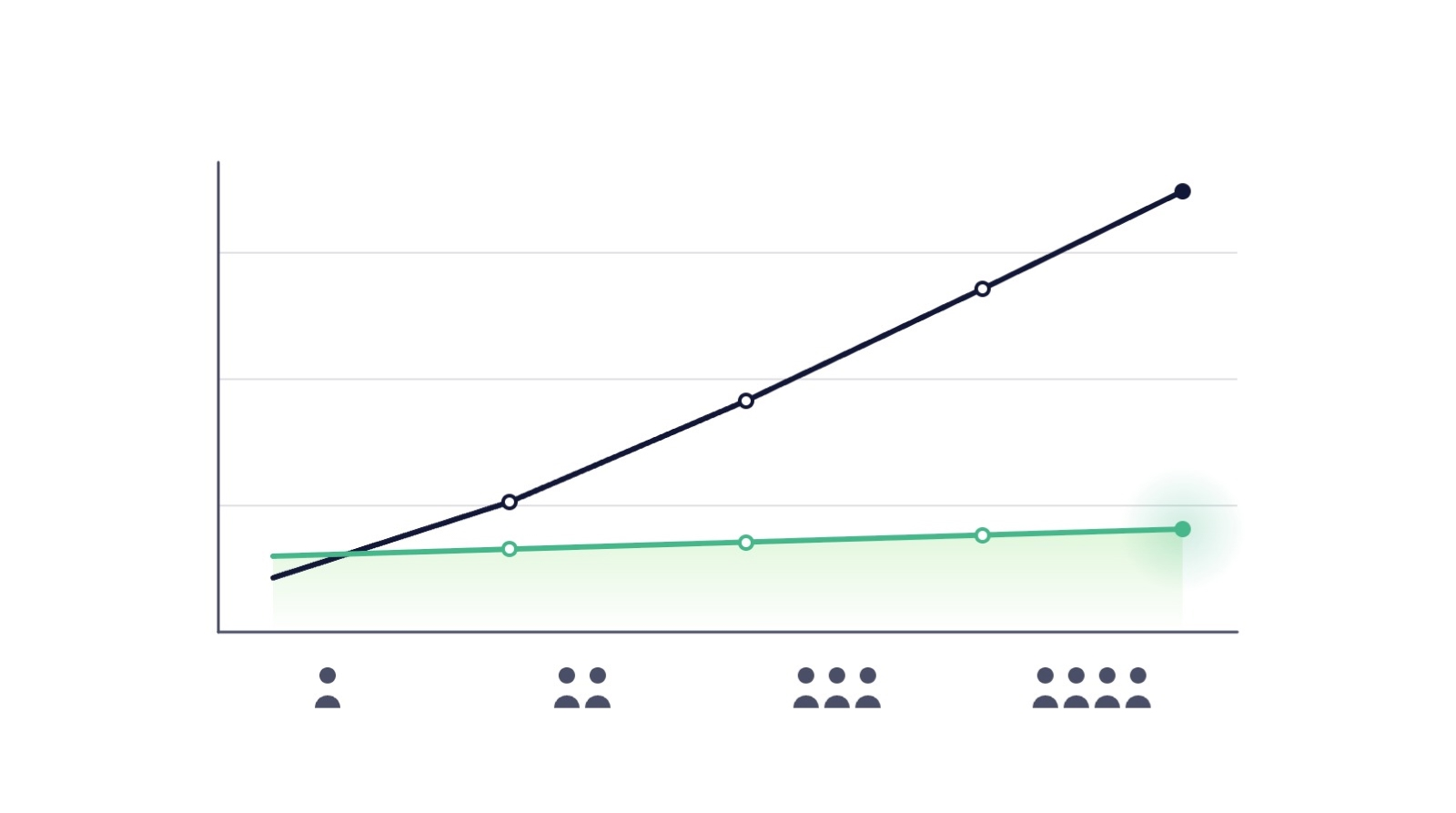
SaaS backup pricing explained: models, real numbers and how to calculate ROI
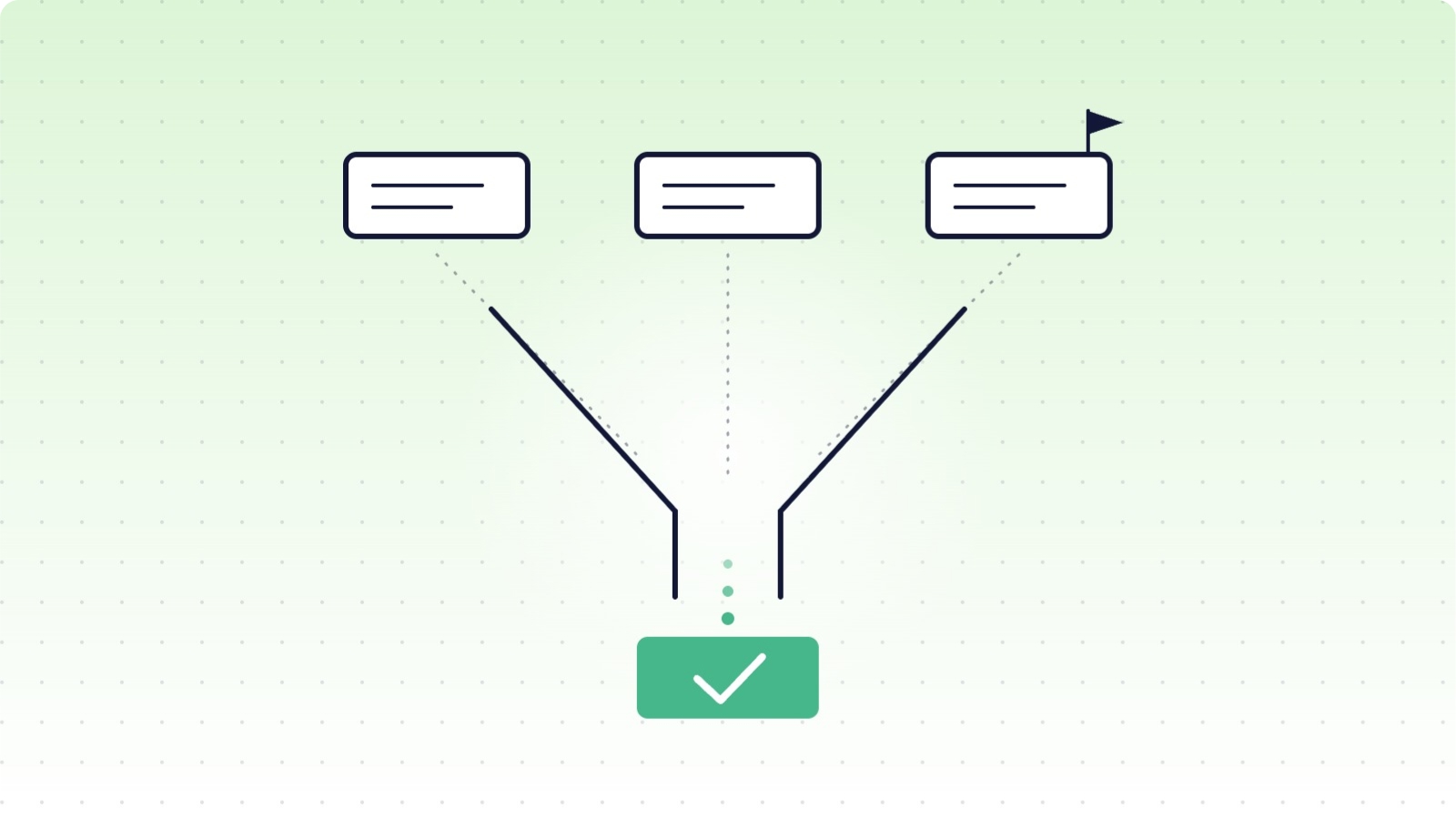
How to evaluate a SaaS backup vendor: criteria, questions and red flags

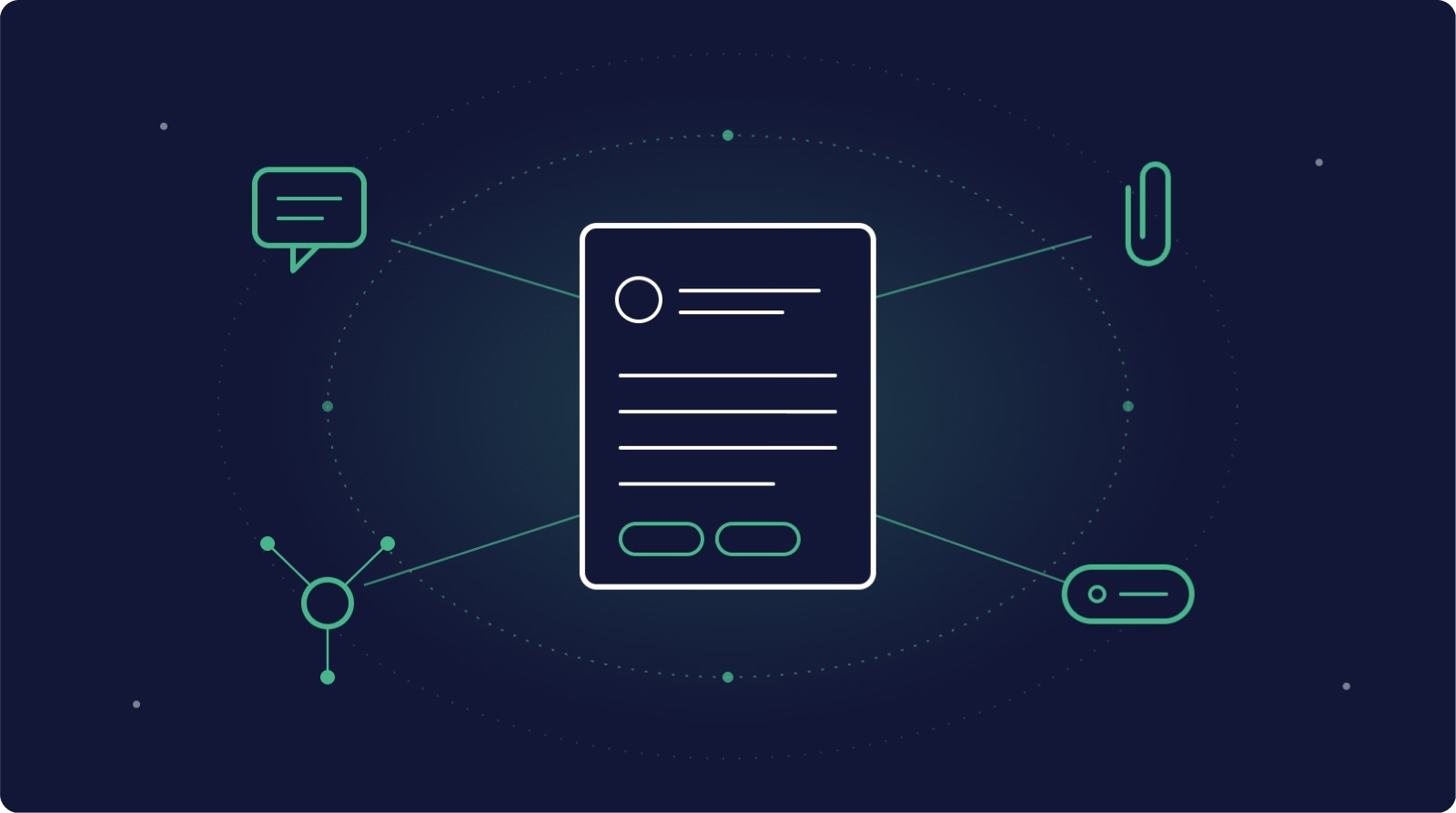
Metadata in SaaS backups: why comments, fields and attachments matter more than you think