


"Oops, I Deleted It." – The Most Feared Words in Project Management
Try for free

4.9 Rating | 4000+ clients
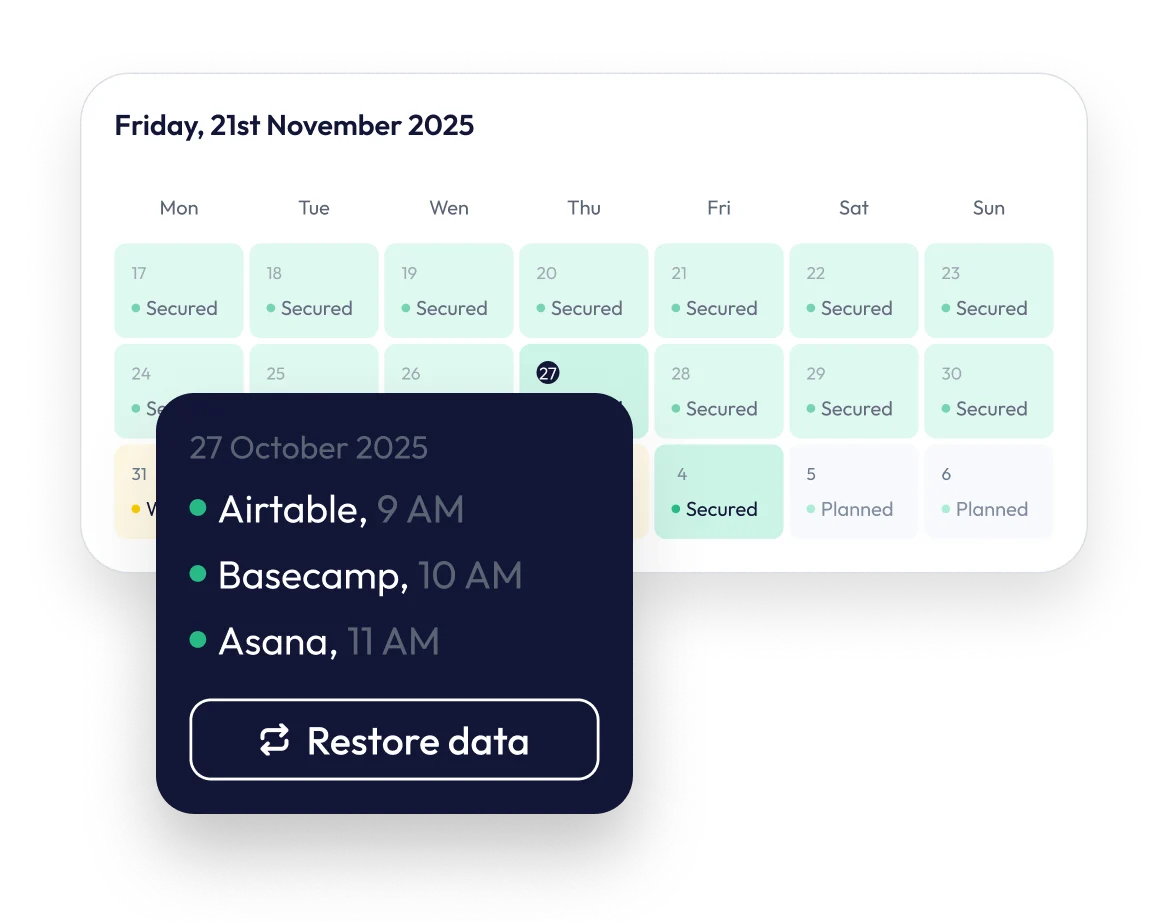

A wrong click, a mistaken deletion, and a critical piece of work is gone.
In SaaS apps it often only takes a few clicks to delete a record or even an entire project. While your SaaS app might have a trash bin, it's often temporary and may not recover everything. What’s even worse: Users often choose to permanently delete data instead of archiving it, in which case the data can be immediately removed from the app’s servers.

Easy-to-Delete, Hard-to-Recover Data
In many SaaS tools, just a few clicks can erase records or entire projects—far faster than most teams can detect or undo.
Limited or Temporary Trash Bins
Recycle bins often have short retention windows and don’t capture all data types, leaving dangerous gaps when you need to recover something important.
Permanent Deletions Happen Often
Users frequently choose “permanently delete” instead of “archive,” meaning data is erased instantly from the provider’s servers with no built-in way back.
Missing Data Leads to Workflow Breakdowns
Once data is gone—tasks, files, comments, assignments—teams lose context and continuity, making it difficult to reconstruct work manually.
Erase Mistakes with a Single Click

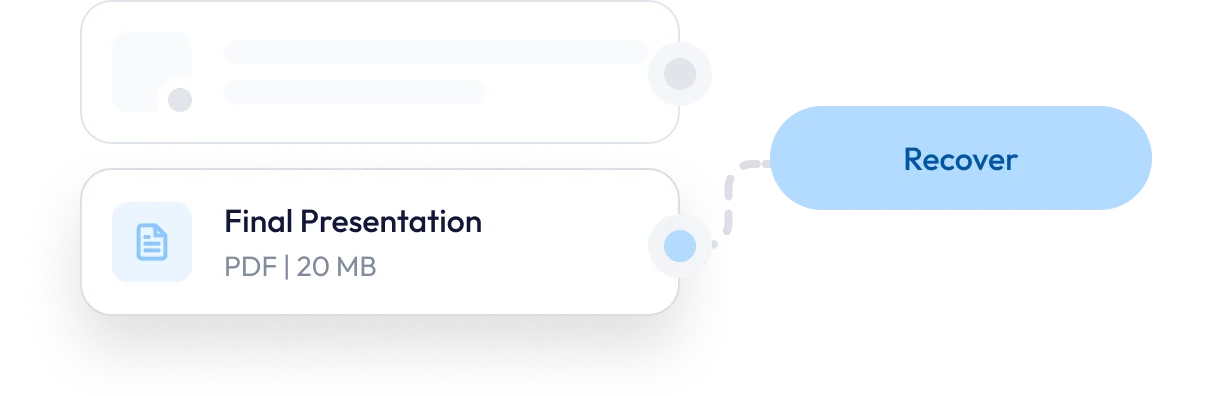
Restore a single task, a comment, a file, or an entire project with just a few clicks.

Recover items that were permanently deleted from your app's trash.

Safely restore a previous version of a board; our system creates a new copy without overwriting any existing data.

Safe, Granular, and Complete Recovery
Granular, Targeted Restoration
Restore exactly the data you need—down to specific items—without affecting the rest of your workspace.
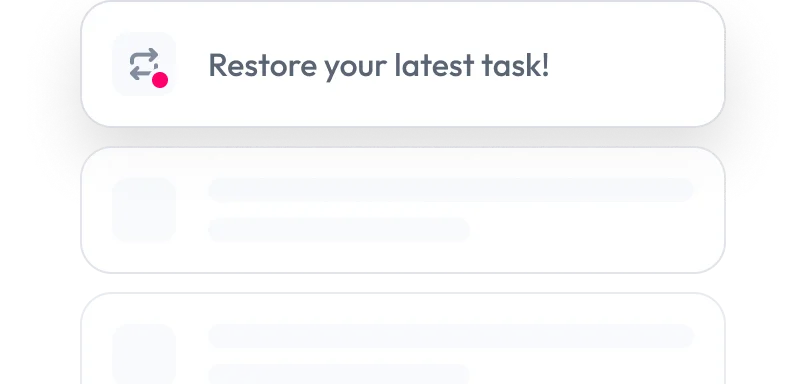
Non-Destructive Recovery Process
Boards, projects, and structures remain untouched. Restored items are added safely, ensuring zero risk to existing data.
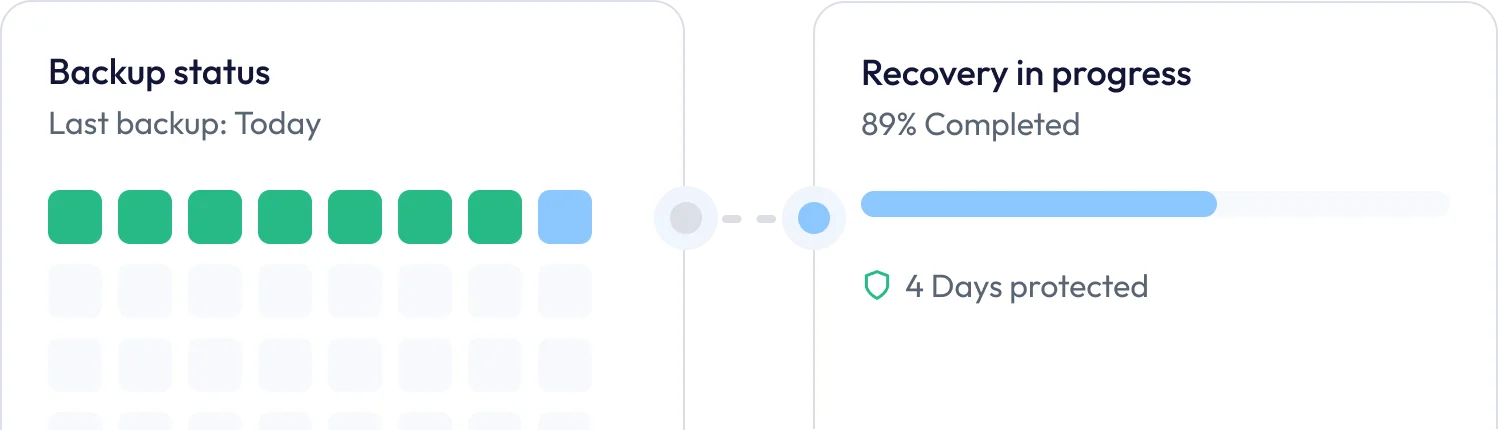
Complete Data Reconstruction
The system restores not just the item but everything connected to it: comments, attachments, assignees, metadata, and relationships.
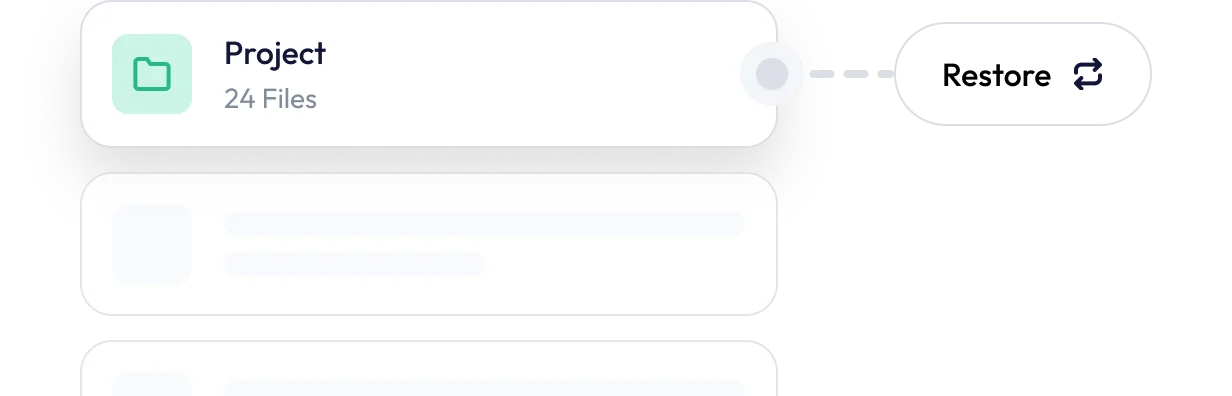
Accuracy-Driven Recovery Workflow
Engineered for clean, precise restores with safeguards that prevent overwriting or corrupting existing data.

ProBackup has been protecting customer data since 2018. Our backup technology is a stable, core component of our service, refined over multiple platform versions to ensure reliability. One in 3 customers upgrades their trial to a paying subscription and trusts us to safeguard their critical project information.


Frequently asked questions
What exactly can I restore?
Restoring a workspace is not possible through the user interface, but our team can assist you with this process.
Can I restore an entire workspace?
Restoring a workspace is not possible through the user interface, but our team can assist you with this process.
Will restoring something overwrite my current data?
No. When restoring a full board or project, ProBackup creates a new copy, ensuring your existing data is never overwritten.
How long does a restore take?
Most restores complete within seconds, depending on dataset size.
Is this included in the basic plan?
Yes, one-click restore is a core feature available on all plans, including the "Plus" plan.