

ProBackup vs HYCU for ClickUp
Running your projects on ClickUp? Then a third-party backup is essential: ClickUp's own export is manual and can't restore data into your workspace. ProBackup and HYCU R-Cloud are the two automated backup-and-restore options for ClickUp today. Here's how their ClickUp integrations compare.

No credit card required. 2-minute setup.

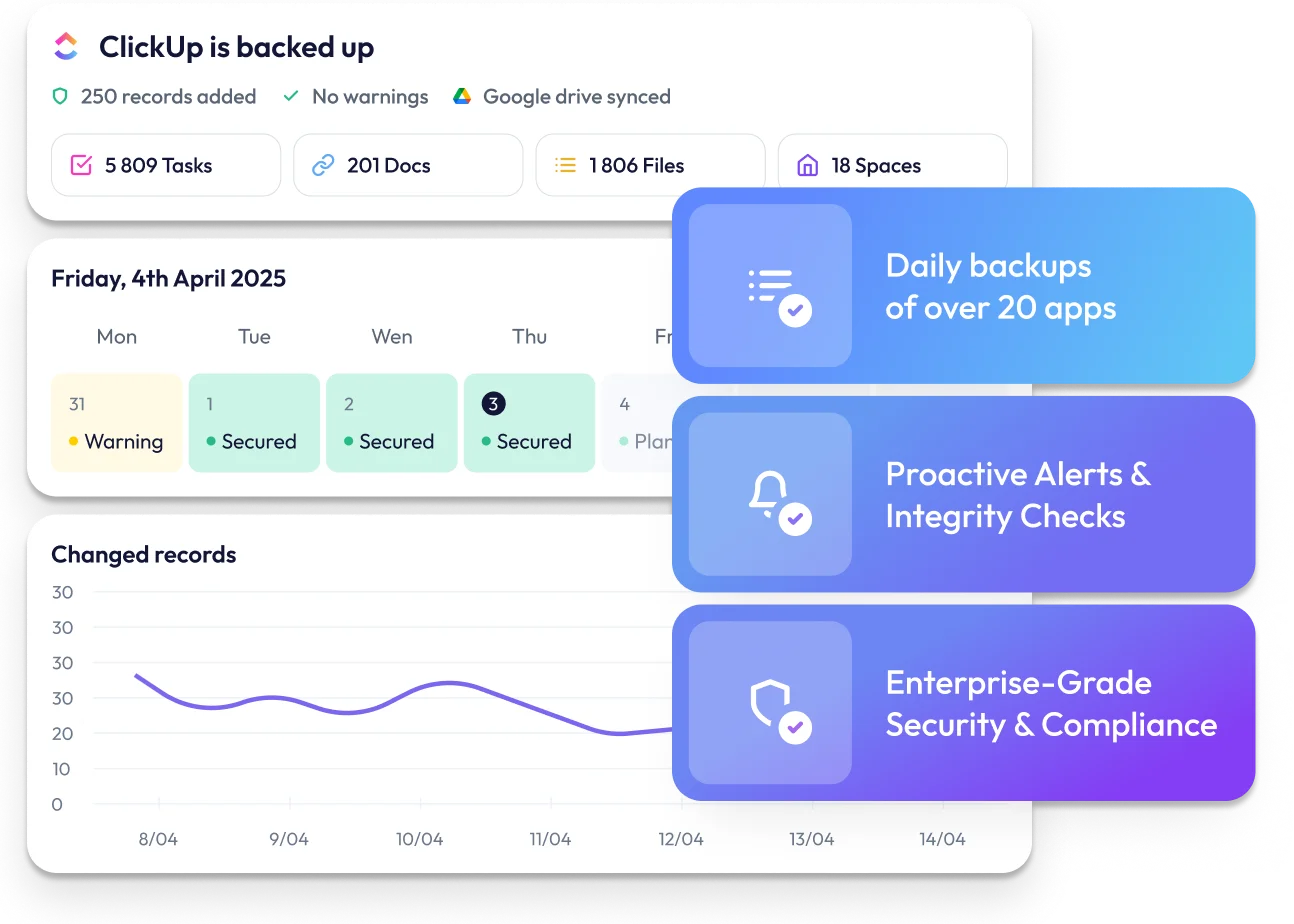


Finding the best backup solution for ClickUp
ClickUp has become the all-in-one work hub for thousands of teams: tasks, docs, goals, time tracking and chat in one workspace.
That concentration is exactly what makes a backup necessary. A bulk edit gone wrong, a departing teammate deleting a Space, or an integration overwriting custom field values can wipe out months of context. ClickUp's Trash keeps deleted items for 30 days, but it won't help with overwritten fields, and there is no native point-in-time restore. In this guide we compare two automated ClickUp backup solutions: ProBackup and HYCU R-Cloud. We look at which data gets protected, how restores work, where your backups live, and what each costs.

What ClickUp data gets protected?
ProBackup covers the essential components of your ClickUp workspace. HYCU documents protection for Workspaces, Spaces, Folders, Lists, tasks, subtasks and attachments, with comments, Views (list, board, calendar and gantt) and Goals covered in its module guide. Docs and custom fields are not listed in HYCU's public documentation, so verify these with HYCU if they matter to you.

Account level:
teams and users, Workspaces and shared Workspaces, Folders and Lists, chat channels, messages and replies

List level:
tasks and subtasks, assignees and due dates, custom fields and values, attachments, files in task descriptions, Docs, comments and replies, checklists, task watchers, Goals, List members, tags, time tracking, time estimates, and Views

Important limitation
Neither solution backs up Whiteboards, Automations, Forms or Task Templates. These data types aren't exposed by ClickUp's API.
Backup and restore functionality

What HYCU offers
HYCU R-Cloud is an enterprise data-protection platform that also covers ClickUp. Its strongest points are scheduling and storage control: backups can run as often as every 4 hours, retention policies let you keep daily, weekly, monthly and yearly copies, and backups are written to storage your own organisation owns (Amazon S3, Azure Blob, Google Cloud Storage or Wasabi), which you provision and pay for separately. Restores are granular down to a single Space, Folder, List, task or attachment. You select what to restore from a list of containers and a restore point; the app does not show the underlying tasks or their contents. HYCU's documentation also lists restore limitations: resolved status of comments is not restored and the number of restored comments per task is capped by your HYCU plan; only list, board, calendar and gantt views can be restored; Goal history and step notes, List priority, ClickUp users, user groups as assignees and sharing permissions are not restored.

Where ProBackup goes further
ProBackup automatically backs up your ClickUp workspace every 24 hours and is built around granular, everyday recovery.
With ProBackup, you can restore:
- Lists: restored as a new List in the original Folder or Space, including all tasks, comments, files and custom fields
- Individual tasks: either as new copies in the original List, or by overwriting only the fields you select on the existing task. Roll back a bulk status update or a wiped custom field without recreating anything
- Docs: restored as a new Doc with the version date appended to the name
- Comments: restored as duplicates within the relevant task
- Files: restored directly to the associated task
- Custom fields: restored as duplicates in the related List, with all field values of existing tasks included
The field-level overwrite is the key difference. HYCU restores objects; ProBackup also lets you repair them in place.
Navigating your backup history
HYCU's navigation
HYCU's interface does not let you view or browse individual backed-up records. It shows your Workspaces, Spaces, Folders and Lists as containers; you pick a container and a restore point, and restore it. To see what a task looked like before a change, you have to restore first and inspect the result in ClickUp.
ProBackup's structured exploration
ProBackup offers global search alongside an interface designed for browsing backup data. You can:
- Navigate Spaces, Folders and Lists through a hierarchical tree structure
- Switch between tabs to view tasks, comments, Docs or files for each List
- Use the date picker to see how a List looked on any previous day
View all tasks or files for a List in one place, and travel back through snapshots to find the exact moment something changed.
Key features that set ProBackup apart
In addition to the browsable backup history, ProBackup offers several key capabilities that differentiate it from HYCU:

Global search
Locate any task, Doc, comment or file across every backup with one search.

Excel exports
Export any data table to Excel with a single click. For larger datasets, request a complete export delivered via email.
Attachment downloads
View and download your backed-up files directly from the platform. ProBackup Premium users can bulk download all attachments for a selected List.

Sync to Google Drive
Create a secondary copy of your backups in Google Drive, in a format your team already knows and without provisioning any storage yourself. Combined with Drive for Desktop, you can automate local downloads for an additional layer of protection.

Proactive alerts
ProBackup watches for unusual activity in your account. If there is a sudden increase in deletions or a notable drop in backed-up Lists, administrators receive an email notification. This early warning system helps you respond quickly to accidental deletions, malicious actions, or technical problems.

Restore in place
Overwrite only the fields you select on existing tasks instead of recreating them. Roll back a bulk status change or a wiped custom field without touching anything else. Premium subscribers can also exclude specific Spaces or Lists from the backup scope.
Price plan differences

HYCU pricing
HYCU's Productivity Suite is priced at $4 per user per month and bundles ClickUp with Asana, Miro, Notion, Podio, Trello, Typeform and Wrike. Storage is not included: backup data is billed by your cloud provider (AWS, Azure, Google Cloud or Wasabi). HYCU offers a 14-day free trial.
Because pricing is per user, cost scales with your ClickUp headcount:
- 10 members: $40/month before storage
- 50 members: $200/month before storage
- 200 members: $800/month before storage
ProBackup's flexible tiers
ProBackup prices per plan, not per ClickUp user. Team size does not change your bill.
- Plus ($25/mo): Includes core daily backup and restore functionality.
- Pro ($38/mo): Adds Google Drive sync, global search, weekly status updates, and proactive alerts.
- Premium ($69/mo): Designed for scale, including SSO, priority support, audit reports, and bulk attachment downloads.
All plans billed annually, monthly billing available. 7-day free trial, no credit card required.
The Cross-Platform Advantage
Both vendors protect more than ClickUp. HYCU's Productivity Suite covers 8 productivity apps, with Microsoft 365, Atlassian and DevOps sold as separate suites at their own per-user rates.
ProBackup protects 20+ SaaS applications under a single subscription: ClickUp, Asana, monday.com, Trello, Notion, Miro, HubSpot, Slack, Google Workspace, Airtable and more. One licence, one price, one place to search and restore.
Complete feature comparison
ProBackup
HYCU R-Cloud
Pro: 2 years
Premium: unlimited
Which solution is right for you?

Choose HYCU
if you need backups more often than once a day, must keep backup data in storage your own organisation controls, or already run HYCU for other workloads.
Choose ProBackup
if you want:
- Daily snapshots of your Spaces, Lists, tasks and Docs that you can browse and compare over time
- Granular restore of Lists, tasks, Docs, files, comments and custom fields, including in-place field overwrite
- Global search to find any task, comment or file in seconds
- Complete data visibility with Excel exports and attachment downloads
- Automated Google Drive sync for a copy you control, with nothing to provision
- Proactive alerts that catch deletions before anyone notices
- Protection for 20+ SaaS applications under one subscription
- Predictable pricing from $25/month, regardless of team size


Secure your ClickUp data today
If your organisation needs dedicated backup protection for ClickUp, with the ability to actually see your backed-up tasks, search them, restore them granularly and monitor for deletions, all without running storage infrastructure, ProBackup for ClickUp is the more focused and accessible solution.
Start my ClickUp backup