


Give every client workspace an undo button

You set up your clients' ClickUp, Asana, monday.com or HubSpot workspace. When someone deletes the wrong List or a bulk edit overwrites hundreds of tasks, you get the call, and the platform's own trash only goes so far.
The programme gives you a free account and a client guide with your logo, so a daily backup is in place before anything goes wrong. You don't become a sales rep.

Free to join. No targets, no contract.

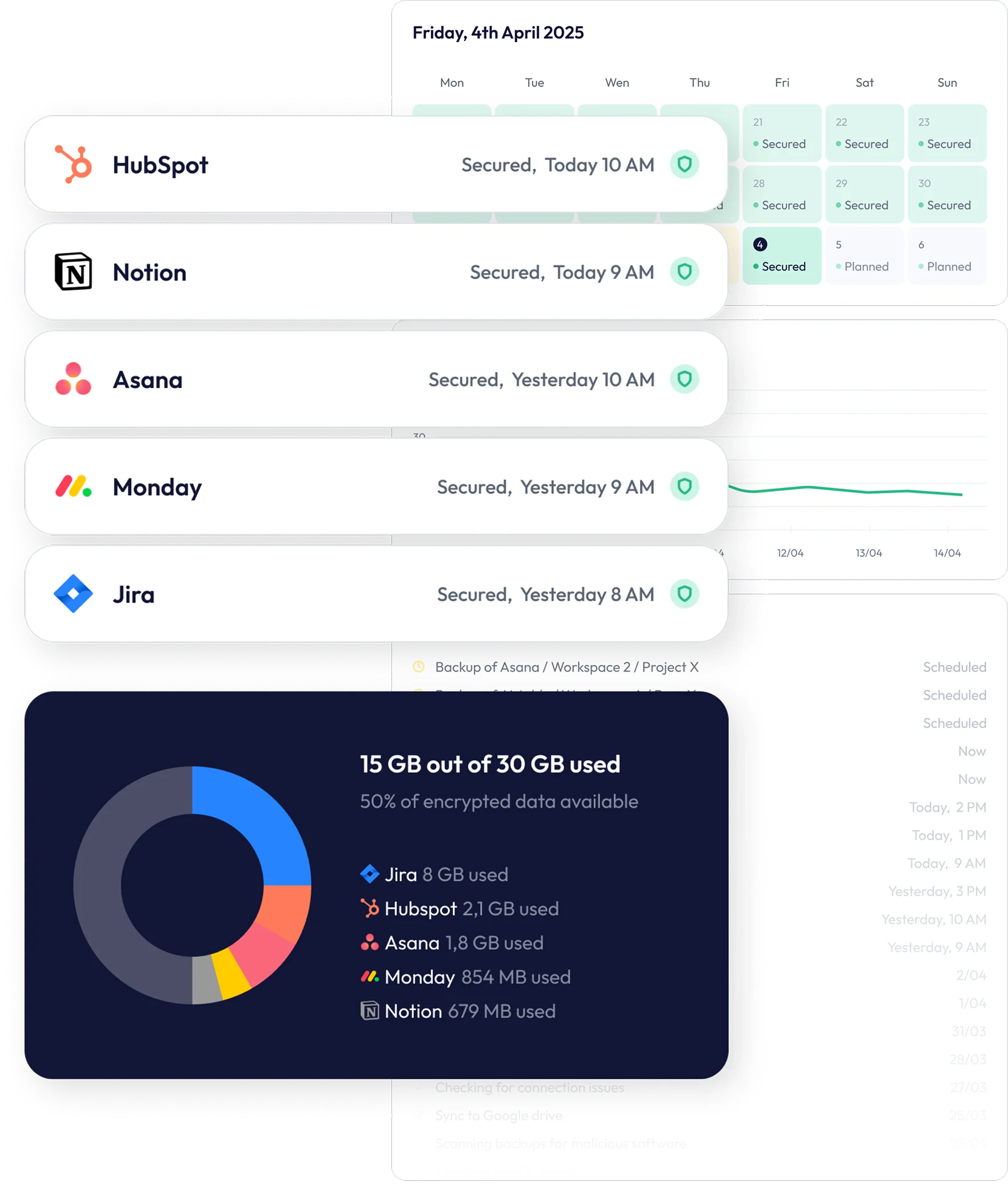










You give advice. We do the backups.
Many teams assume their SaaS vendor keeps a backup of their data for them. The vendor's terms often say otherwise. ClickUp's put it plainly: "we are not a backup service".
Pointing that out is part of good advice, and it is the whole role. Mention it, send the guide, let the client decide. Setup questions and support come to us.


What partners get

A free account for your own workspace
Back up your agency's own workspace at no cost, with no conditions attached. You get to know the product before you recommend it.

A client guide with your logo
A one-page PDF for your clients: "Who is responsible for your ClickUp data?". Your logo sits next to ours, and the guide carries your referral link and QR code. We write and maintain it; you send it. The ClickUp version is ready; other platforms on request.

A safety net for big clean-ups
Restructuring a workspace, archiving old projects or running a bulk import? Check that the client's backup is running first. If a change goes wrong, restore just the tasks, records or fields that broke, not the whole workspace.

30% recurring commission
Through our referral programme: 30% of every payment from clients who sign up through your link, for as long as they stay subscribed. Joining is optional.
One page, written for your clients
Plain language, every claim sourced. It explains what the platform looks after, what stays the client's job, how data usually gets lost and what a backup adds. It quotes the vendor's own terms, so the point doesn't rest on our word.
It carries your logo, referral link and contact details. It also says what a backup cannot capture, so nobody is oversold.
Download the example (PDF)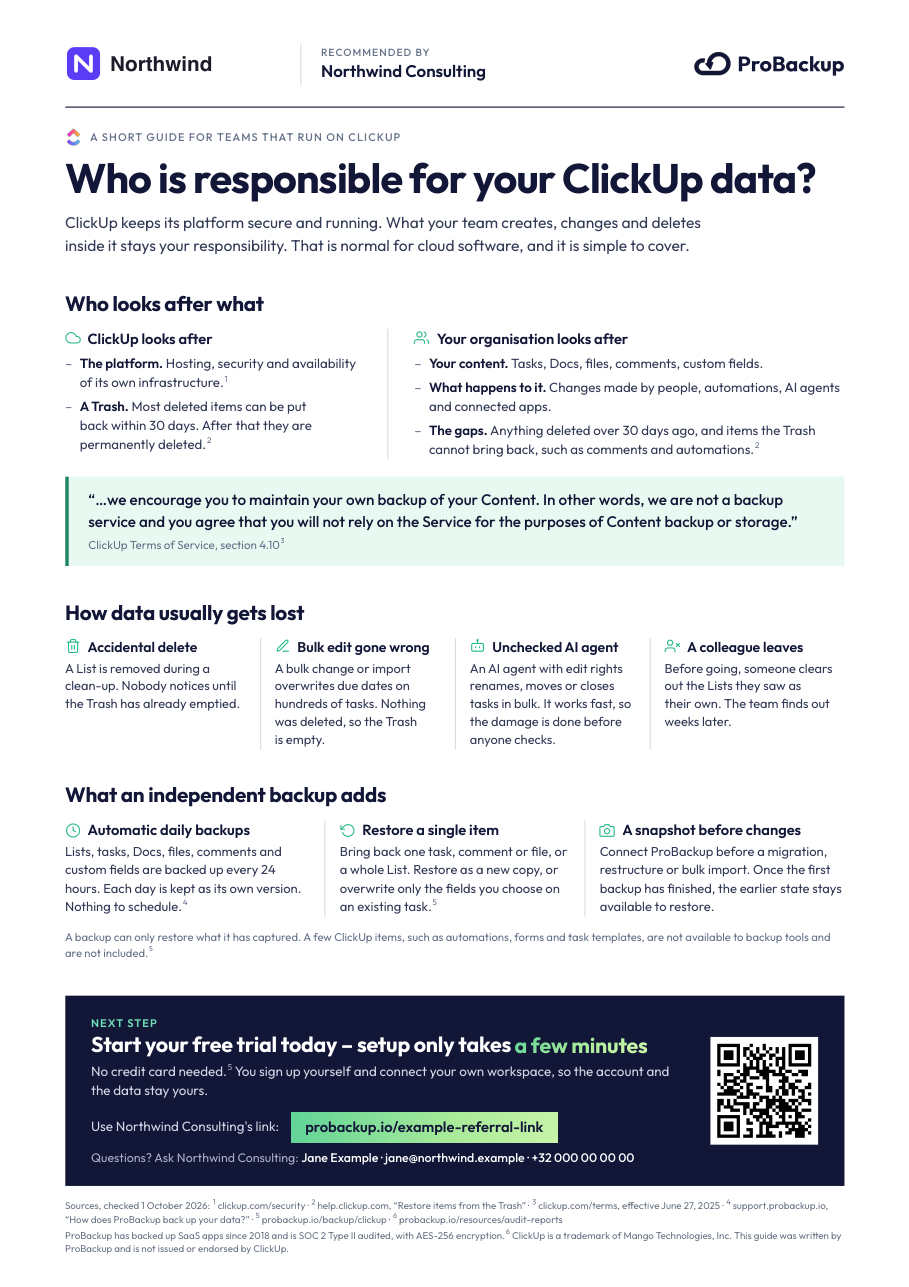
One line in your checklist
Add a single question to your client onboarding and offboarding checklist: "Is a backup in place?". If the answer is no, send the guide. That's it.
How a client gets set up
You share the guide or your link
Send the PDF, or drop your referral link into a proposal or kickoff email.
Your client connects their own workspace
They sign up and connect the app themselves. The free trial needs no credit card and takes a few minutes.
Backups run every 24 hours
Each day is kept as its own version, ready to restore. The account and the data belong to your client; you don't handle their billing or their logins.
Frequently asked questions
Do I have to sell ProBackup?
No. There are no targets or quotas. Mention backup where it fits, send the guide and leave the decision to your client. Their questions and support come to us.
My clients don't want another tool.
They won't have to use it day to day. Your client connects the app once, and ProBackup backs it up every 24 hours in the background. They only log in when something needs restoring.
Shouldn't the platform back this up?
Platforms protect their own infrastructure. What users delete or overwrite is usually the customer's responsibility, and ClickUp's terms say it directly: "we are not a backup service". Built-in trash bins help, but they have limits: ClickUp's Trash keeps most deleted items for 30 days and cannot bring back comments.
Nobody cares about backup until the first incident.
That's normal, and it's why the checklist line matters. A backup only helps if it was already running before the incident. Setup takes a few minutes, so kickoff or handover is the easiest moment, when you're reviewing the workspace anyway.
Who owns the client's ProBackup account?
Your client. They sign up, connect their own workspace and pay ProBackup directly. You don't need access to their account to recommend it.
What does it cost my client?
Plans start at $25 per month, billed annually, and are priced by storage, not by number of users. Every plan starts with a free trial without a credit card. Clients backing up monday.com buy ProBackup through the monday.com marketplace.
Where is my client's data stored?
Your client chooses when they connect their first app: EU (Ireland), Germany, UK, US, Canada, Australia, Singapore, Brazil or Israel. The closest region is pre-selected. Backup data stays in that AWS region. The application that runs the backups, and its databases with account details and backup metadata such as workspace structure, run on AWS in Ireland.
Which apps can my clients back up?
20+ apps, including ClickUp, HubSpot, monday.com, Asana, Airtable, Notion, Jira and Confluence. What can be backed up differs per app because of API limits; each app page lists what is included and what is not.
How does the commission work?
Through our referral programme. You get a personal link with a 90-day cookie, and earn 30% of every payment from clients who sign up through it, for as long as they stay subscribed. Payouts are monthly.
Will ProBackup pass my client's security review?
ProBackup is SOC 2 Type II audited and encrypts data with AES-256. Audit reports are available for procurement reviews.
Trusted by teams who refuse to lose data
From fast-moving startups to compliance-driven enterprises, ProBackup keeps business-critical data safe across your SaaS apps.


It just works, reliably, smoothly, every day. We are now working together with ProBackup for more than 5 years and we can fully recommend Will and his team to anybody else.
Alexander Kösters
Founder at Schulbank

For us it really works very very well, I’ve tested it a number of times. I just provides a huge amount of comfort to us. We’re very comfortable to suggest people to consider ProBackup as the primary backup system.
Louis Venter
Founding Director at Wealth Succession

We would recommend ProBackup to anybody looking for an easy-to-use, cost effective and super seamless backup platform. We’ve tested finding the files and attempting the restores and everything worked seamless for us.
We are using ProBackup for about two years and we are very satisfied. Once we had to restore data and it was super great and super easy. We got everything we needed. Highly recommend ProBackup.
Knowing that ProBackup has all of our systems backed up and we can access them in case of an emergency. It’s critical for the operations of our company. I highly recommend ProBackup, they’ve been fantastic to work with. They’re a really good company.


Become a partner
Tell us which apps you work with. We'll set up your free account, send your client guide and answer any questions.
Become a partner