


One deleted board shouldn't undo three months of project planning

Your team works inside Asana, monday.com, ClickUp, Jira, or Trello every day. One wrong click, one bulk-edit gone wrong, or one departing colleague can wipe out tasks, dependencies, and the project history you've spent months building.
Native version history rarely covers what project managers actually lose. ProBackup gives you daily snapshots and one-click restore for individual tasks, comments, attachments, custom fields, or entire boards.

No credit card required. 2-minute setup.











Built for the people who keep projects running
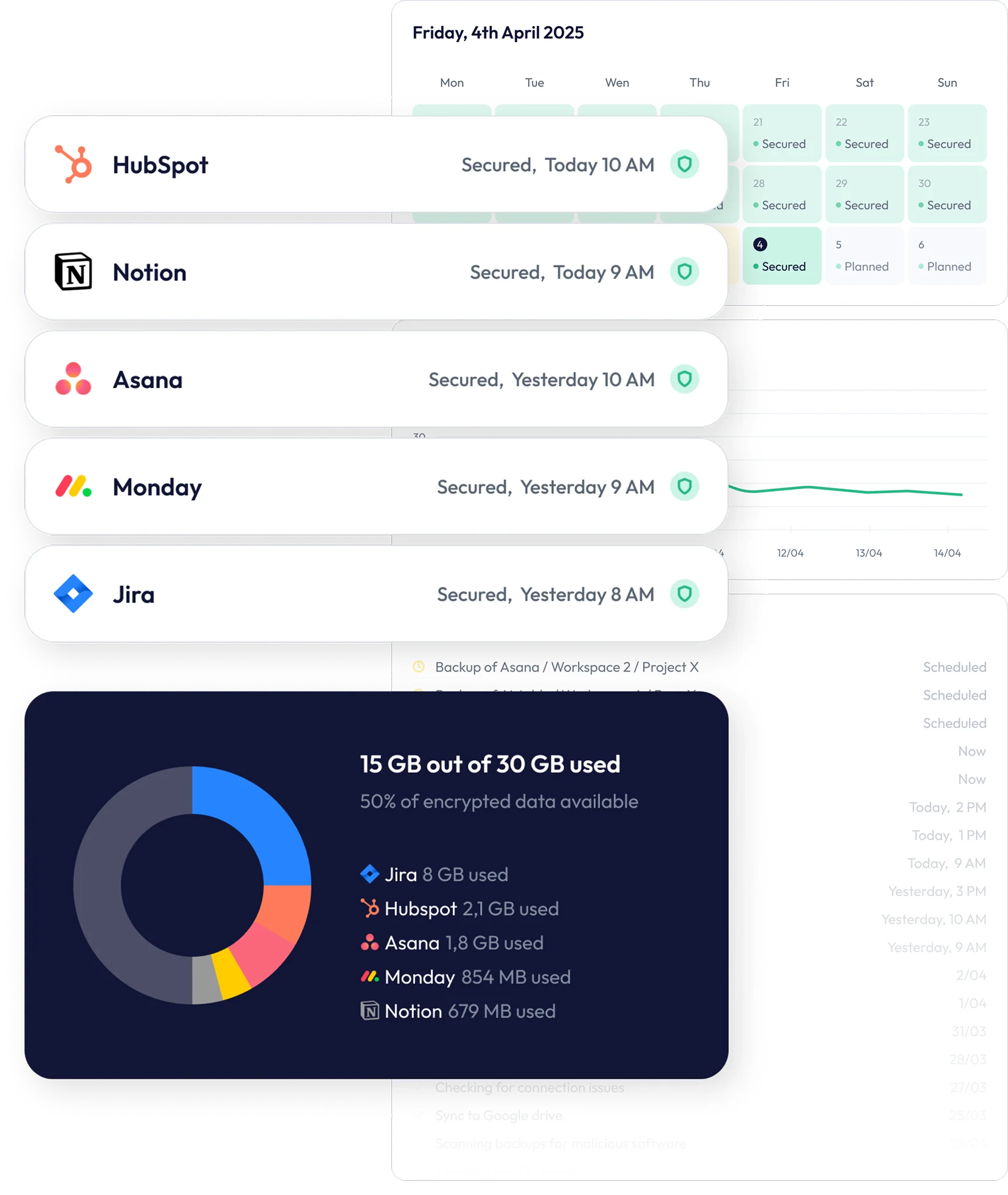
ProBackup is a daily backup and granular restore tool for the project management apps your team depends on. Connect Asana, monday.com, ClickUp, Jira, Trello, Basecamp, Teamwork, Smartsheet, or any of 20+ supported platforms in three minutes.
We capture full daily snapshots - tasks, subtasks, custom fields, comments, attachments, board structures, and dependencies - so you can recover exactly what was lost without rebuilding from memory.
When a teammate accidentally archives a project, an automation deletes the wrong tasks, or a leaving colleague takes their assignments with them, you don't have to rebuild the plan. Restore individual records, point-in-time versions of an entire board, or any subset in between - with one click and no IT ticket.


The data losses every project manager has seen

The accidental delete
A teammate deletes a task they thought was a duplicate... Turns out it had three weeks of comments, attachments, and a custom approval status field. With ProBackup, browse the Vault, find yesterday's version, and restore it with one click. Comments and attachments come back intact.

The bulk-edit gone wrong
Someone runs a bulk update across 200 tasks and overwrites the priority field, or a faulty automation reassigns half the project. Step back to yesterday's snapshot, compare versions, and restore exactly the fields that changed.

The departing colleague
A team member leaves and their tasks, comments, and assignments disappear from view when their account is deactivated. Recover their full activity from the snapshot taken before deactivation - without paying for a license that was already removed.
The archived-or-deleted-by-mistake board
A workspace admin archives or deletes a project board, taking thousands of tasks with it. Restore the entire board structure, items, and history as a new board in your workspace - no manual rebuilding, no lost dependencies.
Frequently asked questions
Which project management apps does ProBackup support?
ProBackup supports the project management platforms PMs use most: Asana, monday.com, ClickUp, Jira, Trello, Basecamp, Teamwork, Smartsheet, and Notion. Beyond project management, we also back up CRM, dev, and content tools. A single ProBackup account covers your team's full stack.
What exactly gets backed up from my project boards?
Tasks, subtasks, descriptions, assignees, due dates, custom fields, comments, attachments, file uploads, board and project structures, statuses, labels, and activity history - everything the source platform's API exposes. Some platform-specific limits apply (for example, monday.com's API doesn't expose automations or dashboards), and we list these clearly on each platform's page.
Can I restore a single task without rolling back the whole project?
Yes. Granular restore is the core of ProBackup. Recover an individual task, a single comment, one custom field value, an attachment, or an entire board - whichever scope matches what was lost. You don't have to roll back work your team has done since the deletion.
How far back can I restore?
Plus retains snapshots for 6 months, Pro for 2 years, and Premium keeps unlimited version history. For each backed-up record, you can step through every daily version: Useful when you need to recover a status, comment, or field as it existed on a specific date.
Does ProBackup work across multiple workspaces or projects?
Yes. Connect any number of workspaces inside an app (e.g. multiple Asana workspaces or monday.com accounts), choose which to include, and we back up each independently. The Vault and global search work across all of them, so you can find a deleted task even if you don't remember which workspace it lived in.
Will my team know when ProBackup is running?
No. ProBackup runs in the background once a day via secure OAuth: It doesn't change anything in your project management tool, doesn't slow it down, and your teammates won't see ProBackup activity. The only people who interact with ProBackup are admins and the team members you invite.

Trusted by project managers who refuse to lose data
From fast-moving startups to compliance-driven enterprises, ProBackup keeps business-critical data safe across your SaaS apps.


It just works, reliably, smoothly, every day. We are now working together with ProBackup for more than 5 years and we can fully recommend Will and his team to anybody else.
Alexander Kösters
Founder at Schulbank

For us it really works very very well, I’ve tested it a number of times. I just provides a huge amount of comfort to us. We’re very comfortable to suggest people to consider ProBackup as the primary backup system.
Louis Venter
Founding Director at Wealth Succession

We would recommend ProBackup to anybody looking for an easy-to-use, cost effective and super seamless backup platform. We’ve tested finding the files and attempting the restores and everything worked seamless for us.
We are using ProBackup for about two years and we are very satisfied. Once we had to restore data and it was super great and super easy. We got everything we needed. Highly recommend ProBackup.
Knowing that ProBackup has all of our systems backed up and we can access them in case of an emergency. It’s critical for the operations of our company. I highly recommend ProBackup, they’ve been fantastic to work with. They’re a really good company.


Try ProBackup free for 7 days
No credit card. No admin permissions required for most platforms. Connect your project management tool in three minutes - your team won't even notice ProBackup is running.
Start your free trial