ProBackup launches integration for Webflow
In July 2025 ProBackup added Webflow, its first website-builder integration: daily backups of your Webflow sites, pages, assets, users and CMS content, with CMS items, collections and assets restorable as new copies.

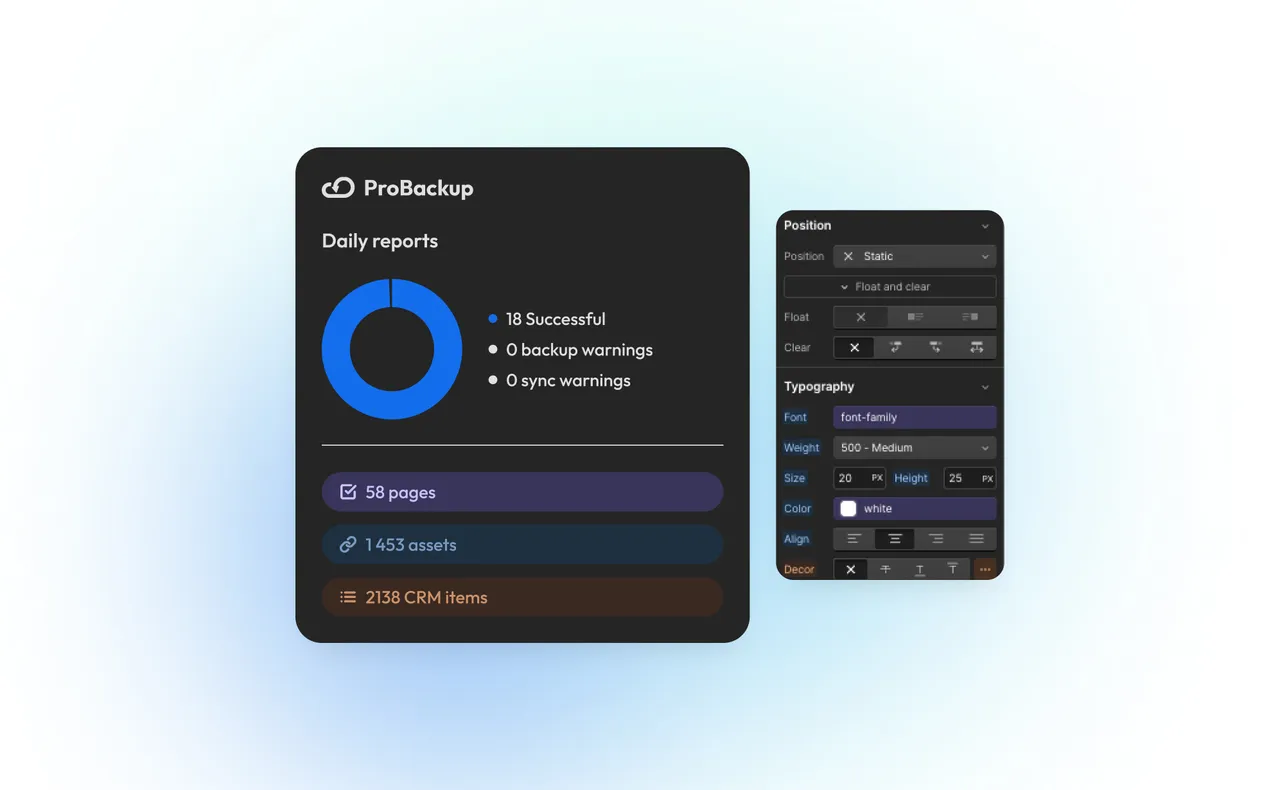
In short: ProBackup added Webflow in July 2025, its first website-builder integration. It backs up Webflow sites, pages, assets, users and CMS collections and items every 24 hours; CMS items, whole collections and assets restore as new copies. Paid ProBackup customers add Webflow next to their other apps under the same licence. It is aimed at SMEs, designers and marketers who build and manage their sites in Webflow.
In July 2025 ProBackup added support for Webflow, our first website builder integration, a step towards being the one-stop backup solution for SMEs relying on SaaS applications.
What is Webflow?
Webflow is a website-building platform that lets users design, build and launch websites visually, without traditional coding. It combines the flexibility of custom development with the ease of a drag-and-drop editor.
Why Webflow?
SMEs, designers and marketers rely on Webflow for its intuitive interface, customization options and pixel-perfect, responsive websites. Since many of our customers already use Webflow, adding backup support was a natural next step.
What this means for you
- Automated backups for Webflow: a daily snapshot of your sites, pages, assets, users and CMS collections and items. CMS items, whole collections and assets can be restored as new copies; sites, pages and users are browse-only, and design, custom code and site settings are not covered.
- One licence: if you're a paid user, you can back up Webflow alongside your other SaaS apps without a separate subscription.
How to add Webflow to ProBackup
- Log in to your ProBackup account.
- Add a new app and select Webflow.
- Authorise ProBackup on Webflow's screen and choose the sites it may access.
- The first backup starts automatically.
For the full setup and restore walkthrough, see How to back up Webflow (and restore deleted data).