

In short: SaaS platforms such as Asana, ClickUp, monday.com, HubSpot and Trello recover from their own outages but not from your deletions, bad imports, offboarded users or AI agents editing records in bulk. Recycle bins last 7 to 90 days, miss overwritten fields and sit inside the same account. A real backup is daily, granular, versioned, independent, encrypted and tested.
Most teams assume the SaaS platform holding their data also protects it. That assumption is half right. Platforms such as Asana, ClickUp, monday.com, HubSpot and Trello run on hardened infrastructure and recover reliably from their own outages. What they don't do is recover your data from your own mistakes, your own integrations, or a user with the wrong permissions. This post explains where that gap sits, why it matters more in 2026 than it did two years ago, and what a working backup setup looks like. Updated August 2026.
The shared responsibility gap
Every major SaaS vendor operates on a shared responsibility model. The vendor is responsible for the platform: uptime, infrastructure security, and disaster recovery for their own systems. You are responsible for what happens inside your account. That includes accidental deletion, bulk edits gone wrong, a faulty import, an offboarded user, or an automation that ran on the wrong filter.
Most vendors are open about this in their terms, but few make it visible in the product. The result is that teams discover the boundary at the worst moment: after data is gone, when support explains that a permanently deleted board, record or project is outside their scope. We set out the hidden risks of SaaS data in more detail.
Key takeaway: a platform's disaster recovery protects the platform. It doesn't protect your account from you.
Why native recovery isn't a backup
Recycle bins and trash folders help with the simplest case: one item, deleted recently, noticed quickly. They fall short in three ways.
- Time-limited. Windows range from 7 to 90 days depending on the platform and plan, and permanent delete usually bypasses the bin entirely.
- No version history. If a record still exists but its fields were overwritten, there's nothing to restore. The bin only sees deletions, not corruption.
- Not independent. The bin lives inside the same account and the same permission model. Anyone who can delete can usually empty it too.
A backup is a separate copy, held outside the platform, versioned over time, that you control regardless of what happens inside the source account. Native recovery doesn't meet that bar.
The four ways SaaS data actually gets lost
- Human error. Still the most common cause. Selecting the whole table instead of one row, choosing delete instead of archive, or removing a custom field along with every value it held.
- Bad imports and integrations. A CSV with the wrong column mapping or a sync tool with a broken rule can overwrite thousands of records in minutes, and the platform logs it as a normal edit.
- Malicious or careless users. A departing employee, a compromised login, or a contractor with admin rights. Trello, for instance, permanently deletes a board the moment a user with access confirms, with no bin to recover from.
- AI agents acting at scale. New since 2025: agent features in ClickUp, monday.com, Asana and HubSpot can edit, enrol and delete records in bulk from a natural-language prompt. A misworded instruction reaches thousands of records before anyone reviews the result.
Ransomware belongs on the list too, but for SaaS platforms it mostly arrives through compromised credentials rather than encrypted servers, which puts it back in category three. We walk through five common data-loss scenarios and how to prevent them separately.
What good looks like
- Automated and daily. Any process that depends on someone remembering to export will lapse. Daily snapshots cap your maximum data loss, or recovery point objective (RPO), at 24 hours.
- Granular restore. You need to put back one task, one deal or one comment without rolling back the whole account. Whole-workspace restores are the exception, not the norm.
- Point-in-time history. Corruption is often noticed weeks later. Retention should stretch back far enough to find the last clean version.
- Stored independently and encrypted. Separate storage, AES-256 encryption at rest, TLS in transit, in a region you choose for data residency reasons.
- Tested. Run a restore drill every quarter. A backup you've never restored from is an assumption, not a control.
- Honest about scope. Backups work through each platform's public API. Where an API doesn't expose something, such as automations or certain metadata, no backup tool can capture it. Know your gaps before you need them.
Important context: for teams working under the General Data Protection Regulation (GDPR) Article 32, SOC 2 or ISO 27001, an independent, tested backup with defined retention is a control auditors expect to see, not just an operational nicety.
Where ProBackup fits
ProBackup is a SaaS backup service that takes automated daily snapshots of every app you connect and lets you restore individual records, files or whole projects back to the original account. Restores work in two modes: create new duplicate records, which leaves the originals untouched, or overwrite existing records field by field. Data is stored encrypted in the AWS region you select at signup, and ProBackup has been SOC 2 Type II certified since May 2025. Version history runs from 6 months on Plus to unlimited on Premium.
Conclusion
SaaS platforms have made infrastructure failures rare. They haven't made data loss rare; they've moved its cause from the server room to the people, integrations and agents working inside your account. That's the part the vendor doesn't cover, and it's the part a backup is for.
Written for IT managers, operations leads and anyone responsible for data governance in a team that runs on SaaS tools.

Related posts
What happens to their work when someone leaves: offboarding data in Asana, ClickUp, monday.com and HubSpot
.png)
ProBackup's SOC 2 Type II report: what it covers, how to request it, and what it does not mean

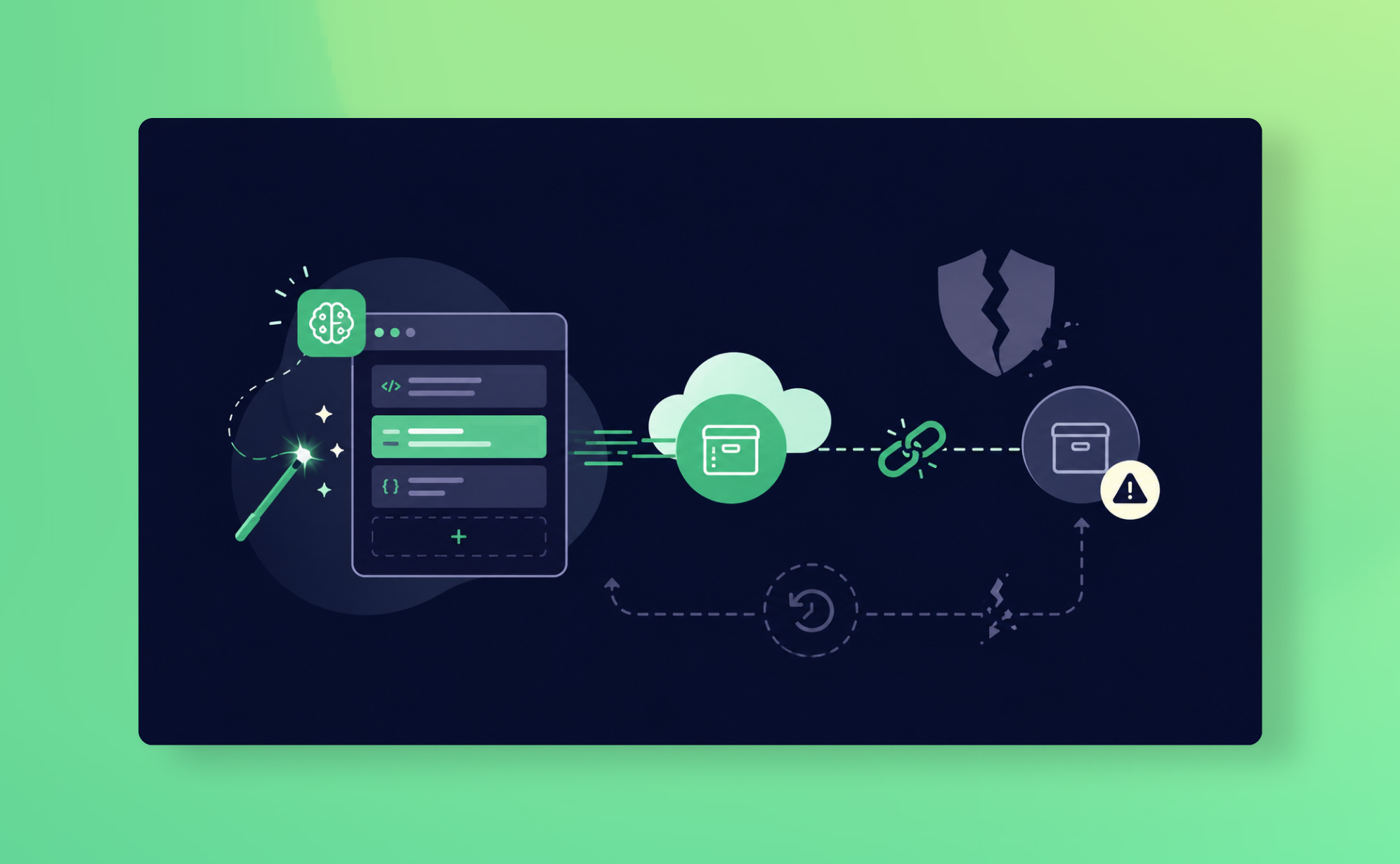
The dangers of vibe coding a backup tool for your business