
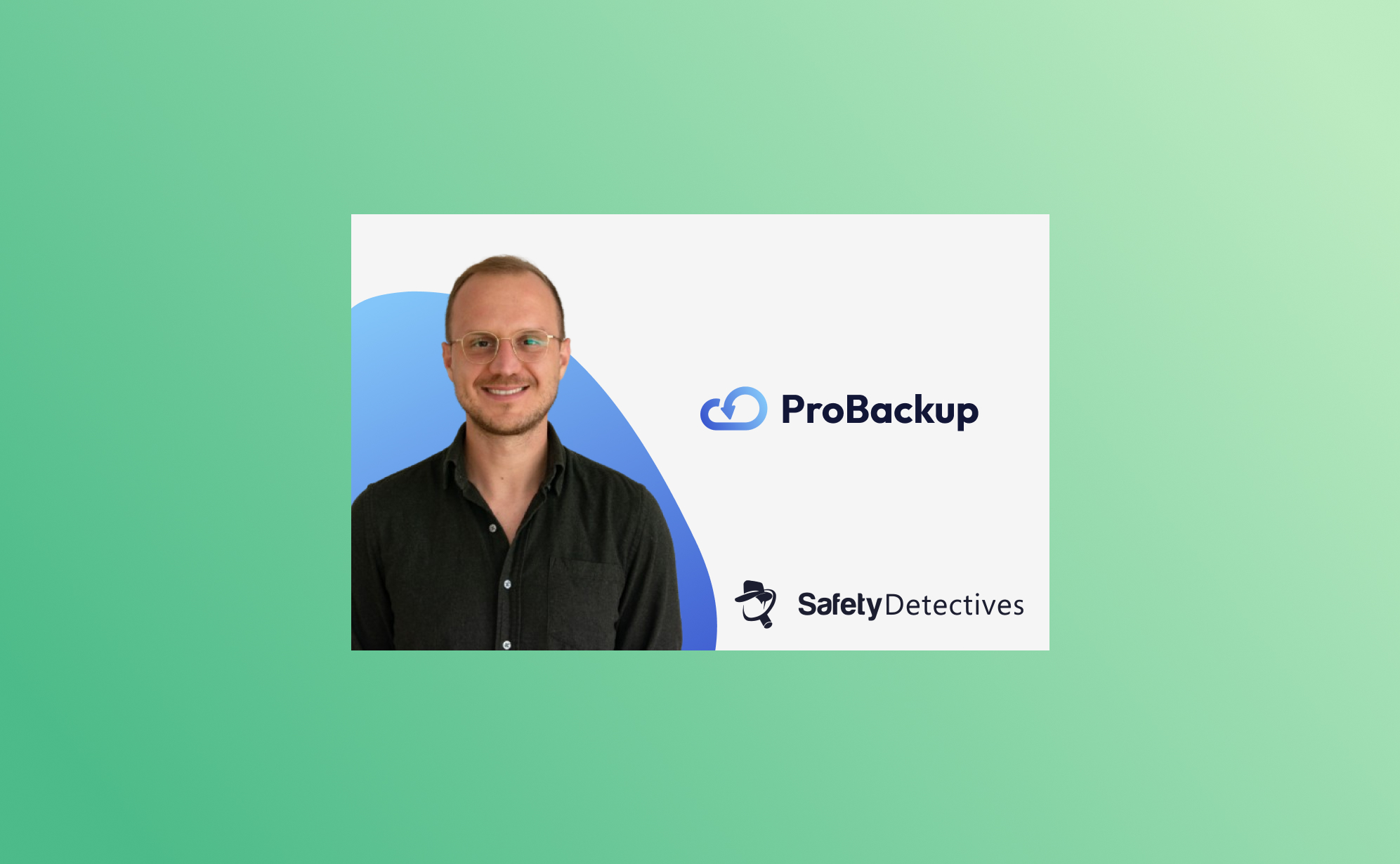
In short: In an August 2024 SafetyDetectives interview, ProBackup CEO Willem Dewulf explained that ProBackup grew out of losing Podio data the platform could not fully recover, that it focuses on project and CRM apps such as Trello, Asana and ClickUp rather than Office 365, backs up every 24 hours with no scheduling, and covers several apps under one subscription.
SafetyDetectives interviewed Willem Dewulf, CEO of ProBackup, in August 2024 about why the company was founded, how it differs from other backup tools, and the misconceptions teams have about backing up SaaS data. The interview is republished here; Willem's answers are as given at the time.
Can you share the story behind the founding of ProBackup? What inspired you to create this service?
The idea for ProBackup came from a personal experience. Years ago, we ran a SaaS company and used Podio for our internal project management. One day, one of our clients accidentally deleted a significant amount of data, including apps and accounts. When we tried to recover it, we discovered that Podio’s backup solution was inadequate. They could only provide a raw file with basic records, but none of the metadata, comments, or files were recoverable. That was a huge problem.
This experience made us realize the need for a robust backup solution. As a tech company, we decided to build one ourselves. That was about eight years ago. Over the years, we went through several iterations of our backup app for Podio, and around four years ago, we launched ProBackup as a dedicated service focused on providing quick and easy backup and restore solutions for popular SaaS apps. Our goal was to keep it simple, avoiding unnecessary functionalities and focusing on what really matters: backing up data and making it easily restorable.
What sets ProBackup apart from other data backup solutions on the market?
There are a few key differences. Firstly, most cloud backup solutions target major suites like Office 365, Google Workspace, Salesforce, or HubSpot. We, on the other hand, focus on popular project and CRM apps like Trello, Asana, and ClickUp. We aim to be the best in this niche rather than competing in the crowded Office 365 space.
Secondly, our app is incredibly easy to use. You can start backing up your cloud apps in just a few minutes. We design our onboarding process to be as straightforward as using the apps we’re backing up, like Trello or Asana. Once connected, everything happens automatically. Backups run every 24 hours without the need for manual scheduling.
Finally, our pricing model is a significant differentiator. We offer a simple, transparent pricing structure with three plans: Plus, Pro, and Premium. Unlike our competitors, who often charge separately for each app integration, we allow you to back up multiple apps with a single subscription. This makes it easier for customers to understand what they’re paying for and offers great value without the complexity of managing multiple subscriptions.
What are some common misconceptions businesses have about data backups?
Two big misconceptions come to mind. First, many businesses assume that their cloud apps have built-in, foolproof backup solutions. They think, “If we delete something, the provider can recover it.” But that’s not always true. It’s surprisingly easy to permanently delete data in many apps. Additionally, some apps, like Trello, lack the necessary controls to limit actions by certain employees. For example: Anyone with access can delete a whole Trello board and empty the trash bin with just a few clicks, making the data irretrievably lost.
The second misconception involves the limitations of backing up through public APIs. We can only back up what the app’s public API allows us to access. This means certain data types, like automations or specific metadata, might not be backed up because they’re not available through the API. We strive to be transparent about these limitations with our customers, but it can still lead to disappointment when users expect a full, 100% backup.
How does ProBackup ensure data security, especially when dealing with sensitive company information?
Security is our top priority. From the start, we’ve made it a core part of our company culture. We use the latest encryption technologies and leverage the security features provided by AWS, as we store our data on S3. Internally, we follow strict security protocols. Access is tightly controlled, and all team members undergo regular training on data security. Even our admin access is restricted; we limit the number of accounts any admin can access daily, and we have alerts in place for any unusual activity. Most importantly, the majority of the data isn’t accessible to our team by default. We’ve designed our processes to minimize risk at every level.
How do you see AI and machine learning impacting the future of cloud backups?
For us, AI is mostly a tool to enhance productivity and speed up certain processes. We use AI to assist with coding and other tasks, but when it comes to data backups, we don’t see an immediate impact. Our data backups are highly secure, and we don’t view them as a data source for machine learning. The complexity involved in developing backup integrations for new SaaS apps still requires a lot of human input and understanding. We’re not at a point where AI can fully automate this process. So, while AI is valuable, we don’t currently see it revolutionizing our core backup functions.
What advice would you give to small businesses just starting to think about their data backup strategy?
It depends on the size of your business, but as soon as you start relying on any cloud app to manage your business, you should consider securing that data. Start by thinking about worst-case scenarios. In the beginning, manual exports on a weekly basis might suffice. But as you grow, switching to a daily automatic backup solution makes more sense. We’ve seen many small businesses come to us in panic after losing critical data, only realizing the importance of backups after the fact. Just like you wouldn’t wait to get car insurance after a crash, don’t wait to set up a backup after losing data. It’s crucial to have a plan in place from the start to avoid potential disasters.

Related posts

What happens to their work when someone leaves: offboarding data in Asana, ClickUp, monday.com and HubSpot
.png)
ProBackup's SOC 2 Type II report: what it covers, how to request it, and what it does not mean

The dangers of vibe coding a backup tool for your business