
Linear backs up its servers. ProBackup protects your work.
- Linear ensures the lights stay on, but it can't undo a spiralling AI agent, a human mistake, or a botched bulk update.
- ProBackup is your safety net, offering daily snapshots and one-click restore for issues, comments, attachments, projects, and documents.
No credit card required. 2-minute setup.
-

-

- SOC 2 Type II & GDPR
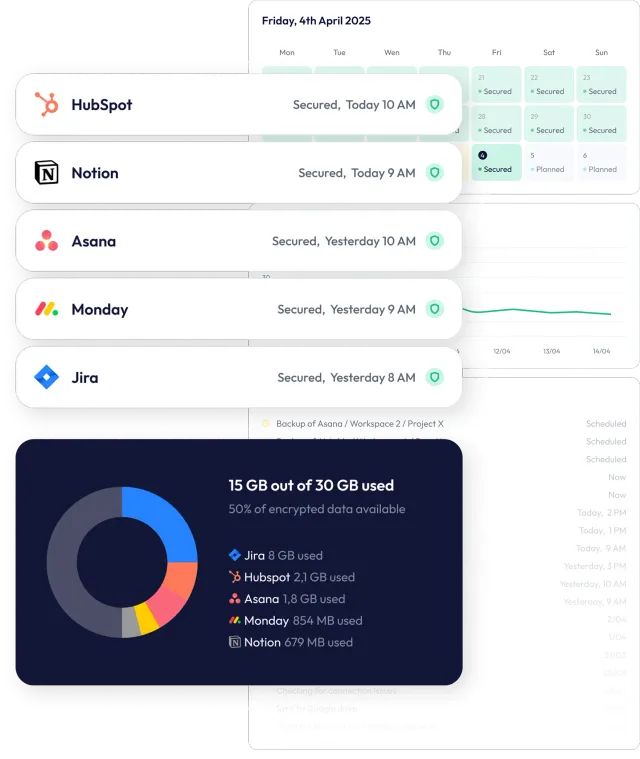
Why ProBackup for Linear
ProBackup
- Hierarchical data viewer mirrors your app
- Restore issues with their comments & attachments
- Proactive alerts on mass deletions
- Sync to Google Drive & bulk download of files
- One license, 20+ SaaS apps
Other solutions
- Flat exports, no in-app browsing
- Limited restore capabilities
- No alerts - discover loss after the fact
- Records and basic exports only
- Linear only - separate tool per app

Full control, smart alerts.
Total peace of mind.
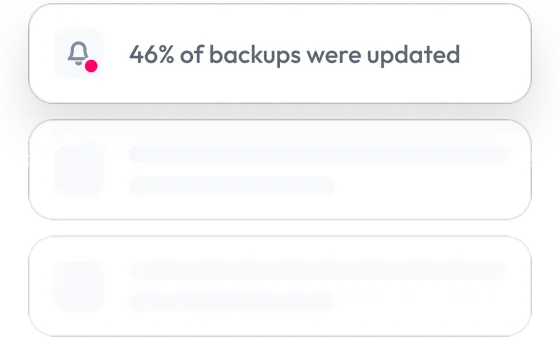
Smart alerts about huge changes in your backups
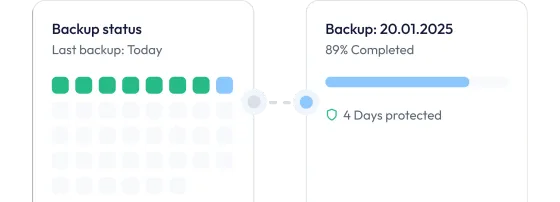
Daily, automated backups
Create a timebox of your SaaS apps by backing up your projects, boards and files every day.
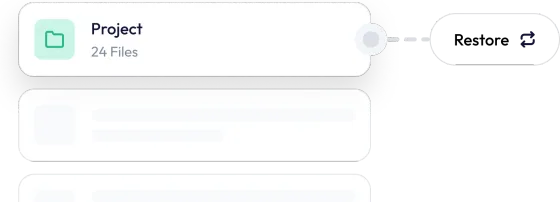
Granular restore of projects, tasks & files
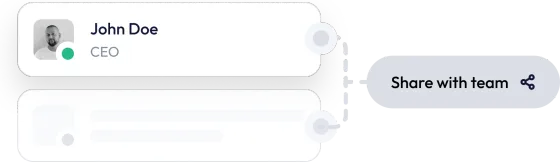
Share backups with your team
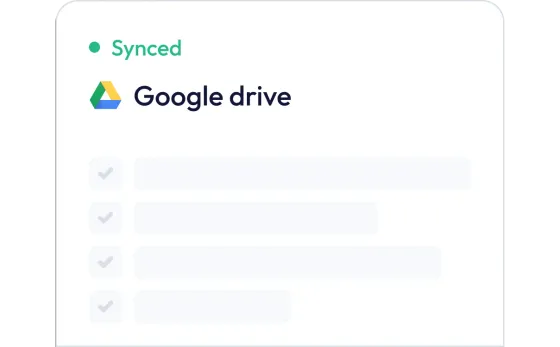
Store your backups in Google Drive
Get an extra, independent backup of your app’s data and set up an automatic download to a local device using Desktop for Drive
Secure your business against every scenario
Try for free... Plus everything you'd expect from enterprise-grade backup
- Advanced encryption
- Data retention controls
- Backup of all records
- Global search
- Granular restore
- Compare versions
- Exports to XLS files

Over 4000 teams keep their data secure with us

















One license. Every SaaS app you use.
Pay by storage, not by team size.
Plus
For founders and small teams
$25 per month billed annually
or $31 billed monthly
Start free trial- Daily backup of all apps
- 6 month backup history
- Invite 1 guest
- Backup of all records, files & comments
- Smart retries
- Granular restore
- Recently deleted items report
Pro
For project managers & growing teams
$38 per month billed annually
or $47 billed monthly
Start free trialEverything in Plus, and:
- 2 year backup history
- Invite 10 guests
- Sync to Google Drive
- Global search
- Weekly status emails
- Smart alerts
Premium
For IT admins & enterprise compliance
$69 per month billed annually
or $86 billed monthly
Start free trialEverything in Pro, and:
- Unlimited backup history
- Invite unlimited guests
- Single Sign-On (SSO)
- Bulk download of files
- Priority support
- Advanced scope control
- Audit reports
- Virus scanner
Frequently asked questions
What is ProBackup for Linear?
ProBackup for Linear is a SaaS backup service that takes an automated snapshot of the Linear teams you choose every 24 hours: issues with their comments and attachments, projects, project milestones, documents, labels and users. Archived items are included. The backup is stored encrypted in the AWS region you choose, and issues, projects, milestones, documents, labels, comments and attachments can be restored back into Linear with one click. Cycles, workflow states, initiatives, views and issue history are not covered.
What data is included in the backup?
The following data types are backed up for the teams you select: issues (with sub-issues, relations, labels, assignee, project, milestone and cycle name), comments with their replies, attachments (uploaded files are stored, external links are kept as links), projects, project milestones, documents, labels and users. Archived issues, projects, documents and milestones are included, and deleted issues stay in your backup with their earlier versions. Cycles, workflow states, initiatives, project updates, customer requests, views, reactions, templates and issue history are not backed up. Images embedded in a description, comment or document are kept as a link, not as a file.
How does the restore work?
Restoring an issue creates a new copy in its original team, with its comments, attachments and documents. The copy gets a new identifier; its status, labels, project, milestone and assignee are matched to what still exists, and parent issues and relations are re-linked when the other issue still exists. Cycle membership and issue history are not restored, and restored comments are posted by the person who connected the backup. You can also roll back an existing issue: choose which of its title, description, status, priority, estimate, due date, assignee and labels to set back to the backed-up version. Projects (without their status), project milestones, documents, labels, comments and attachments can be restored as well; users and teams cannot.
How safe is my data?
The backups and the access tokens are secured with the Advanced Encryption Standard (AES) using a 256-bit encryption key. Applying the best practices of encryption methods, we use a different initialisation vector for every record, meaning it is virtually impossible to extract the data via reverse engineering.
Do I need a license for each team member?
No, you only need one ProBackup license to back up your team's data. The pricing model is not based on the number of seats – instead you pay to back up your own account and the connected accounts.
Related posts
-
How ProBackup backs up your data: API pulls, daily snapshots, revisions and what the API cannot give us
First-hand explainer of the ProBackup backup engine: per-collection pull jobs every 24 hours, revisions stored only when a record's checksum changes, point-in-time snapshots rebuilt from revisions, attachment handling, the two restore modes and a per-platform list of what the API does not expose.
-
Version history and trash retention in Asana, ClickUp, monday.com, Trello, HubSpot, Airtable, Notion and Jira (per plan, 2026)
One dated reference table of trash windows and version-history windows for eight SaaS apps, by plan, each fact linked to the vendor's own documentation and set against ProBackup's retention (Plus 6 months, Pro 2 years, Premium unlimited).
-
What happens to their work when someone leaves: offboarding data in Asana, ClickUp, monday.com and HubSpot
Every platform handles a departing user differently: ClickUp deletes their private work, Asana gathers their tasks into a project for super admins, monday.com keeps their content but disables their automations, HubSpot keeps everything but leaves records orphaned. This guide compares the admin actions, gives a 6-step checklist and explains what a ProBackup snapshot preserves.




Try ProBackup free for 7 days
Daily snapshots and granular restore for your issues, projects and documents. Set up in 3 minutes, no credit card required.
No credit card required · Cancel anytime