
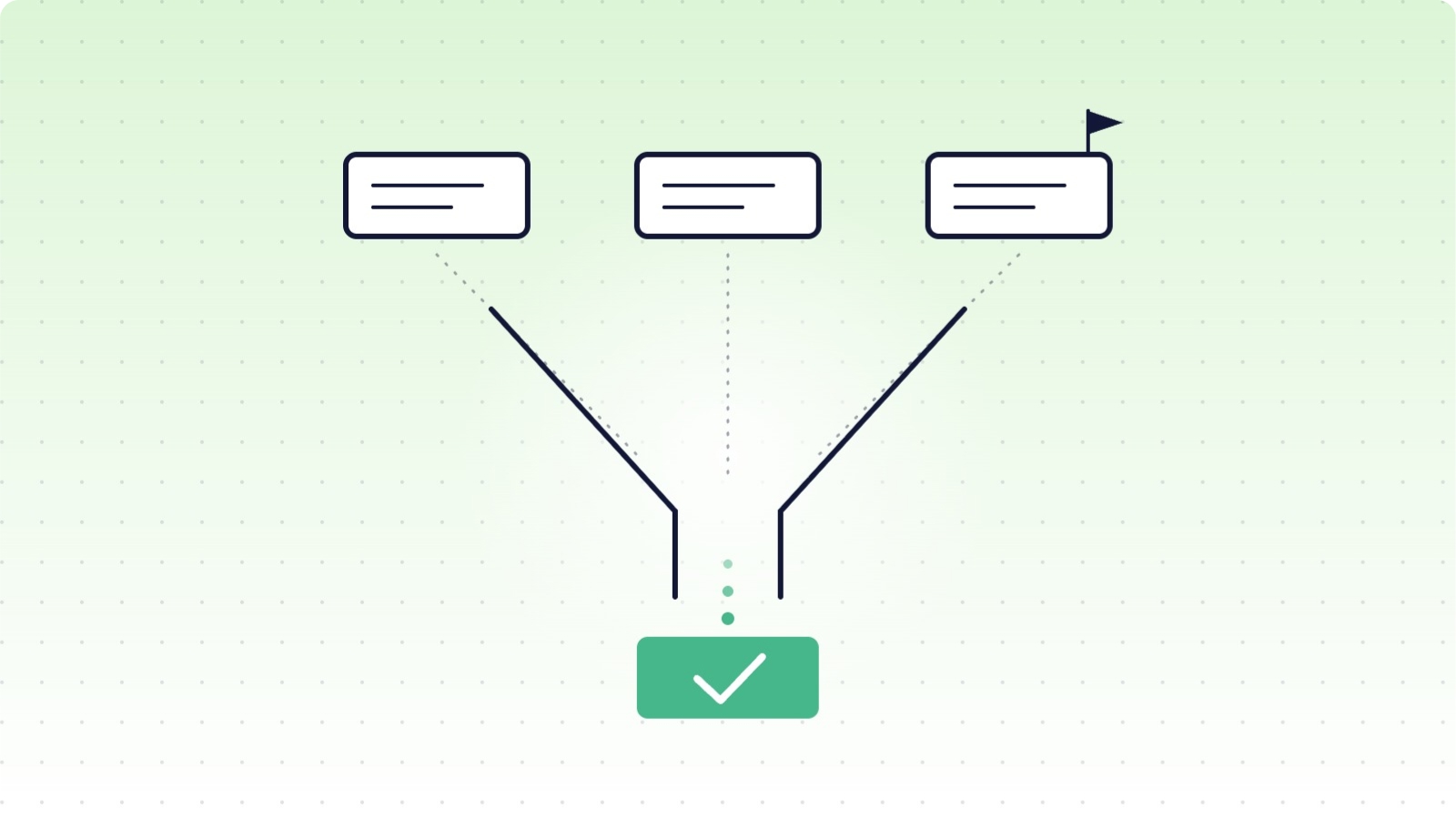
In short: Evaluate a SaaS backup vendor in four steps: write your requirements (platforms, RPO, RTO, retention, compliance) first; score five criteria (coverage and API fidelity, restore capability, security and compliance, operations, commercial terms); get written answers to twelve questions; then run a real test restore during the trial. Undocumented limitations and restore-by-ticket-only are red flags.
Round-up posts, ours included, are a fine starting shortlist. But a shortlist is not a decision, and backup is a category where the differences that matter are invisible on a features page: what actually comes back when you restore, what the API can and cannot capture, and what happens the day something goes wrong. This is a framework for running that evaluation properly, in a form you can reuse whenever your stack changes.
Step 1: write your requirements before opening a single vendor page
Vendor websites are persuasive by design. Anchor yourself first with a one-page requirements note:
- Platforms: which apps hold data you could not afford to lose, today and on your 12-month roadmap.
- RPO (recovery point objective): how much recent work you can afford to lose. Daily snapshots mean up to 24 hours; decide whether that is acceptable per platform.
- RTO (recovery time objective): how quickly you need data back, and whether recovery must be self-service or can wait on a vendor's support queue.
- Retention: how far back you need to reach, driven by your compliance obligations and how late losses tend to be discovered, not by what vendors happen to offer.
- Compliance: GDPR data residency needs, audit expectations (a SOC 2 Type II report is an audit framework attestation, not a regulation), and how erasure requests must flow into backups.
Step 2: score the five criteria that separate vendors
1. Coverage and fidelity. Not "does it back up Asana" but "which Asana data types, and what does the API exclude?" Every vendor is bounded by each platform's public API; the difference is whether they document the boundary. Ask for the per-platform coverage list in writing.
2. Restore capability. This is the product. Granularity (one record, one project, everything), restore modes (safe duplicates versus field-level overwrite of existing records), what returns with a restored item (comments, attachments, custom fields, relationships), and whether restore is self-service or a support ticket.
3. Security and compliance. Independent attestations (ask for the actual SOC 2 report under NDA, not the badge), encryption at rest and in transit, where data physically lives and whether you choose the region, and a documented process for GDPR erasure requests reaching the backups.
4. Operations. Backup frequency and whether it needs scheduling, failure handling (does it retry, does it report what was skipped, or does it fail silently), alerting on mass deletions, and admin visibility.
5. Commercial. The pricing model and how it scales with your growth, what is gated behind which tier, contract terms, and what happens to your data if you cancel. We cover this dimension in depth in our companion piece on backup pricing and ROI.
Step 3: twelve questions to ask every vendor
- For each of our platforms, exactly which data types do you back up, and which does the platform's API prevent you from capturing?
- If I restore a single deleted record, what comes back with it: comments, attachments, custom field values, links to related records?
- Can I restore as a duplicate, overwrite an existing record field by field, or both?
- How often do backups run, and what is my worst-case RPO?
- When a backup partially fails, how do I find out, and how specific is the report?
- Can my own admins run a restore end to end without contacting your support?
- Where is my data stored, can I choose the region, and can I change it later?
- Can I see your latest SOC 2 Type II report (or equivalent) under NDA?
- How do you handle a GDPR erasure request that has to reach backup copies?
- What is your retention on the tier I am considering, and what does longer retention cost?
- How does my price change if my team doubles, or if I add a second platform?
- If we cancel, how do we get our data out, and in what format?
A good vendor answers all twelve specifically and in writing. Vagueness on any of them is data.
Step 4: never decide without a test restore
Run the trial like an incident, not a tour: connect a real (or realistic) workspace, wait for a full backup cycle, then delete a task with comments and attachments, a record with relationships, and a small project, and restore all three. Check what came back, where it landed, and how long it took. Twenty minutes of this tells you more than every features page combined.
Red flags
- No documented limitations. Every API-based backup has gaps; a vendor listing none has hidden them, not escaped them.
- Restore by support ticket only. Your RTO becomes their queue.
- Unverifiable security language. "Military-grade encryption" and badge walls without an actual report are marketing, not assurance.
- No public pricing and no straight answer to question 11. Costs that cannot be predicted cannot be budgeted.
- Trial obstacles. If you cannot test a restore before buying, ask yourself why.
- One-platform depth, many-platform claims. Probe the coverage list for your second and third platforms, not just the flagship.
Conclusion
Choosing a backup vendor is one of the few IT purchases where you find out if you chose wrong at the worst possible moment. The framework above front-loads that discovery: requirements first, five criteria, twelve written answers, one real test restore. Run ProBackup through it too; the trial takes minutes to set up and a test restore is exactly what we would ask you to judge us on. For side-by-side detail against specific alternatives, see our comparison pages.
👉 Start your 7-day free trial at ProBackup: https://app.probackup.io/onboarding
This guide is written for IT managers and operations leads evaluating backup solutions for SaaS platforms.

Related posts
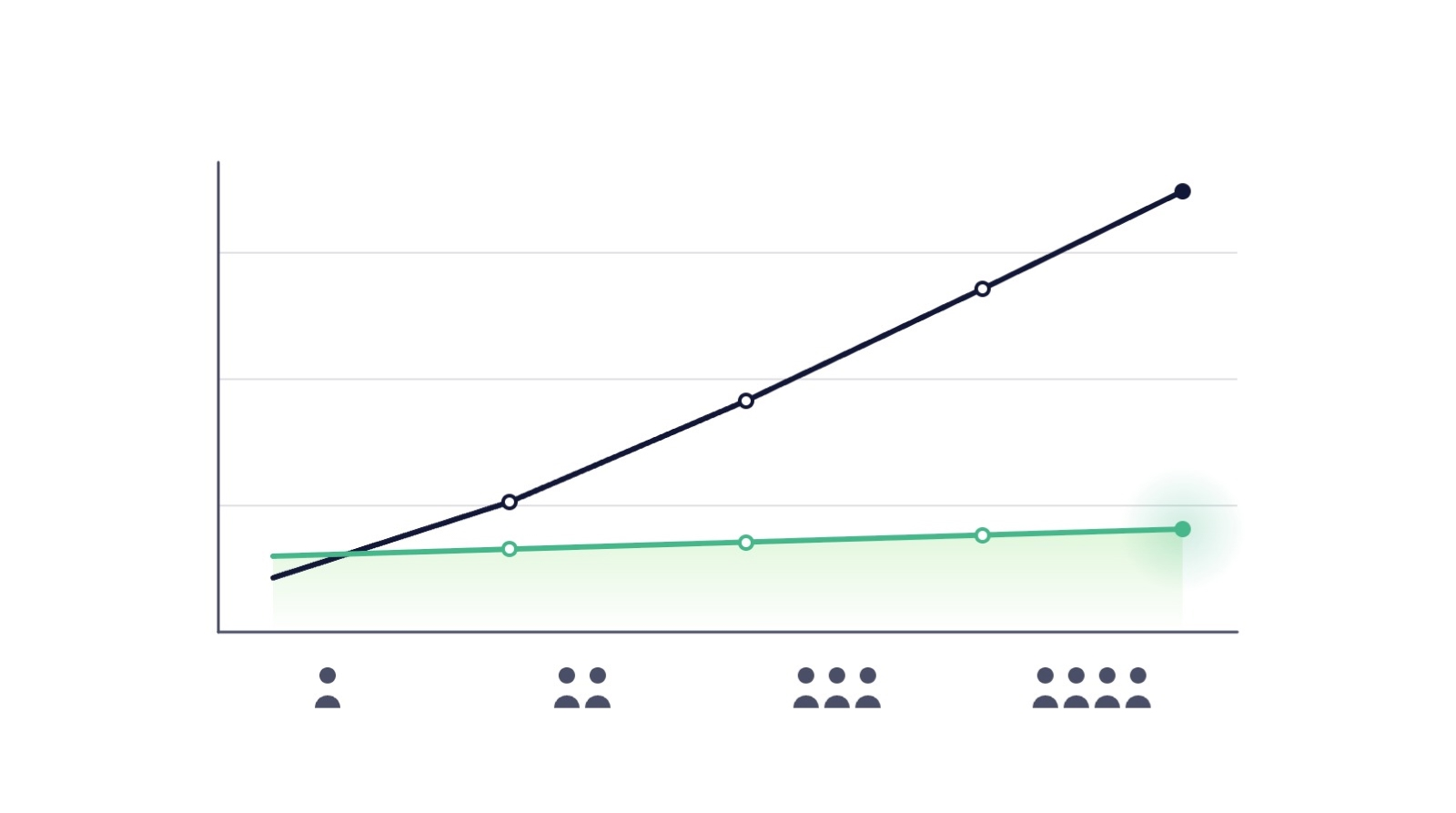
SaaS backup pricing explained: models, real numbers and how to calculate ROI

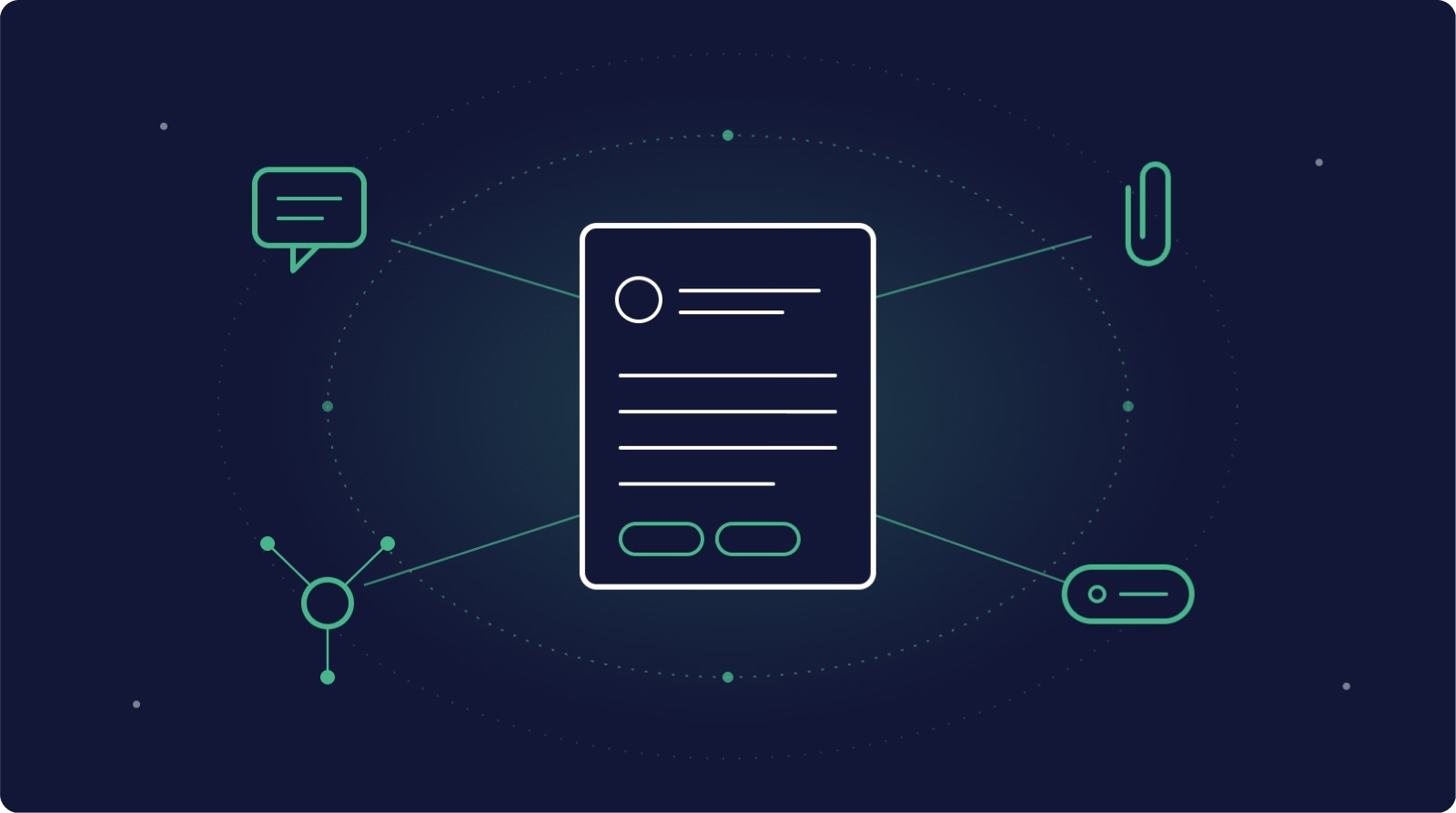
Metadata in SaaS backups: why comments, fields and attachments matter more than you think

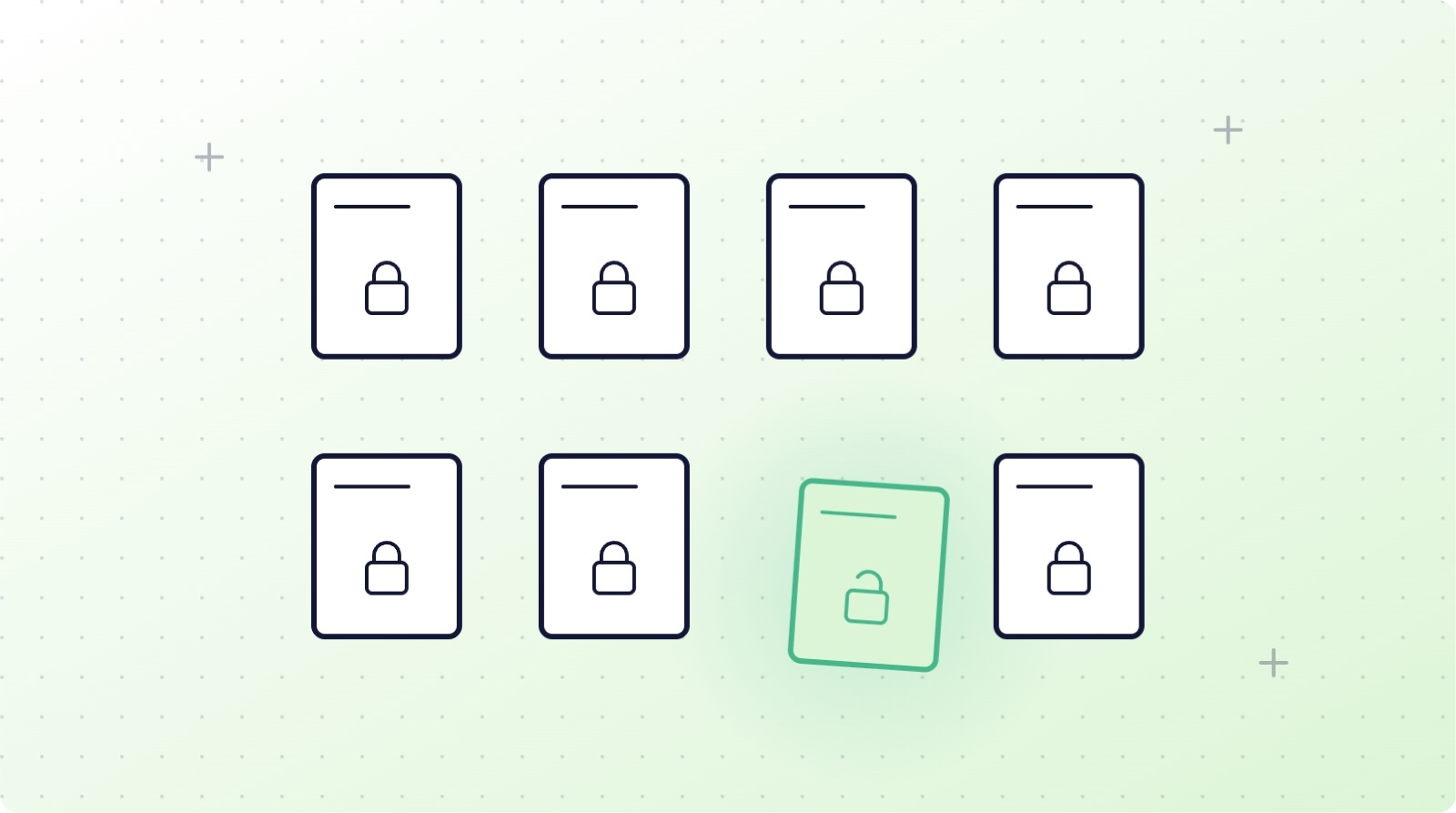
How to restrict deletions in Asana, ClickUp, monday.com, Trello, HubSpot and Airtable