
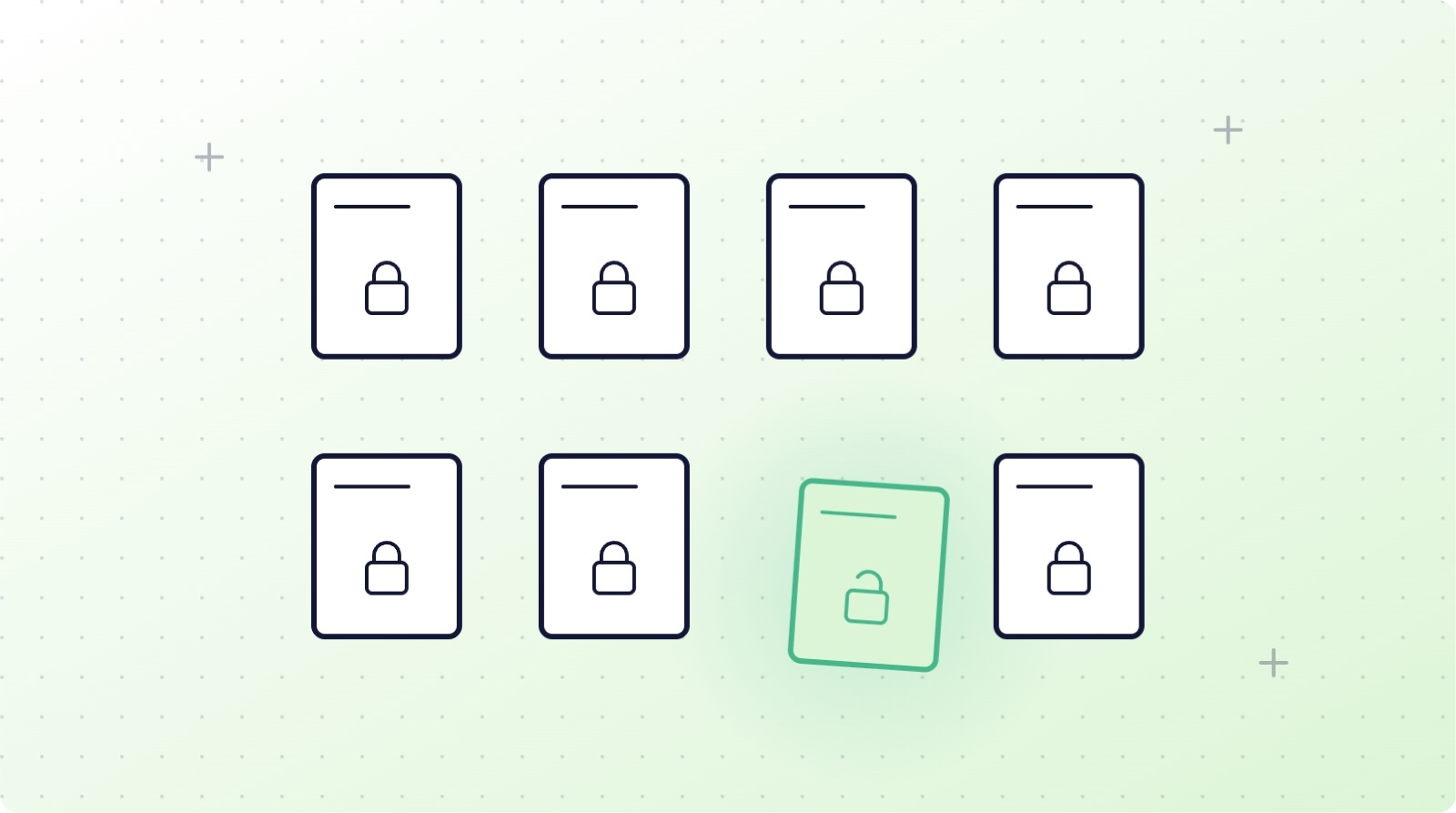
In short: Unbundle delete rights from edit rights wherever the platform allows. Asana: comment-only projects and guest accounts. ClickUp: custom roles without delete permission (Business Plus and Enterprise). monday.com: board permissions that block structural edits. Trello: tight board membership and a 'close, never delete' rule. HubSpot: per-object delete permissions. Airtable: editor rather than creator roles. Give AI agents dedicated, narrowly scoped tokens.
Backup answers the question "how do we get it back?" Permissions answer a better one: "why could that be deleted at all?" Most SaaS data loss starts with an account that had more power than its owner needed. This guide covers the concrete settings that limit deletion rights in six major platforms, plus the new frontier: AI agents acting with user-level permissions at machine speed.
The principle: least privilege for destructive actions
Editing and deleting are different classes of action, but most platforms bundle them by default. The goal of this guide is to unbundle them where the platform allows it: give everyone the access they need to work, and reserve destructive actions (delete, bulk edit, empty trash) for as few named accounts as possible. The native trash is no safety net either, as we explain in why recycle bins are not a backup.
Asana
Asana does not offer a standalone "cannot delete" permission for full members: anyone who can edit a task can delete it. Your levers are structural:
- Set projects to comment-only for everyone who needs visibility but not editing. Comment-only members cannot delete tasks.
- Use guest accounts for external collaborators; guests only see what is explicitly shared.
- Restrict who can create and manage teams in the admin console, and limit the number of workspace admins.
- On Enterprise tiers, review admin console controls for member management and data export.
ClickUp
ClickUp offers the most granular deletion control of the project management trio, but the good parts are plan-gated:
- Custom roles (Business Plus and Enterprise) let you create roles with editing rights but without delete permissions.
- Guests can access the Trash but cannot permanently delete items or empty it; members can only see and restore their own deletions, while owners and admins control the rest.
- Remember the hard limits: time entries die permanently with their task, and individually deleted attachments cannot be restored, so restricting who can delete tasks protects time data too.
Whatever your plan allows, an independent daily copy fills the gaps: back up ClickUp with ProBackup.
monday.com
- Use board permissions to restrict editing: options range from full edit to "view only", with intermediate levels that let members edit content but not structure. Restricting structural edits protects columns, which delete data across every item instantly with no selective undo.
- Only users who had edit permissions on a board while it was active can restore it from the Trash, so keep at least two admins on every critical board.
- On Enterprise, review account-level permissions for who can delete workspaces.
Trello
Trello's sharpest edge is that deleted cards are gone instantly and permanently, so permissions matter more here than anywhere:
- Set board membership deliberately: normal members of a board can archive and delete cards, so keep write access tight and use observers (Premium) for view-only stakeholders.
- Only board admins can delete a board, and closing (archiving) a board is reversible while deleting is not. Make "close, never delete" a written team rule.
- Restrict who can create public boards and invite members at the Workspace level.
HubSpot
HubSpot has the most mature permission model of the six:
- Permission sets control delete rights per object type (contacts, companies, deals, tickets), separately from edit rights. Most users need edit; very few need delete.
- Restrict bulk delete and import permissions to a small named group; workflows and imports are the two most common causes of mass damage.
- Limit super admins, and audit the "Restore CRM changes" and recycle-bin activity periodically.
Airtable
Airtable ties deletion rights to collaborator roles, which makes role hygiene the whole game:
- Editors can delete records but not fields or tables; creators can delete structure; owners can restore deleted bases. Grant creator access sparingly: most day-to-day users only need editor.
- Use locked views to protect critical filters and configurations from editing.
- Remember the 7-day base trash window for records: role restrictions are your real protection, because the recovery window is the shortest of any platform here.
The new risk: AI agents with delete permissions
AI agents and assistants connected to your work tools act with the permissions of the account or token that authorised them, and they act at machine speed. For the containment and rollback side of this, see our guide to agentic AI and SaaS backup. Before connecting any agent:
- Create a dedicated account or token for the agent rather than reusing a human admin's credentials.
- Grant the narrowest scopes available; most agent use cases need read and create, not delete.
- Prefer platforms and integrations that support scoped tokens (Airtable personal access tokens, HubSpot private app scopes) over full-account OAuth where possible.
- Log and review agent actions the way you would review a new employee's.
What good looks like
- A written access policy: who holds delete rights on each platform, and why.
- Delete rights unbundled from edit rights wherever the platform allows it, and role downgrades where it does not.
- Two named admins per critical asset, no more admin accounts than necessary, and immediate offboarding revocation.
- Archive-first culture: deletion reserved for genuine compliance or clean-up needs.
- An independent daily backup behind all of it, because permissions reduce the probability of loss but never reach zero. Pair it with alerts when records are deleted.
Conclusion
Permissions are the cheapest layer of your data protection stack and the most neglected. An hour spent unbundling delete rights across these six platforms removes the most common trigger for the disaster scenarios that backups exist to fix. Do both: restrict what you can, back up what you cannot. If you want the second layer in place this week:
👉 Start your 7-day free trial at ProBackup: https://app.probackup.io/onboarding
This guide is written for IT admins and operations leads who manage team access across SaaS work platforms. Permission features and plan gating were checked in September 2026 and may change; verify against each vendor's current pricing page before relying on a specific tier.

Related posts
SaaS backup pricing explained: models, real numbers and how to calculate ROI
How to evaluate a SaaS backup vendor: criteria, questions and red flags

Metadata in SaaS backups: why comments, fields and attachments matter more than you think
