
This article explains how to revoke ProBackup’s access to your HubSpot account.
Note: Removing HubSpot from ProBackup or cancelling your ProBackup subscription does not automatically disconnect your HubSpot account. Follow the steps above to fully revoke access.
How to uninstall
- Log in to HubSpot.
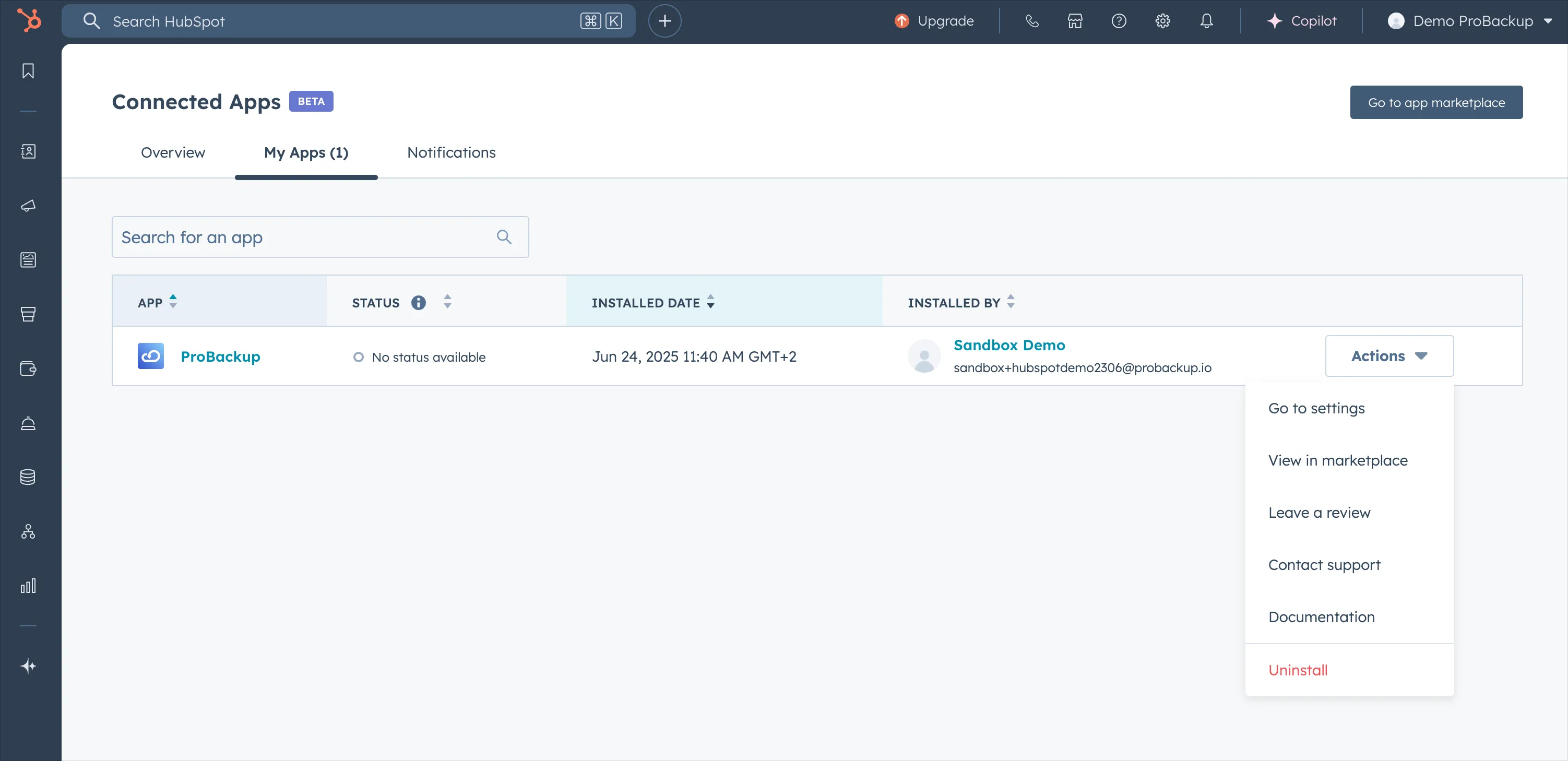
- Navigate to Settings > Integrations > Connected Apps.
- Next to ProBackup, click “Actions”, then “Uninstall”.
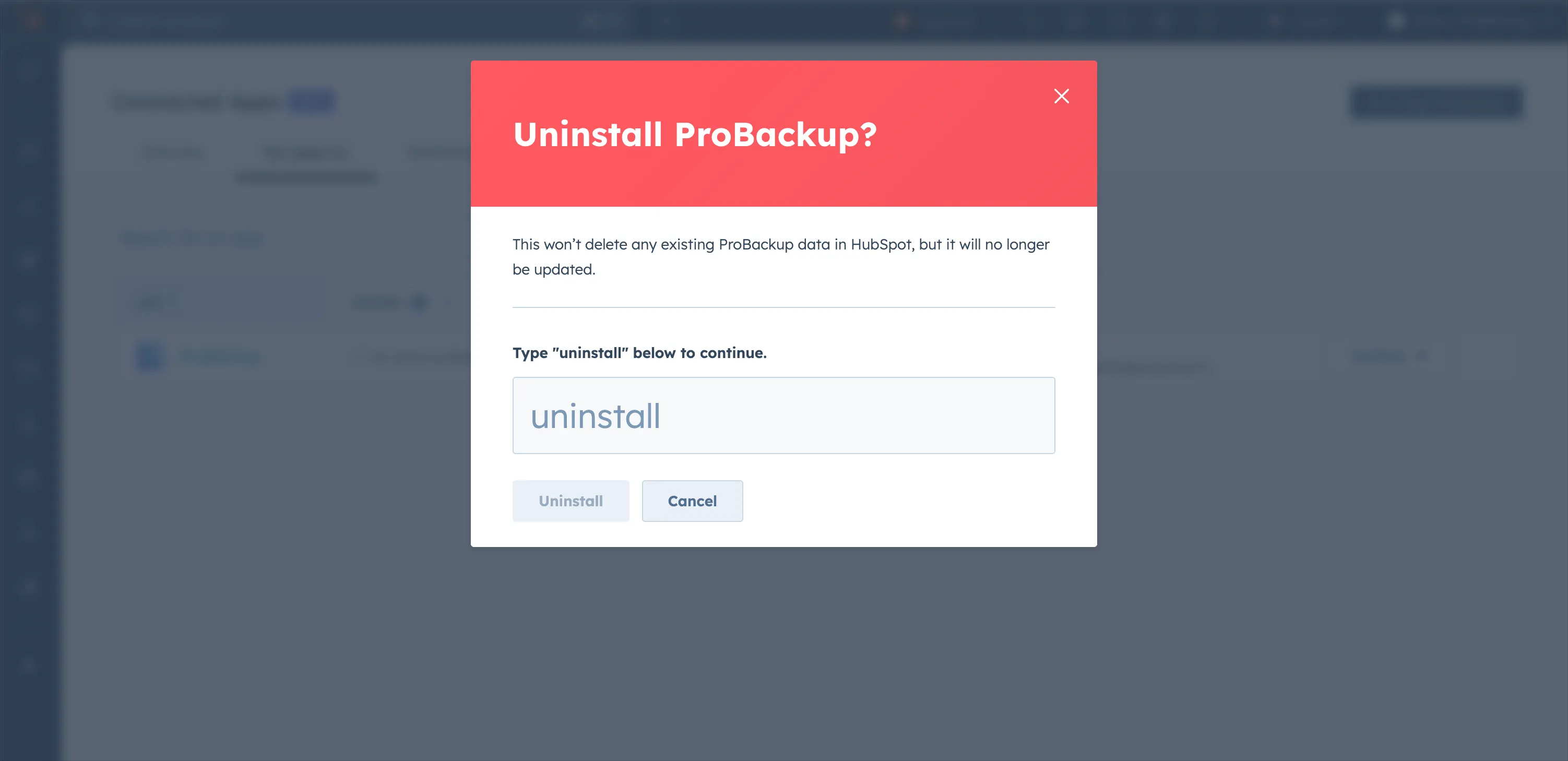
- Type “uninstall” to confirm, then click “Uninstall”.
Updated 17 Feb 2026