New integration: ProBackup now supports Teamwork.com!
In December 2024 ProBackup added Teamwork.com, the project management and collaboration platform: daily backups of your projects, tasks, comments and files, and restore of deleted tasks beyond Teamwork.com's 30-day trash can.

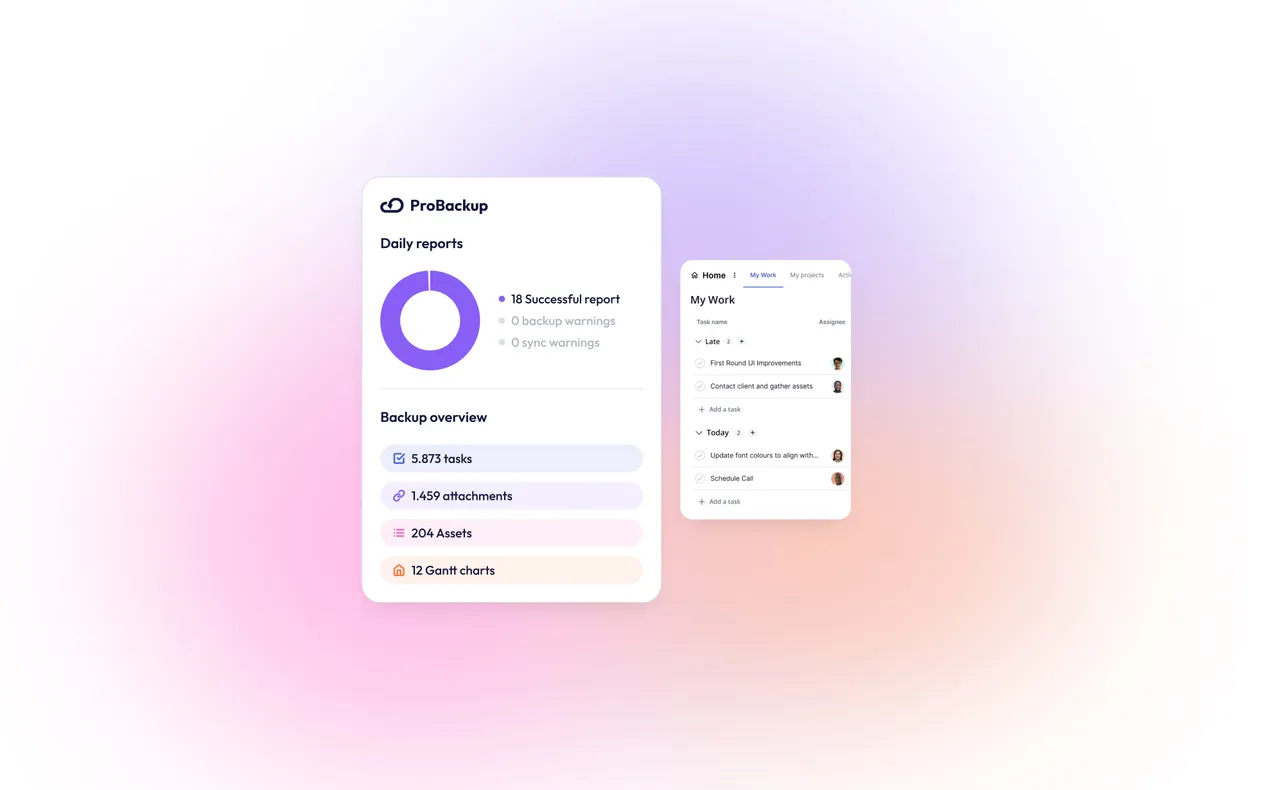
In short: ProBackup added Teamwork.com in December 2024. It backs up projects, task lists, tasks, comments, attachments, companies and users daily, and restores deleted tasks as copies with their comments and files. Teamwork.com's own trash can keeps deleted items for 30 days and only administrators and project administrators can open it, so it cannot help after 30 days, after the trash is emptied, or after a wrong bulk import or update.
In December 2024 ProBackup added support for Teamwork.com, the project management and collaboration platform, next to the other SaaS tools it protects.
Teamwork.com helps teams plan, track and manage their work. It offers tools for project planning, task assignments, time tracking, resource management and client collaboration, which makes it especially popular in client-focused industries like marketing, agencies and professional services.
What makes Teamwork.com unique?
Teamwork.com avoids overly technical or jargon-heavy language. While platforms like Jira have steeper learning curves due to terms like “epic” and “issue,” Teamwork.com uses straightforward terminology, making it accessible to users across various professions and backgrounds.
Its automation features are equally user-friendly: you can automate tasks, such as moving items on a Kanban board, without extensive tutorials.
Teamwork.com also includes built-in features for time tracking, budget management and invoice calculations, giving clear insight into a project’s financial health.
It offers complementary products like Teamwork Chat, Teamwork Desk and Teamwork Spaces, which integrate with the main platform.
Why back up Teamwork.com?
Teamwork.com offers a decent trash can to recover recently deleted items: deleted items are stored in the trash can for 30 days before being permanently deleted. Only administrators and project administrators have access to it, which keeps other team members from emptying it.
You can still lose business-critical data in some scenarios:
- Malicious deletion of trash can items by an administrator
- Recovering items that were deleted more than 30 days ago
- Rolling back data after a wrong bulk import or update
ProBackup covers these scenarios with:
- Daily automated backups: a snapshot of your Teamwork.com site every 24 hours.
- Task restore: a deleted or changed task comes back as a new copy in its original task list, with its description, status, priority, custom fields, comments and attachments. The copy gets “(restored <date>)” in its name, and assignees and dates are not set on it. Existing tasks are never changed.
- Security: your backups are encrypted and stored in the AWS region you choose.
What we back up
- Tasks (with their custom fields)
- Projects
- Task lists
- Companies
- Comments
- Attachments
- Users
Time logs and reports are not covered. For the full step-by-step setup and restore guide, see How to back up Teamwork (and restore deleted data).
Get started
Connect Teamwork.com from your ProBackup account, or start a free trial to protect your projects.