
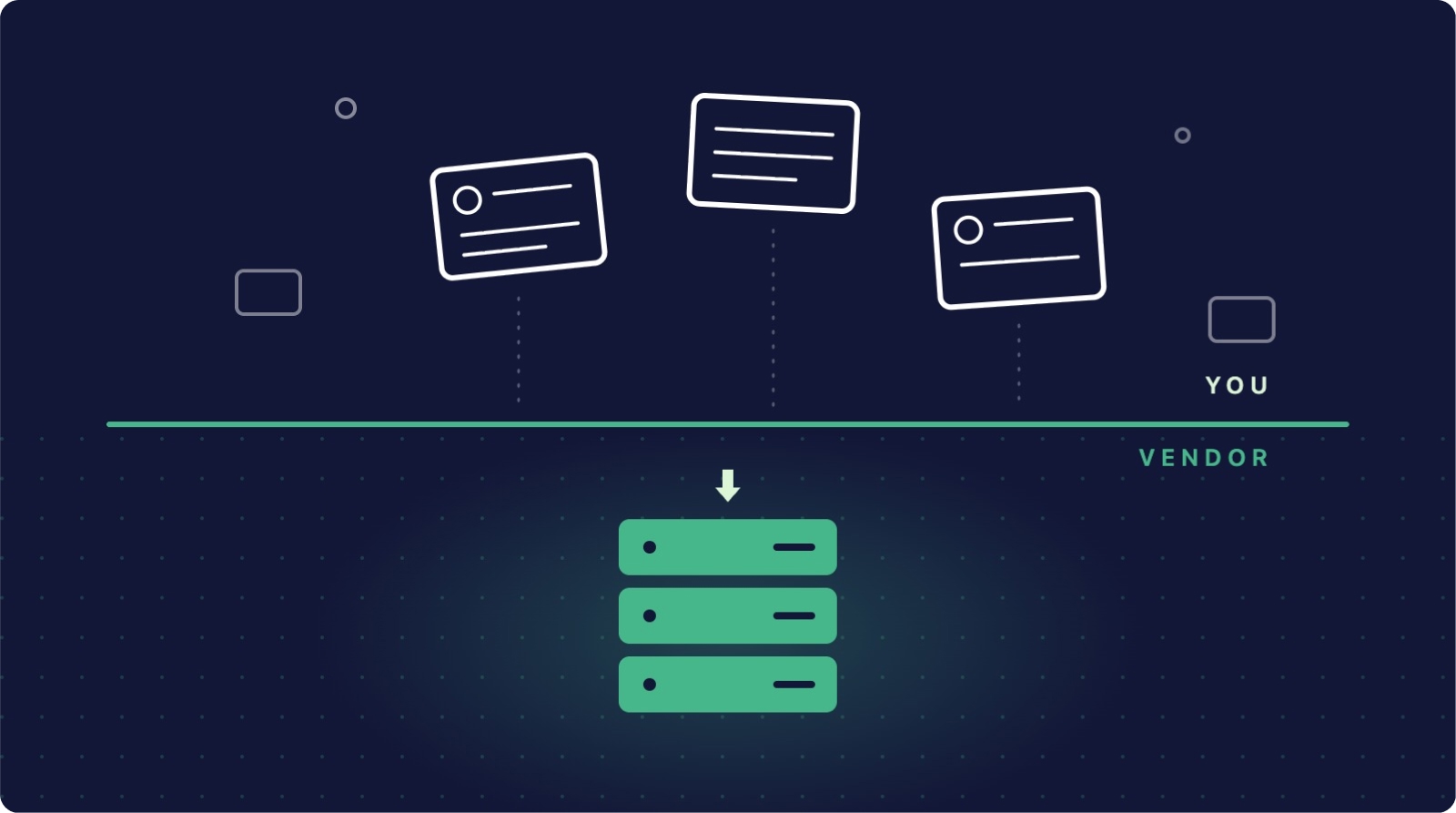
In short: Your SaaS vendor protects the platform; recovering data changed or deleted through your own accounts is your job. Native windows as of September 2026: Asana 30 days, ClickUp 30 days (time entries and single attachments unrecoverable), monday.com 30 days, Trello none for deleted cards, HubSpot 90 days plus a 14-day change rollback, Airtable 7 days for records.
Ask most teams who backs up their Asana projects or HubSpot contacts, and the answer is some version of "the platform does". It is one of the most expensive assumptions in modern IT. Cloud providers protect their infrastructure with world-class engineering, but the data you put inside it sits on your side of a line most teams have never looked at. This guide walks through where that line sits, what the major platforms actually commit to, and the myths that keep teams exposed.
What the shared responsibility model actually means
The shared responsibility model divides duties between the provider and the customer. The provider is responsible for the security of the platform: uptime, physical data centres, network protection, and recovering from their own infrastructure failures. The customer is responsible for the security of the data in the platform: what gets created, changed and deleted through legitimate user accounts.
That last phrase is the crux. When an employee deletes a board, an automation overwrites a thousand fields, or a compromised account purges your CRM, the platform is working exactly as designed. It executed an authorised instruction. Nothing in the provider's commitments obliges them to undo it.
What the platforms actually give you
Every major platform provides a safety net for small, recent mistakes. None of them provides a backup. Here is where the six most common productivity and CRM platforms stand, checked against their current documentation as of September 2026:
- Asana keeps deleted items in a recoverable state for 30 days, after which they are permanently removed. Recovery of a deleted project hinges partly on an email sent to the person who deleted it.
- ClickUp retains deleted items in its Trash for 30 days. Individually deleted attachments cannot be restored, and time entries are permanently deleted the moment a task is deleted, even inside the window.
- monday.com stores deleted items, boards, columns and docs in its Trash for 30 days. Restoring a board requires having had edit permissions on it while it was active.
- Trello treats archiving and deleting very differently: archived cards are safe indefinitely, but a deleted card is gone immediately and permanently, together with its comments and attachments. There is no recovery window at all.
- HubSpot offers a 90-day recycle bin for deleted CRM records and a 14-day "Restore CRM changes" window for reverting bulk property changes.
- Airtable runs two trash levels: deleted records, fields and tables sit in base trash for just 7 days, while deleted bases sit in workspace trash for 30 days (longer only on Enterprise Scale plans with a custom policy).
Notice what none of these windows cover: anything discovered late, anything overwritten rather than deleted, comments and attachments on several platforms, and anything a departing employee emptied from the trash on their way out.
Five myths that keep teams exposed
Myth 1: "The platform backs everything up." Platforms back up their infrastructure so they can recover from their failures. Those backups are not available to you when you delete something.
Myth 2: "The trash is our backup." A trash bin with a 7 to 30 day window, emptied permanently by anyone with the right permissions, fails every definition of a backup. It holds one copy, inside the same system, deletable by the same accounts that caused the loss.
Myth 3: "We export to CSV regularly." A CSV is a flat snapshot with the relationships stripped out. The contact comes back, but not its link to the deal; the task comes back, but not its subtasks, comments or attachments.
Myth 4: "Data loss means hackers, and we have good security." The most common causes of SaaS data loss are internal: accidental deletion, misconfigured automations, faulty integrations and offboarding mistakes. Strong perimeter security does nothing about an authorised account doing the wrong thing.
Myth 5: "Support will restore it if we ask." Support can only work within the same retention windows you can see. Once data passes the window, platforms state plainly that it cannot be recovered by them or anyone else.
Where liability actually lands
Under GDPR Article 32, organisations must implement measures that ensure "the ability to restore the availability and access to personal data in a timely manner" after an incident. That obligation sits with you as the controller of your business data, not with your SaaS vendor acting as a processor of it. If customer records vanish from your CRM through your own account activity, the recoverability question lands on your desk, in front of your customers and, potentially, your regulator.
The risks in plain terms
- Silent expiry. Losses discovered after the retention window are unrecoverable, and deletions by others are easy to miss for 30 days.
- Overwrites, not deletions. A misfiring automation that changes fields never touches the trash. There is nothing to restore from.
- Trash is deletable. The same permissions that allow deletion usually allow emptying the trash.
- Partial recovery. Even successful native restores can drop comments, attachments, time entries and relational links.
- Offboarding gaps. Departing users can take deletions past the point of recovery before anyone checks.
What good looks like
- An independent daily backup, stored outside the platform, covering every connected app that holds business-critical data.
- Restore tested before it is needed: can you recover one record, one project, and one whole workspace?
- Retention that matches your obligations rather than the vendor's convenience window.
- Deletion alerts, so a mass deletion is noticed in hours rather than weeks.
- Permission hygiene that limits who can delete and who can empty trash in the first place.
Conclusion
The shared responsibility model is not a loophole your vendors are hiding; it is written into how every major SaaS platform describes its own recovery limits. The platforms hold up their side: the infrastructure runs, and small recent mistakes can be undone. Everything beyond that line belongs to you. Teams that accept the line and put an independent backup behind it turn a potential crisis into a ten-minute restore.
For the full picture of building that layer, see the ultimate SaaS data backup and recovery guide, or take the practical route:
👉 Start your 7-day free trial at ProBackup: https://app.probackup.io/onboarding
This guide is written for IT managers, operations leads and founders responsible for business data in SaaS platforms. Platform retention details were checked against each vendor's documentation in September 2026 and may change.

Related posts
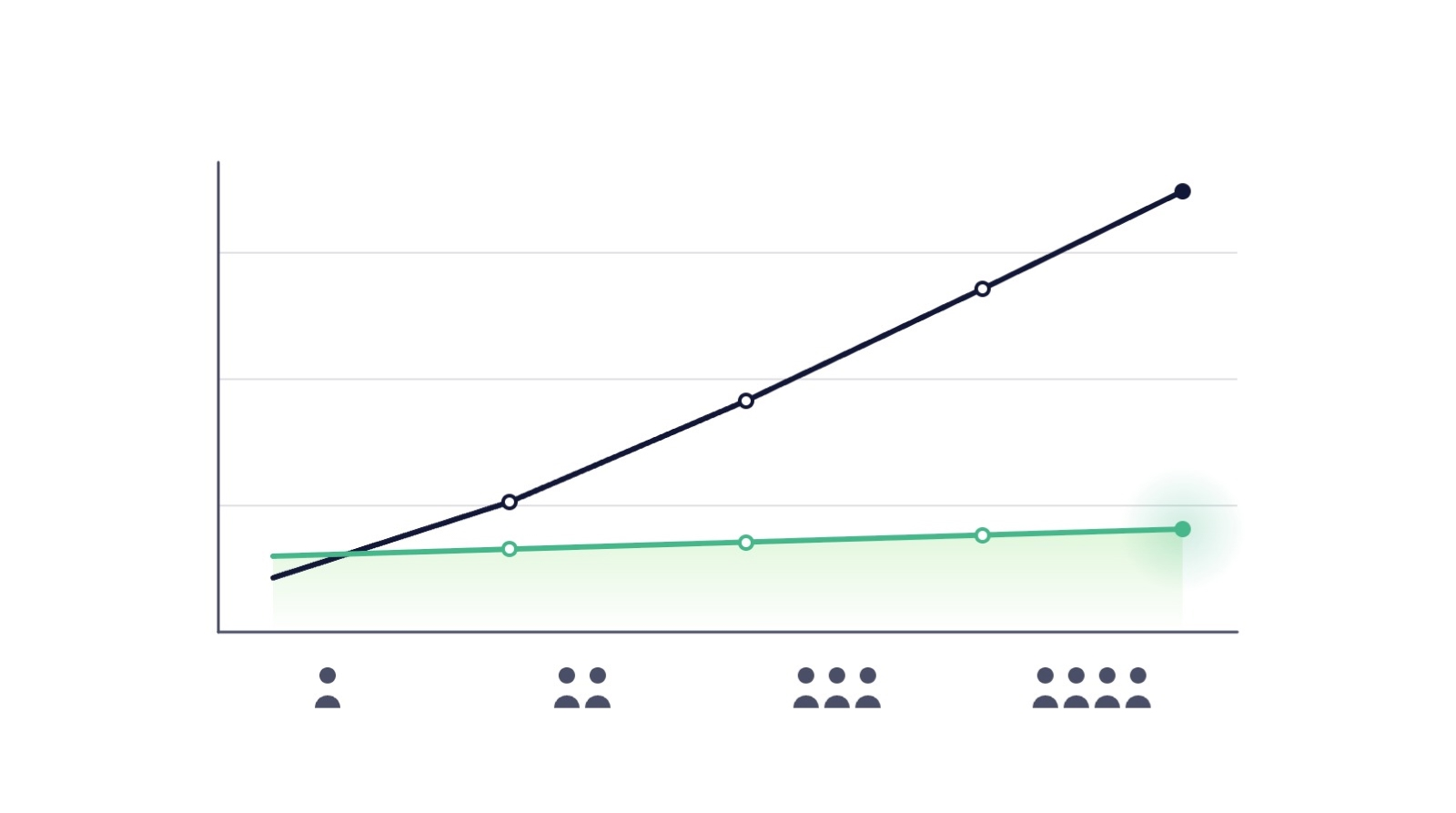
SaaS backup pricing explained: models, real numbers and how to calculate ROI

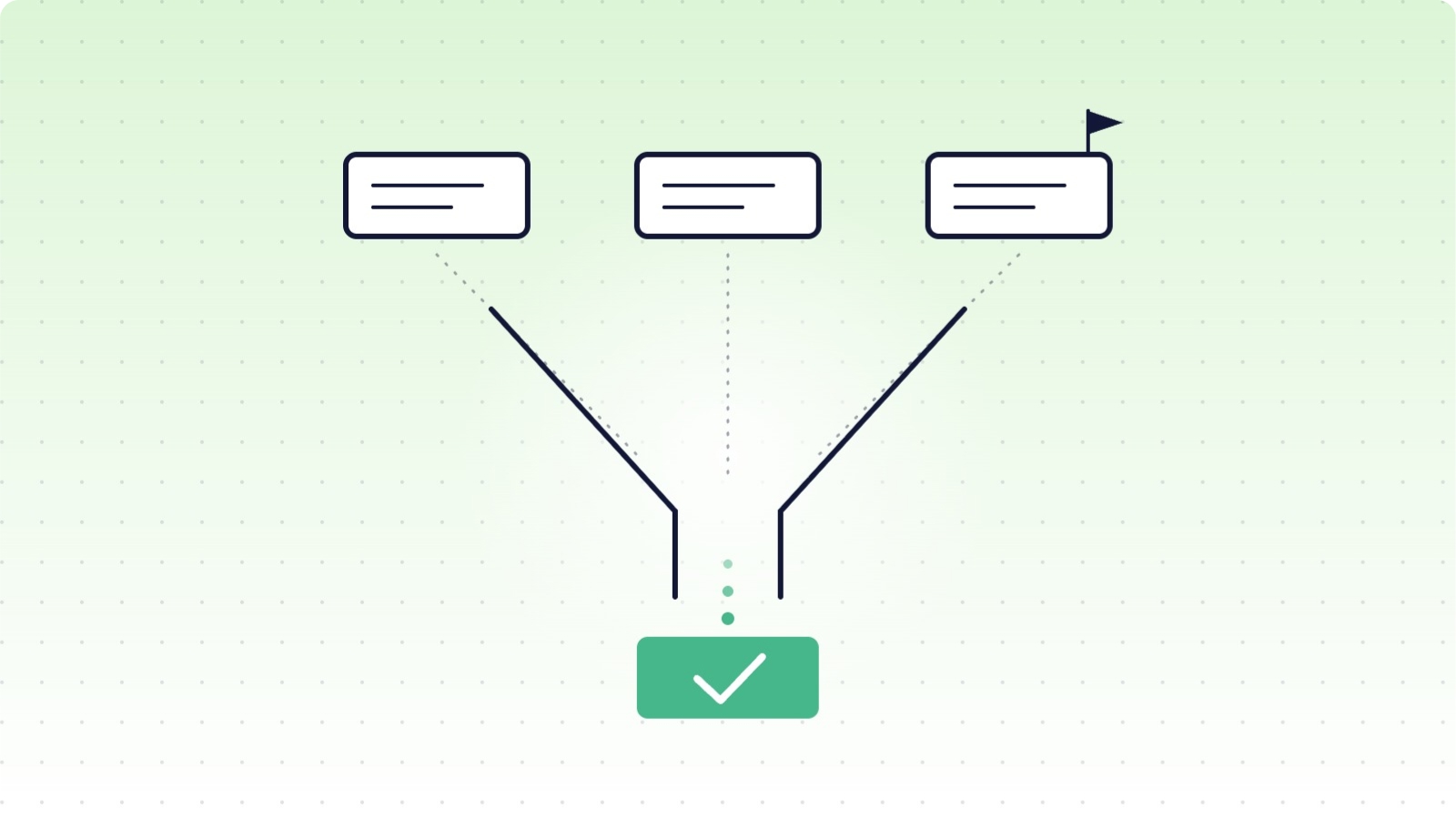
How to evaluate a SaaS backup vendor: criteria, questions and red flags
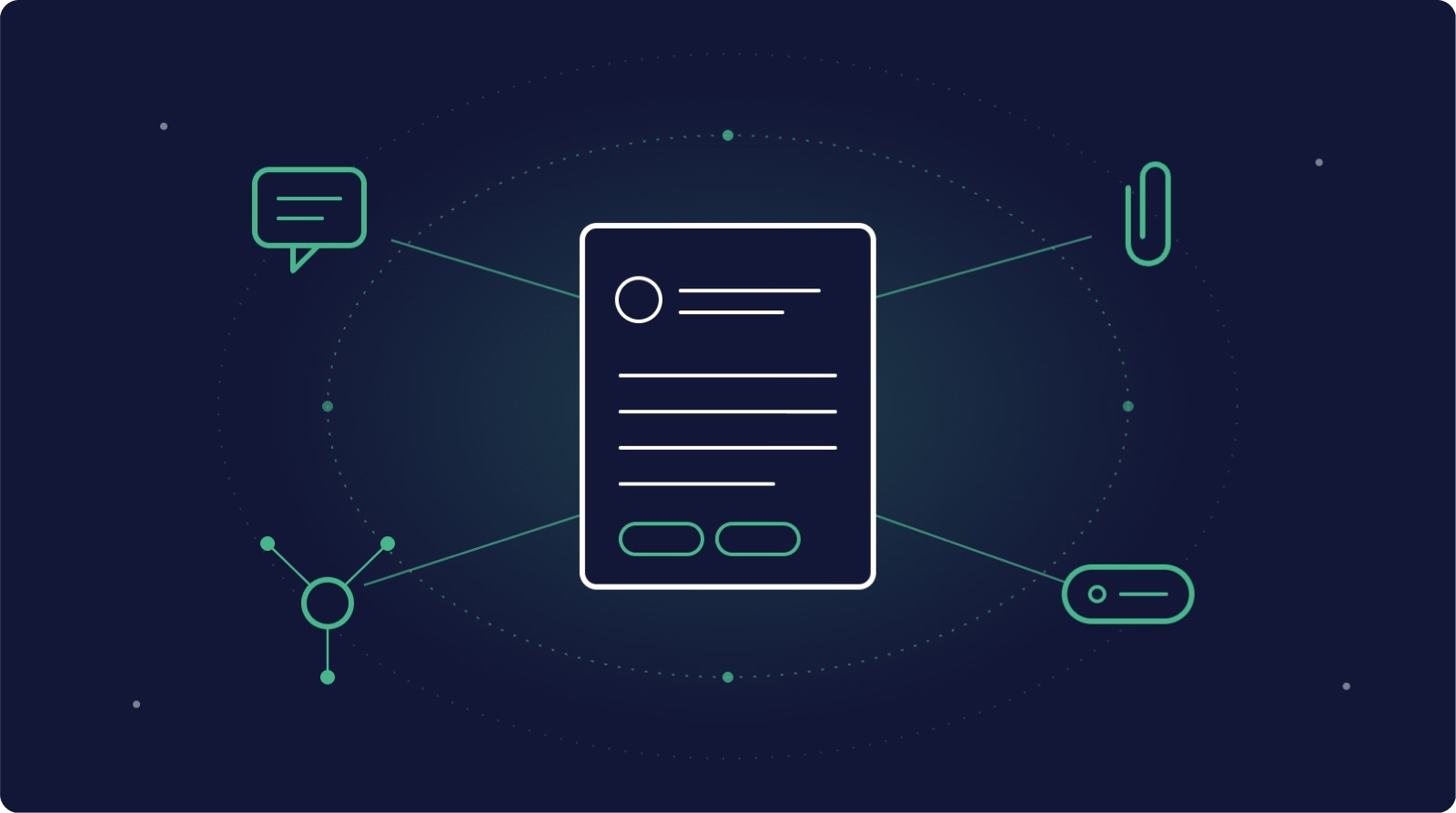
Metadata in SaaS backups: why comments, fields and attachments matter more than you think
